AI Video Editing Flows

FFmpeg for video editors

FFmpeg does most video jobs from one command line. Use the recipes to understand each job and the builder to write the command.

What it is

FFmpeg is a free command line tool that reads, converts, cuts, joins and filters almost any video and audio file. Most editing apps, converters and AI clip tools use it underneath. Learning a few commands lets you do repeat jobs in seconds and check what other tools did.

On this site we use FFmpeg to composite our transparent effect renders onto a background, and every command on the two recipe pages was run on test files by us.

Set it up

Download a build from ffmpeg.org, which links the builds for each system, unpack it, and put the folder with ffmpeg and ffprobe on your PATH. Then check the install.

Check the install; the first line shows the version
ffmpeg -version

We ran all our tests with FFmpeg 8.1.2 on Windows. Other versions can print different messages or choose different defaults.

Effects and workflows that use it

FFmpeg trim video: accurate cuts by time

FFmpeg trim video by time: when stream copy is enough, when to re-encode for frame-accurate cuts, and how to check the cut landed where you wanted.

Join videos with FFmpeg without errors

Join videos with FFmpeg without errors: when the concat demuxer works, when you must re-encode, and how to fix mismatched codecs and frame rates.

FFmpeg command builder

Build an FFmpeg command for common edits such as trim, join, convert and compress an MP4 file. Choose the job, set the options, copy the command.

FFmpeg video to GIF: palettegen, frame rate and width

FFmpeg video to GIF with palettegen and paletteuse: commands we ran, with measured file sizes, frame counts, colours per frame and the effect of fps and width.

FFmpeg audio: extract, convert, replace, merge, trim and normalise

FFmpeg audio commands we ran: extract audio from video, WAV to MP3, replace or merge audio and video, trim audio and loudnorm, with measured sizes and LUFS.

FFmpeg convert video format: MOV, MKV, MP4 and WebM

FFmpeg convert MOV or MKV to MP4 by remux or re-encode, make VP9 WebM, and what -c copy cannot do: commands we ran, with codecs, sizes and exact errors.

FFmpeg resize and crop video: scale, pad and 9:16

FFmpeg resize video with scale and -2, pad to keep the aspect ratio, crop to 9:16 and fix SAR and DAR: commands we ran, with output sizes read by ffprobe.

FFmpeg compress video: CRF and presets, measured with VMAF

FFmpeg compress video with libx264 CRF 18 to 33 and presets from ultrafast to veryslow: bytes, bit rate, encode time and VMAF against the source, all measured.

FFmpeg speed up or slow down video, and change the frame rate

FFmpeg speed up and slow down video with setpts and atempo, change frame rate with -r or fps, and try minterpolate: commands we ran, with measured frames.

FFmpeg overlay text and images: drawtext, logo and picture in picture

FFmpeg text overlay with drawtext and a box, PNG logo overlay with position and timing, and picture in picture: commands we ran, checked by sampling pixels.

FFmpeg extract frames and turn images into video

FFmpeg extract one frame, extract frames every 10 seconds, and turn an image sequence into video: commands we ran, with counts, sizes and durations.

FFmpeg common errors and how to fix them

FFmpeg errors we reproduced on Windows, with exact message lines and the fix that worked: invalid data, unknown encoder, odd size, copy with filter, and more.

These pages use FFmpeg: two recipes we ran, and a tool that helps write commands.

Licence and cost

FFmpeg is free to use. Its licence depends on how the build was made: it is LGPL by default and GPL when a build adds GPL parts such as the x264 encoder. Our build reports GPL version 3 when we run ffmpeg -L. If you ship FFmpeg inside a product you sell, check the licence of your build; using it on your own files to make videos is a different case.

Third-party wrappers have their own status. The library research flags fluent-ffmpeg as archived on 2025-05-22 and ffmpeg-python as having no commits since 2022. LosslessCut, a desktop app over FFmpeg, is GPL-2.0.

Limits

  • There is no timeline and no preview. You see results only after you run a command.
  • Small changes in flag order change results. For example, putting a start time before or after the input file changes what a stream copy produces; we measured this on FFmpeg trim video: accurate cuts by time.
  • Stream copy cuts only land on keyframes. LosslessCut notes the same limit.
  • The browser version, ffmpeg.wasm, runs inside memory limits, so large files can be slow or fail.
  • It does not understand your content. It will cut mid-sentence if you tell it to.

Reviewed picks from other creators

Recipe collections and FFmpeg-based tools from other creators. Every card is a draft until the owner reviews it.

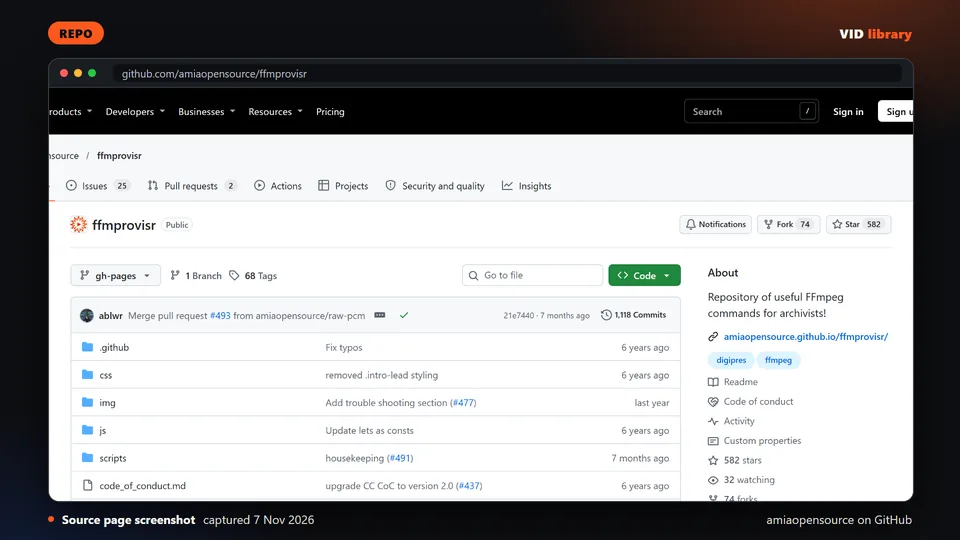
Source page screenshot, captured 2026-11-07

ffmprovisr

By amiaopensource on GitHub

Library of FFmpeg recipes explained in plain steps, under CC-BY. The catch is that it leans toward archive work.

Use it for: Looks up FFmpeg commands for common video jobs.

Licence, price and checks
  • Licence CC-BY-4.0
  • Reuse keep the licence notice
  • Library check works, Oct 10, 2026

Source reviewed on Oct 10, 2026. Not tested by us.

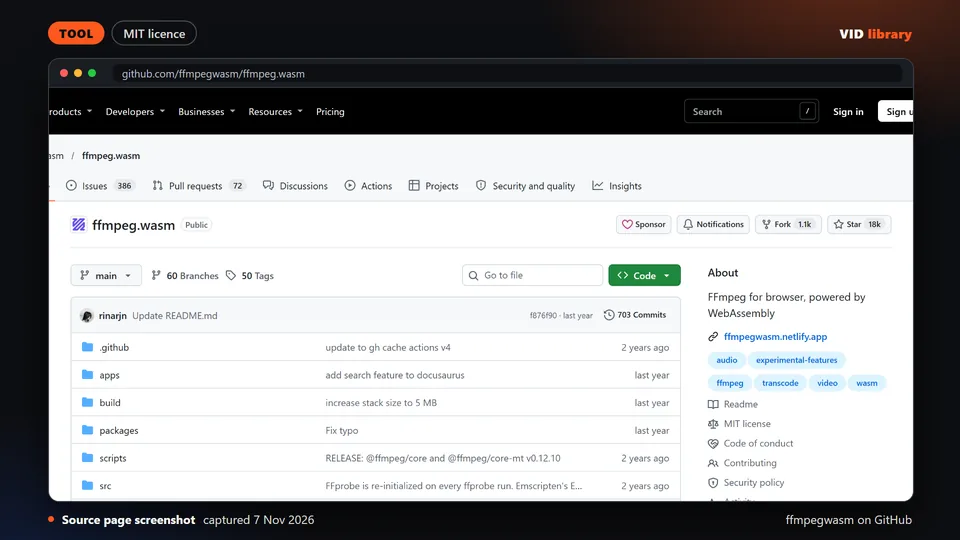
Source page screenshot, captured 2026-11-07

ffmpeg.wasm

By ffmpegwasm on GitHub

FFmpeg compiled to run inside a browser. The catch is that browser memory limits make large files slow or fail.

Use it for: Runs simple video processing in a web page.

Licence, price and checks
  • Licence MIT
  • Reuse keep the licence notice
  • Library check works, Oct 10, 2026

Source reviewed on Oct 10, 2026. Not tested by us.

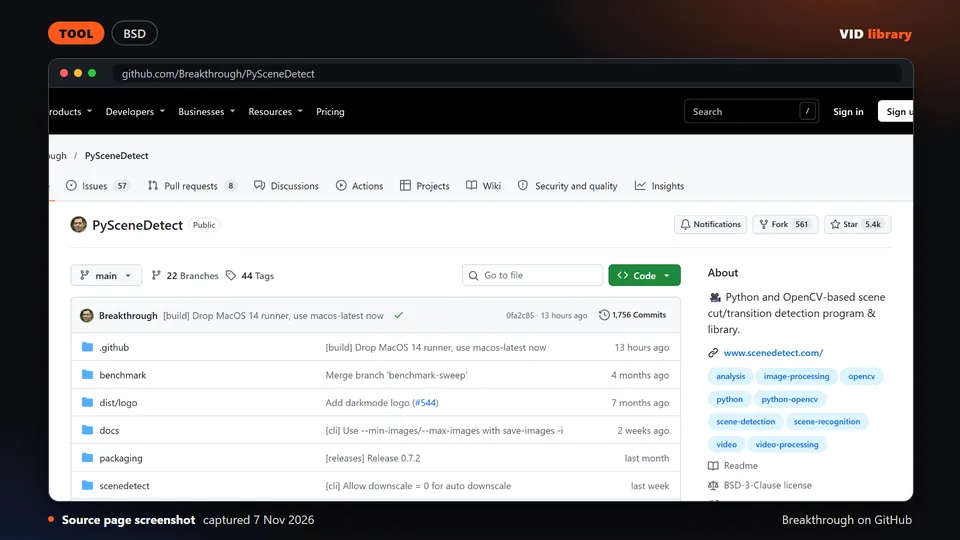
Source page screenshot, captured 2026-11-07

PySceneDetect

By Breakthrough on GitHub

Python tool that finds scene changes in video. The catch is that detection thresholds need tuning for each type of footage.

Use it for: Detects scene changes from the command line alongside FFmpeg.

Licence, price and checks
  • Licence BSD-3-Clause
  • Reuse keep the licence notice
  • Library check works, Oct 10, 2026

Source reviewed on Oct 10, 2026. Not tested by us.

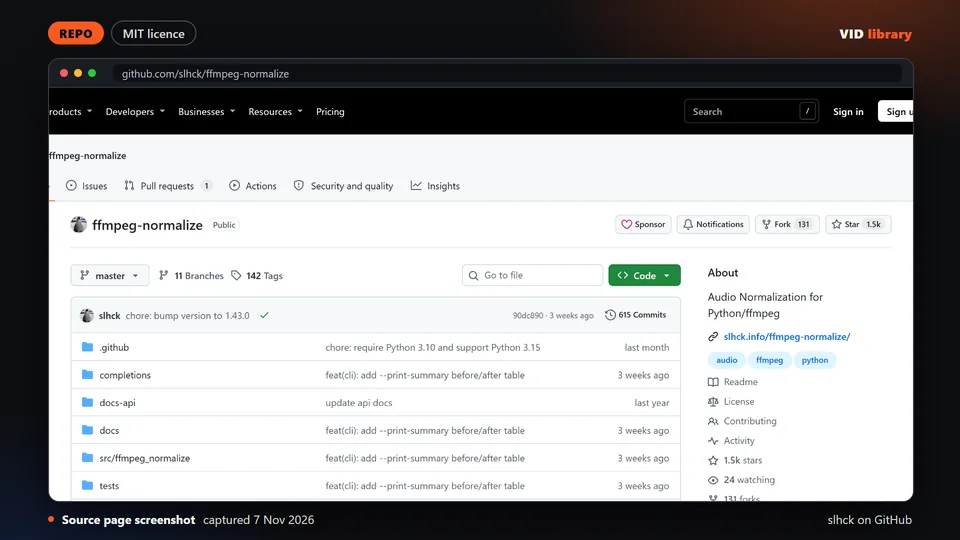
Source page screenshot, captured 2026-11-07

ffmpeg-normalize

By slhck on GitHub

Command line tool that evens out loudness across audio and video files. The catch is that the licence type is not shown on the page, so check before redistributing.

Use it for: Matches loudness across clips before publishing.

Licence, price and checks
  • Licence MIT
  • Reuse MIT licence (LICENSE.md in slhck/ffmpeg-normalize, read 6 Nov 2026)
  • Library check works, Oct 10, 2026

Source reviewed on Oct 10, 2026. Not tested by us.

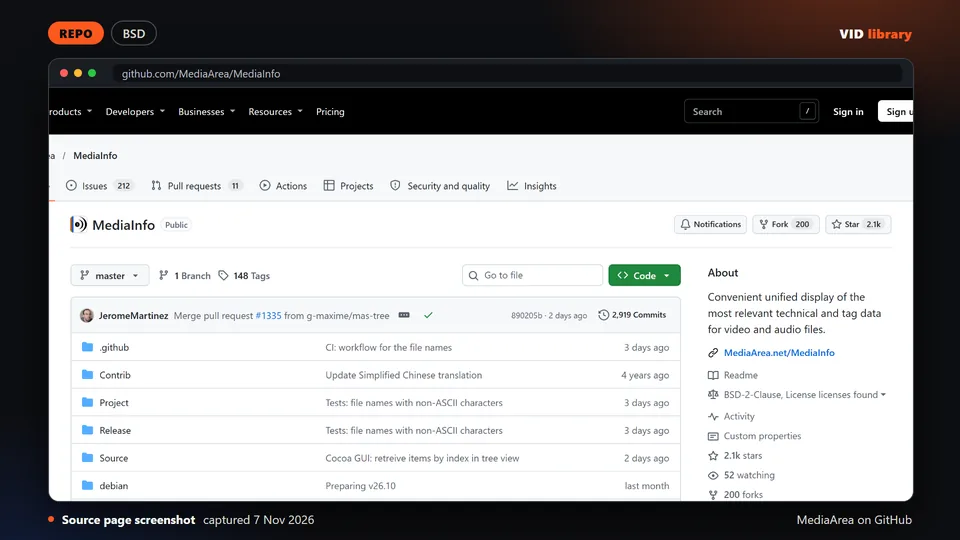
Source page screenshot, captured 2026-11-07

MediaInfo

By MediaArea on GitHub

Standard tool for reading technical details of media files. The catch is that it shows metadata only.

Use it for: Checks codec, frame rate and size of a file before processing.

Licence, price and checks
  • Licence BSD-2-Clause
  • Reuse keep the licence notice
  • Library check works, Oct 10, 2026

Source reviewed on Oct 10, 2026. Not tested by us.

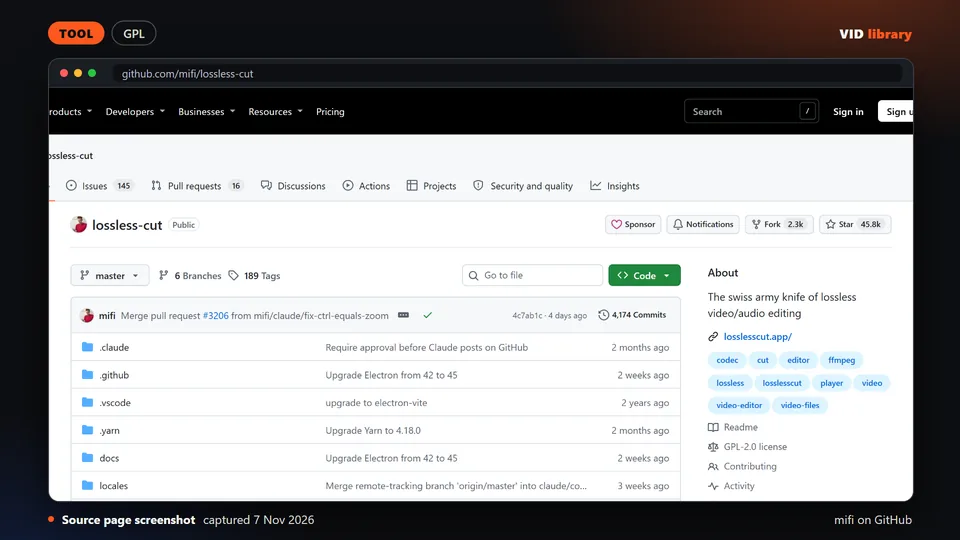
Source page screenshot, captured 2026-11-07

LosslessCut

By mifi on GitHub

Popular editor for cutting video without re-encoding. The catch is that it is GPL, so link to it but never bundle it, and lossless cuts only land on keyframes.

Use it for: Trims and splits clips quickly without quality loss.

Licence, price and checks
  • Licence GPL-2.0
  • Reuse copyleft, never bundle
  • Library check works, Oct 10, 2026

Warning: licence: check before bundling or redistributing: Cuts only fall on keyframes in lossless mode; commit and release dates were not visible on the fetched page.

Source reviewed on Oct 10, 2026. Not tested by us.
Page checked on Nov 4, 2026.