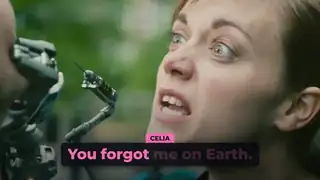
Two Speaker Captions
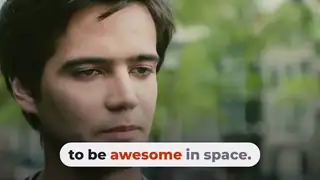
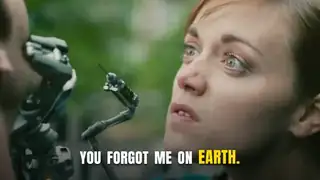
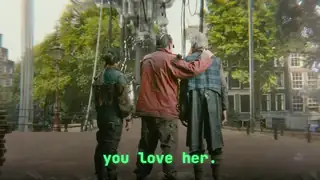
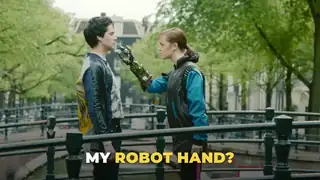
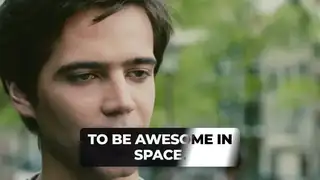
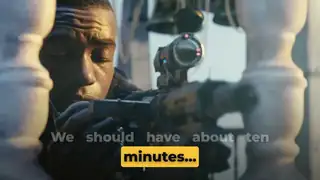
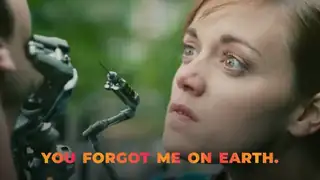
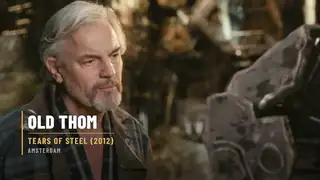
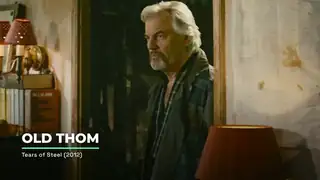
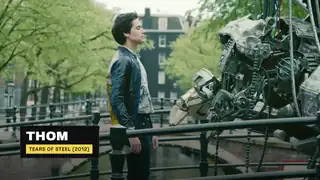
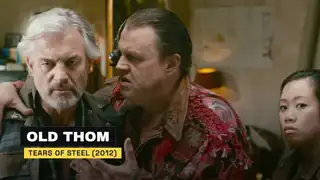
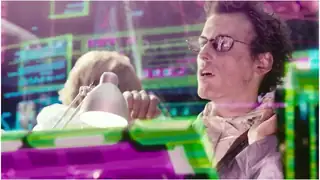
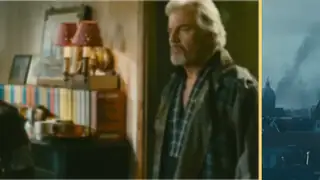
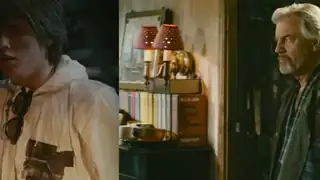
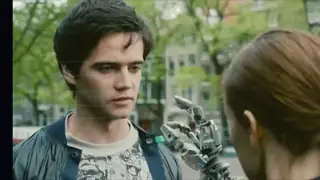
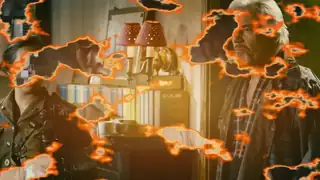
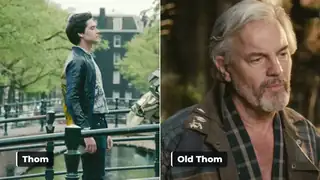
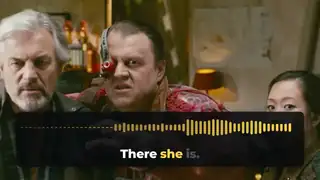
A creator captions a dialogue with each speaker's words in their own colour and a name tag when the speaker changes.
Every effect here was rendered by us. Tap a tile to play its preview, then open it for the prompt, the code and the editor routes.
A creator captions a dialogue with each speaker's words in their own colour and a name tag when the speaker changes.
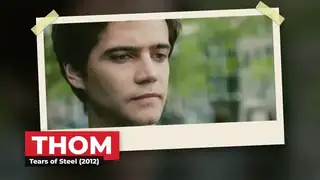
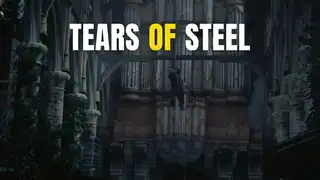
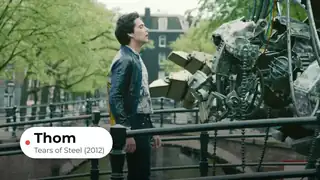
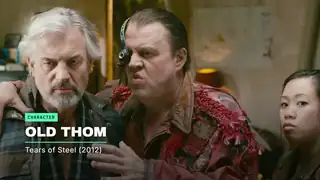
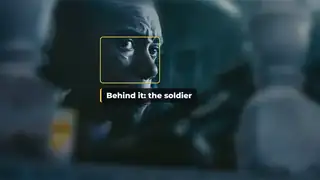
A creator freezes a character shot and frames it with a paper photo, tape and a name that slams in.
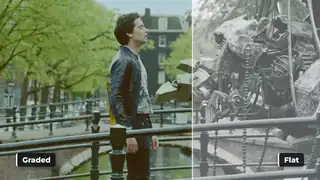
A creator shows a flat clip and its teal and orange graded version with a sweeping edge to sell a look or a preset.
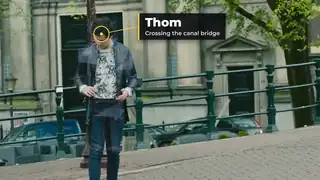
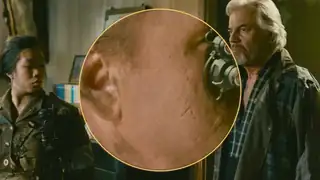
A creator pins a ring and a label to a person or object so the callout follows it through the shot.
TikTok-style captions where the spoken word lights up, for talking heads, podcast clips and ads.
Captions in a pill where each word changes colour as it is spoken, for Shorts and Reels.
Captions where each spoken word lights up with a soft neon glow, for night-themed Shorts, music and gaming clips.
Key words slam onto the screen with weight and settle, the punchy caption style of fast Shorts and ad hooks.
Each phrase decodes from scrambled characters into the real words, for tech, AI and gaming videos.
The view drifts to follow the active word through a multi-line caption block, so the eye stays on the word being spoken.
Emphasis words arrive with a small particle burst, used on one or two words per line so the caption stays readable.
Chosen words pop in with a small icon beside them, drawn as vector shapes so the render never depends on an emoji font.
Each word is revealed by a left-to-right wipe on a backed card, two lines at a time.
Words sit in a pill-shaped card while an accent capsule highlights each word in turn, three short phrases in sequence.
Short phrases land with a brief RGB split in controlled windows, then settle into clean text on a backed card.
Caption text that flips between white and black by itself as a bright band sweeps behind it, using the difference blend mode.
A highlight sweeps across the key words of a sentence in turn while the rest dims.
Large uppercase phrases bounce in and each word fills with a two-colour gradient as it is spoken.
Light words set a line, then one heavy emphasis word lands far larger on its own line.
A creator captions a dialogue with each speaker's words in their own colour and a name tag when the speaker changes.
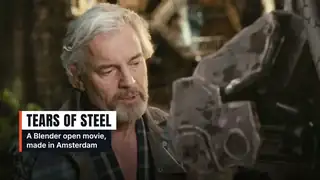
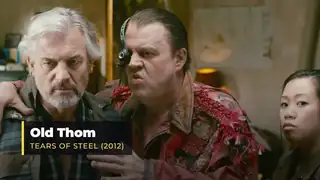
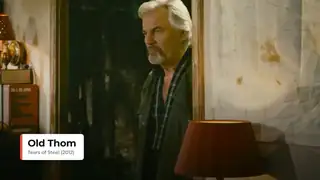
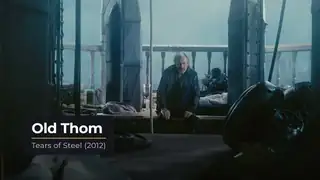
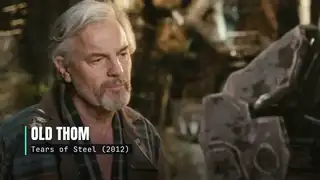
Name and title overlays for interviews, podcasts and talking heads, with short and long names.
Heavy headlines that slam in on the beat, for hooks, ads and Shorts.
A departure-board title where each letter flips through the alphabet to land on the word.
A headline writes itself on stroke by stroke in a handwritten style, for vlog intros and chapter titles.
A word slams in letter by letter and then breaks apart cleanly, for ad hooks and title hits.
A headline resolves from random characters into the final words, left to right, for tech and product videos.
One word morphs into the next through a gooey blend, for intros and transitions between ideas.
A headline assembles, holds long enough to read, then dissolves into drifting particles, for outros and scene changes.
A word breathes through a variable font's weight and width axes on a beat, for brand intros.
A sliding mask reveals the name and role for interviews, with short and long names that both fit.
A news-style bar with a label block and scrolling headlines along the bottom of the frame, for explainers and recaps.
Each word of a headline resolves from heavy blur into sharp focus, one after another, for titles and hooks.
Every letter rises from below a mask line with a short stagger, for headlines and chapter titles.
A minimal white card with an accent tab wipes in with a name and role, for podcasts and interviews.
A short headline slams in with weight and a three-frame impact shake, holds, then whips out, with one accent word.
A thin accent bar grows and the name, role and location line rise through masks in a condensed typeface.
A rounded name card slides in with a small overshoot, a handle pill with a generic play icon follows, then both slide out.
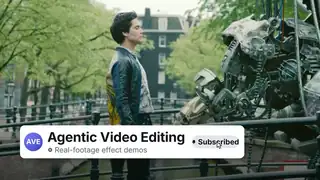
A channel card slides in, a cursor presses the Subscribe button, it changes state with a ringing bell, then the card slides out.
Words enter from the right and push the growing phrase left until the last word locks to the centre.
A title resolves from blur to focus while red and blue fringes settle, then fade out.
A name rises, an accent rule draws under it and a role line follows, with no card behind the text.
A dark block wipes in, an uppercase name slams on and a role tag pops up, then the block wipes out.
A dark name bar wipes in from the left and an accent role bar wipes in under it, then both wipe out.
A white pill with a status dot, a name and a role slides in with a small overshoot and slides out.
A crest of thickness travels along a headline: each letter swells from light to heavy and relaxes.
A headline appears through a leaning, feathered wipe front that blurs and colours the type as it passes, then settles clean.
A seeded confetti burst with gravity over a short congratulation card, falling clear before the loop restarts.
An accent kicker tag drops in, the name slams up, a baseline draws and the role line rises, then all leave in reverse.
A charcoal card slides up with a name, an accent rule and a role line, holds with a slow drift, then slides away.
A vertical accent bar grows and the name and role slide in beside it, then the bar retracts.
A headline settles in and one hand-drawn marker stroke highlights the key word, which turns dark for contrast.
A mono kicker, a two-line headline and a drawn rule arrive calmly, a light travels the rule, then all leave.
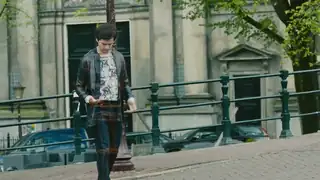
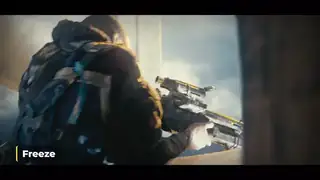
A creator freezes a character shot and frames it with a paper photo, tape and a name that slams in.
A creator types a location or time card onto an establishing shot with a blinking cursor.
A creator rotates a title into place in true perspective over a wide shot for an intro or chapter card.
A fast sideways camera whip with motion blur that hides the cut between two shots.
The camera zooms through the first scene into the second with motion blur and no black or white frames.
The first scene tears away like paper to reveal the next, for vlogs and social edits.
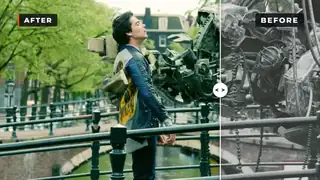
A divider sweeps across the frame to reveal the improved version, then sweeps back, labelled BEFORE and AFTER.
Scene B slides in and pushes scene A out of the frame, with a light blur and a direction variable.
Scene B is revealed through a circle that expands from a chosen point over scene A.
Scene B slides over scene A with a shadow on its edge, then keeps moving to uncover A again.
Scene A blurs and scales while scene B resolves out of a blur on top of it, with no dark frame in between.
Scene A breaks into a grid of tiles that flip over to show scene B.
Pleated stage curtains part to reveal scene B, with a pelmet and a warm spotlight.
A fast slide wipe splits into red and blue channels on its peak frames and reveals scene B.
Hand-drawn scribble bands pile up to cover the frame, the scene cuts underneath, and the scribble clears.
One scene slides over another from a chosen side with a small parallax, then a second push returns.
Scene A shrinks into one cell and multiplies into a grid that fills the frame, then the grid peels away to reveal scene B.
A card accelerates off one side with blur and streaks, the scene swaps at peak speed, and a disc decelerates in from the other side.
A circle opens from a chosen origin to reveal scene B over scene A, then a second iris returns to A.
Ink dots pop on in a staggered grid and open into windows onto scene B, then a second pass returns to A.
Seeded pixel blocks scale up in a staggered order and cover the frame, the scene swaps, and the blocks scale away.
A creator joins two shots with an orange burn that eats through the first shot to reveal the second.
A creator cuts between two shots with a fast zoom-blur punch and speed lines.
A creator joins two shots with an RGB colour split that opens from a ring in the centre of the frame.
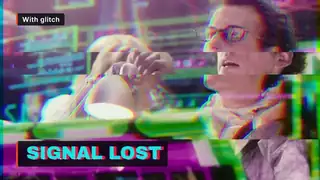
Short, controlled RGB-split glitches on a title, readable between hits.
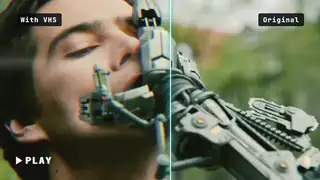
A retro tape look: scanlines, colour bleed, grain and a rolling tracking band.
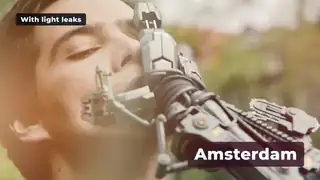
Warm or cool leaks of light that drift over a shot for memory beats and soft transitions.
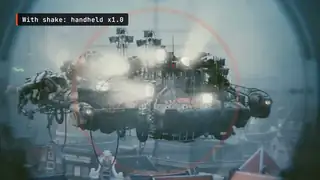
Handheld shake, then a sharp impact shake on the beat, then a settle, with intensity as a variable.
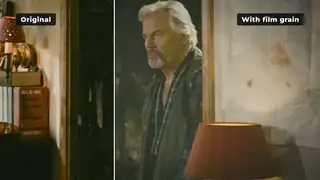
A seeded grain layer with a gentle vignette and a dark-only flicker over a frame, with strength as a variable.
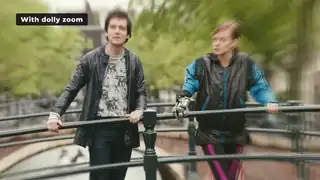
The camera moves while the field of view changes the opposite way, so the subject keeps its size and the background stretches.
A wobbled marker circle draws around one tile, the others dim, and a curved arrow points to a handwritten label.
A creator shows a flat clip and its teal and orange graded version with a sweeping edge to sell a look or a preset.
A creator puts two shots side by side with a sliding divider, for reactions, comparisons or two speakers.
A creator ramps an action shot from full speed into slow motion and freezes on the hit before a hard cut.
A creator pulls focus from a foreground object to the person behind it to direct the viewer's eye.
The camera pushes in on each click of a screen recording, for SaaS demos and tutorials.
Animated stat counters for results, prices and percentages that never jump sideways.
Labelled bars grow and reorder as values change while the numbers count up, for data explainers.
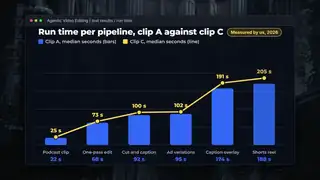
Bars rise and a line draws across them with value labels, for reports and SaaS explainers.
A code snippet morphs into its edited version with the changed tokens moving into place, for developer tutorials.
A big number counts up while a thin track fills to the value, with a label and a clean exit, for stat callouts.
A ring fills with a conic gradient while the centre number counts to the value, with a leading dot and a label.
A half-circle gauge draws on while a number counts up, with a needle tick and a warning colour above a threshold.
A round pointer glides to each button, pulses with a ripple and leaves a ring around it.
A short snippet is typed token by token into an editor card, with the caret following the end of the text.
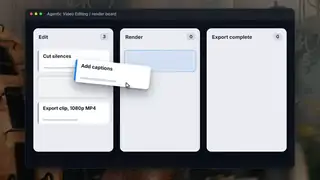
A cursor picks up a task card, tilts it, carries it to another column and drops it with a small settle.
Two sample lines draw on, dots pop at each point and value labels ride the drawing edge.
A cursor draws a loop, an underline and a box around three parts of a mock app screen, each with a short label.
An I-beam drags across a wrapped sentence, the highlight band follows line by line, then the selection pulses.
A cursor drags a selection rectangle over a tile grid and each covered tile gets an outline, a check and a counter step.
A cursor sweeps along a double wave and leaves evenly spaced glyphs that pop, drift down and fade out.
A cursor with a typed name label clicks a field and a button with rings, then the status turns into a drawn check.
A dart-shaped pointer steers along its path to three buttons and lands on each with a spring settle while the button tints.
A sample line draws downward while a large readout counts down with the line head, on clearly labelled sample data.
Each digit column spins and settles on a sample value, rightmost first, then the row pulses once.
A creator adds a waveform that reacts to the loudness of the real voice with the spoken line captioned under it, for podcast and dialogue clips.
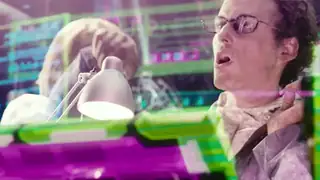
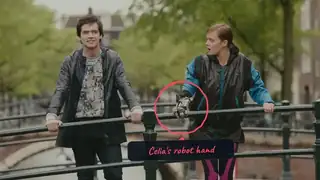
A creator pins a ring and a label to a person or object so the callout follows it through the shot.
A short logo hit for intros, outros and ad end cards, reusable for any mark.
A mark assembles piece by piece with a soft glow, then a tagline and a URL pill fade in, for video outros.
Twelve effects, each rendered by us. Every tile is a poster until you play it, and only one preview plays at a time.
Text animation effects for real videos: lower thirds, kinetic typography and split-flap titles, each rendered by us with the prompt and code.
Animated caption stylesAnimated caption styles you can reuse: word-highlight and karaoke pill captions, rendered by us with the prompt, code and editor routes.
Video transitionsVideo transitions rendered by us, with the code to make them and the free editor templates others offer, each with licence and date.
Logo animation effectsLogo animation for intros and outros: a reusable logo sting rendered by us, plus editor templates with their licence and price.
Looks and overlays: glitch, VHS, light leaksVideo looks and overlays: glitch titles, a VHS look and light leaks, rendered by us and tested for flashing, with prompts and code.
Product UI and data animationProduct demo and data animation: cursor zoom-follow for screen recordings and animated stat counters, rendered by us with the code.
Free DaVinci Resolve transitions and templates, reviewedFree DaVinci Resolve transitions, titles and templates we reviewed, each with its licence, what it gives you and the catch, plus effects we rendered ourselves.
Free Premiere Pro templates and effects, reviewedFree Premiere Pro templates, transitions and caption tools we reviewed, each with its licence, what it gives you and the catch, plus effects we rendered.
After Effects templates, scripts and effects, reviewedAfter Effects templates, scripts and effects we reviewed, each with its licence, what it gives you and the catch, plus effects we rendered ourselves.
ComfyUI video workflows and nodes, reviewedComfyUI video workflows, nodes and models we reviewed, each with its licence, what it gives you and the catch.
Claude Motion graphics and prompts, reviewedClaude motion-graphics skills, prompts and examples we reviewed, each with what it gives you and the catch, plus effects we built with prompts ourselves.
GSAP and Lottie animation resources, reviewedGSAP plugins, Lottie files and players, text and transition libraries we reviewed, each with what it gives you and the catch, plus effects we rendered from code.
Final Cut Pro plugins, templates and workflows, reviewedFinal Cut Pro plugins, free templates and timeline-exchange tools we reviewed, each with what it gives you and the catch, plus effects we rendered for the same jobs.
The library: every reviewed card for AI video editingEvery card we reviewed for AI video editing in one filterable list: filter by engine, type, price and licence. Each links to its source with the catch.
Prefer to browse by what the effect does? Pick a type to see the effects in it and how to choose between them.
Each preview is a motion-only demo. It shows how the effect moves, on a background we generated. It is not footage of a person, and we have not tested these effects in a video editor yet. The page for each effect says so in its spec box.
The route to make these yourself, with commands, is in HyperFrames for video editing. If you need the same effect inside Premiere or Resolve, each effect page lists editor routes that we have not tested.
Page checked on Nov 4, 2026.