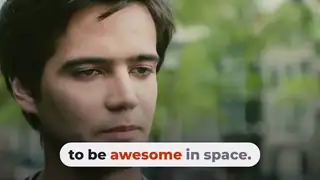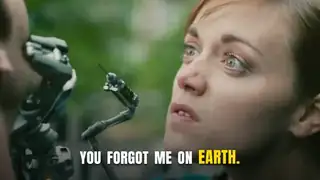
Two Speaker Captions
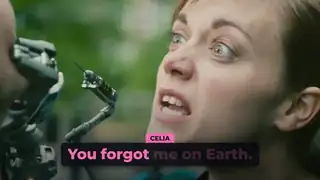
A creator captions a dialogue with each speaker's words in their own colour and a name tag when the speaker changes.
Watch an effect on real footage, then make it with the prompt, the code or the editor you already use. Every demo here is our own render at 1920x1080, every test was run by us on real clips, and every outside resource is credited, with its licence status stated.
See the effects See what we tested
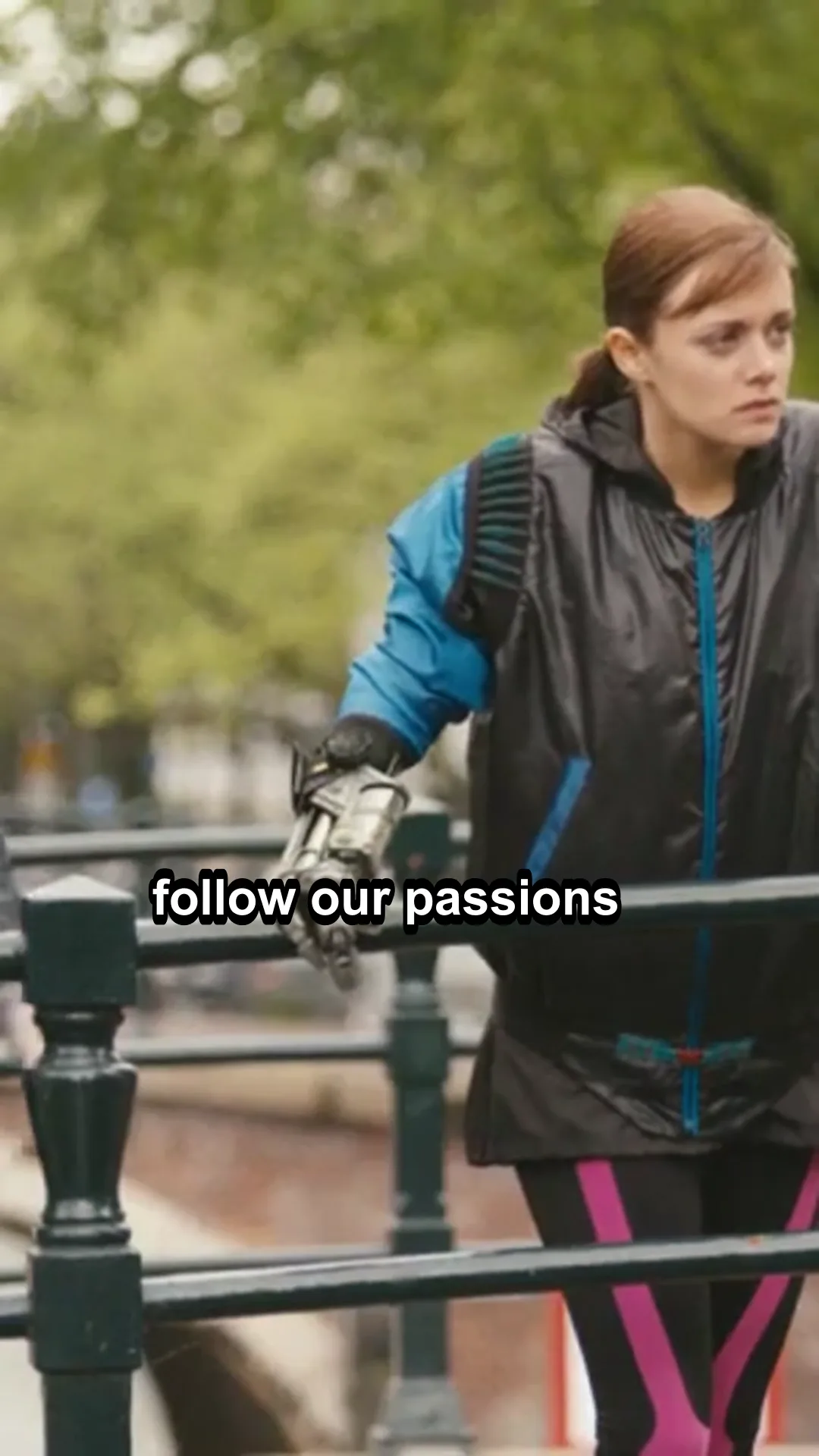
Our renders over Tears of Steel (Blender Foundation, CC-BY 3.0).
Each demo is our own HyperFrames render over a shot from Tears of Steel, the Blender open movie (CC-BY). Hover or scroll to play; Expand opens the full 1080p file. Every effect page has the prompt we used, the composition code and three variations.
A creator captions a dialogue with each speaker's words in their own colour and a name tag when the speaker changes.
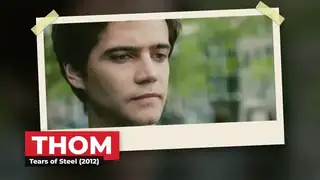
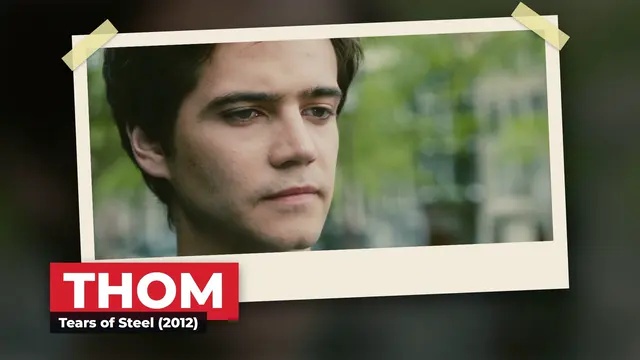
A creator freezes a character shot and frames it with a paper photo, tape and a name that slams in.
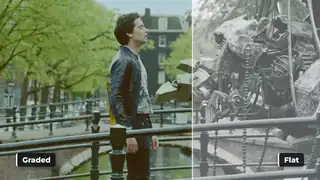
A creator shows a flat clip and its teal and orange graded version with a sweeping edge to sell a look or a preset.
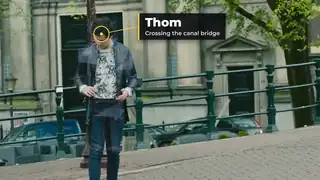
A creator pins a ring and a label to a person or object so the callout follows it through the shot.
TikTok-style captions where the spoken word lights up, for talking heads, podcast clips and ads.
Captions in a pill where each word changes colour as it is spoken, for Shorts and Reels.
Captions where each spoken word lights up with a soft neon glow, for night-themed Shorts, music and gaming clips.
Key words slam onto the screen with weight and settle, the punchy caption style of fast Shorts and ad hooks.
Name and title overlays for interviews, podcasts and talking heads, with short and long names.
Heavy headlines that slam in on the beat, for hooks, ads and Shorts.
A departure-board title where each letter flips through the alphabet to land on the word.
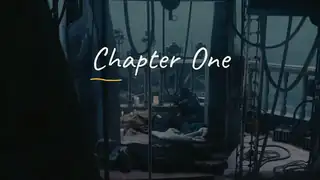
A headline writes itself on stroke by stroke in a handwritten style, for vlog intros and chapter titles.
A fast sideways camera whip with motion blur that hides the cut between two shots.
The camera zooms through the first scene into the second with motion blur and no black or white frames.
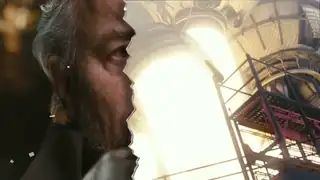
The first scene tears away like paper to reveal the next, for vlogs and social edits.
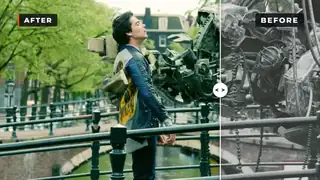
A divider sweeps across the frame to reveal the improved version, then sweeps back, labelled BEFORE and AFTER.
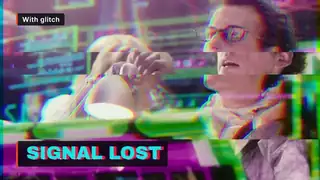
Short, controlled RGB-split glitches on a title, readable between hits.
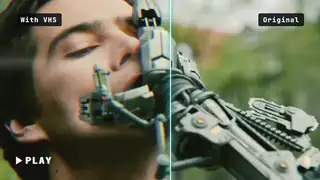
A retro tape look: scanlines, colour bleed, grain and a rolling tracking band.
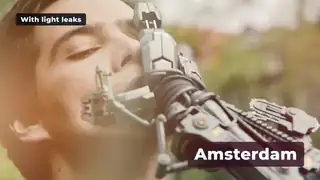
Warm or cool leaks of light that drift over a shot for memory beats and soft transitions.
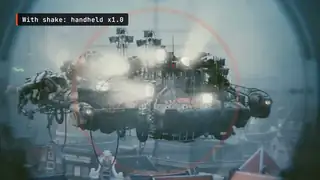
Handheld shake, then a sharp impact shake on the beat, then a settle, with intensity as a variable.
The camera pushes in on each click of a screen recording, for SaaS demos and tutorials.
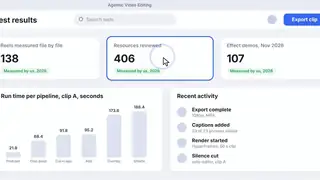
Animated stat counters for results, prices and percentages that never jump sideways.
Labelled bars grow and reorder as values change while the numbers count up, for data explainers.
Bars rise and a line draws across them with value labels, for reports and SaaS explainers.
A short logo hit for intros, outros and ad end cards, reusable for any mark.
A mark assembles piece by piece with a soft glow, then a tagline and a URL pill fade in, for video outros.
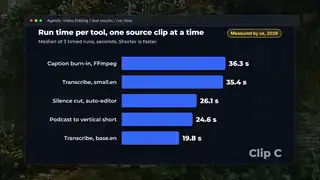
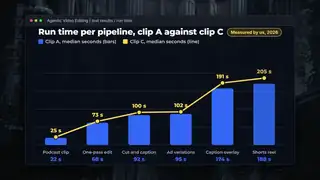
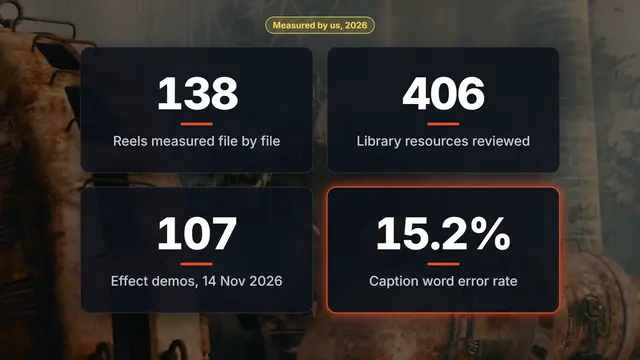
We ran each workflow ourselves on the same three film clips and published what it made, how long it took on our laptop and what went wrong. Each page shows the output at the size the tool made it.
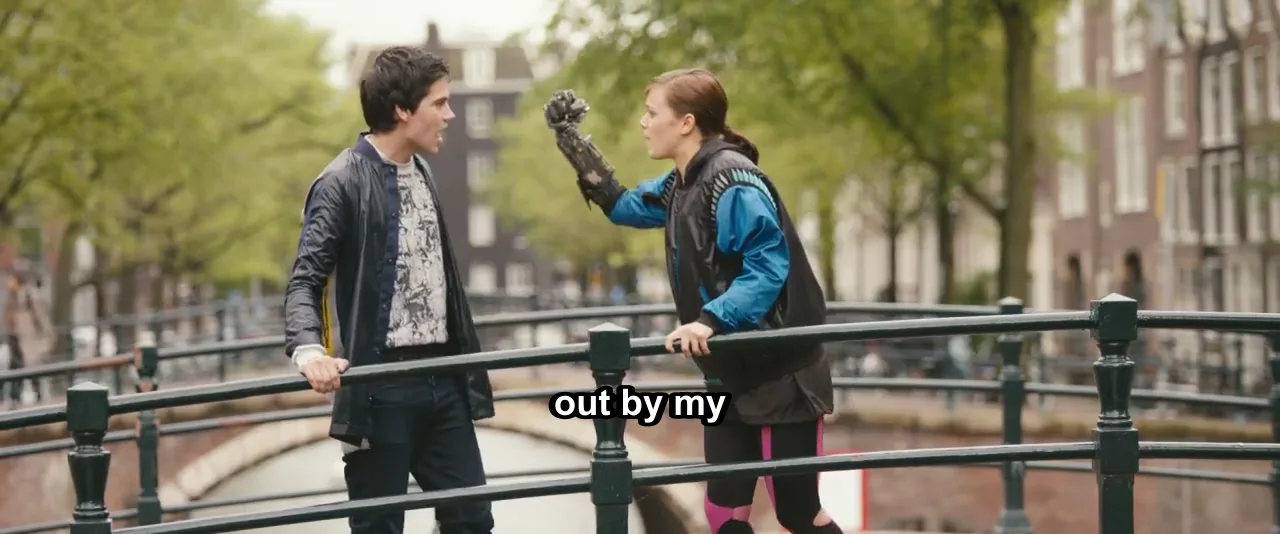 We edited three talking clips in one pass: cut, word-timed captions, loudness, burn-inWe chained auto-editor, faster-whisper and FFmpeg into one script and ran it on three 60-second clips: timed runs, loudness and caption word error.
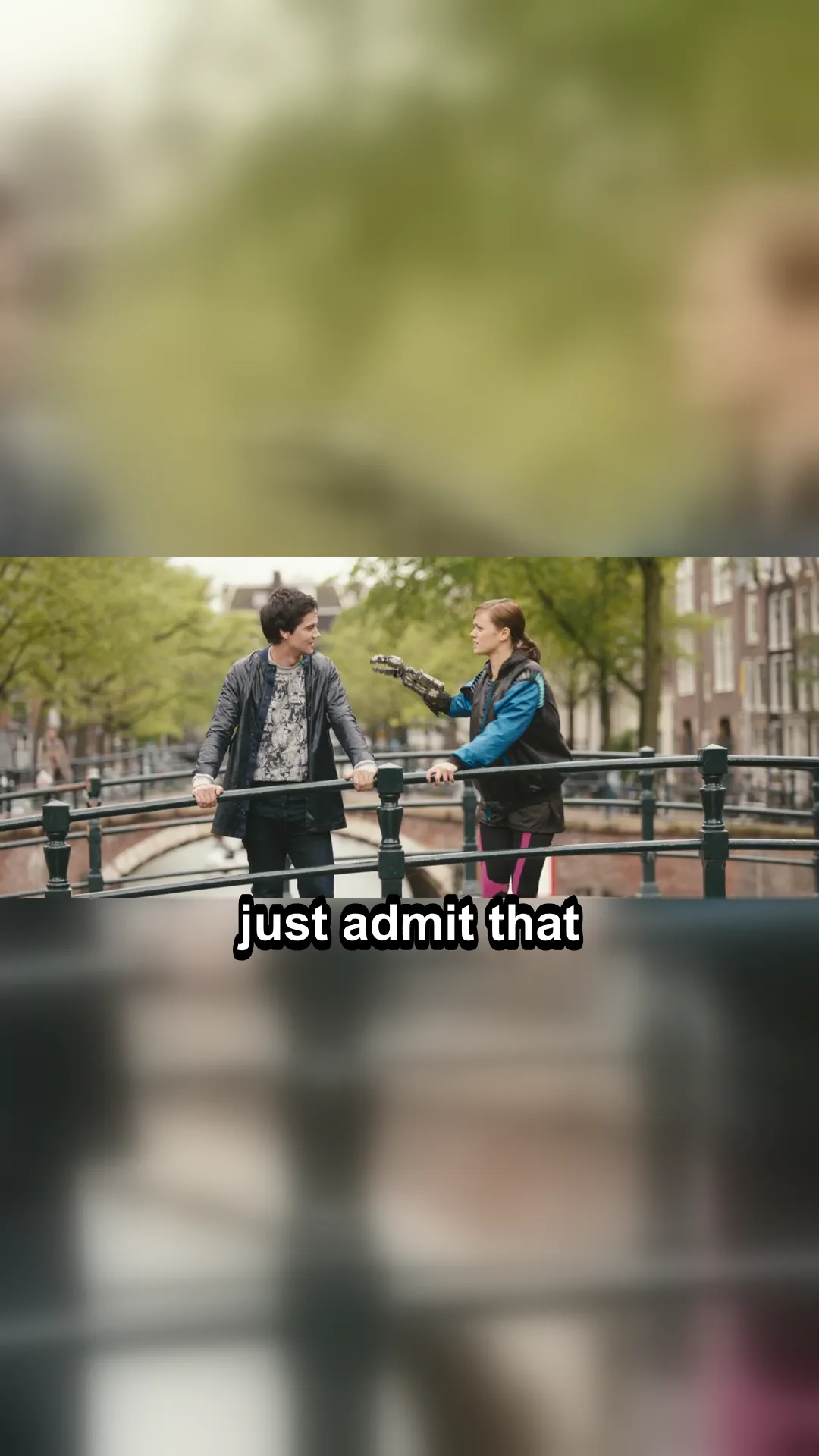 We cut a vertical short out of three 60-second clips and measured the resultWe ran a long-video-to-Shorts job on three 60-second clips: transcribe, pick the densest 20 seconds, crop to 9:16, caption, level. Timings and failures.
 We made animated captions with HyperFrames on a 60-second clip and timed every stepWe ran the full animated-captions job on a 60-second clip: faster-whisper word times, a HyperFrames render, an FFmpeg overlay. Time per step and failures.Silence cutting compared: auto-editor against FFmpeg silencedetect on the same clipsTwo ways to cut silence from the same three clips at matching levels: cuts, time removed, speech lost and run time. Cut maps and the commands included.
 We turned a wide film clip into a vertical Short with free tools and checked the safe zoneWe ran the Shorts and Reels job on three 60-second clips: tighten, find shots, crop to 9:16, caption in the safe zone, level sound. Timings and failures.
 We put HyperFrames graphics over real footage: a lower third and a title card, rendered with alphaWe rendered a lower third and a title card in HyperFrames on transparency and laid them over three clips with FFmpeg. Timings, memory and layout breaks.
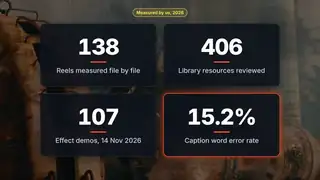
We took the best reel and a typical reel from each of 69 faceless pages, 138 reels in all, and measured the files by script: length, cuts per second, loudness and caption style. The teardowns link every original reel and never copy its frames.
Reel teardowns: 26 short-form reels taken apart with measured length, hard cuts, shot length and loudness, the frames read one by one, and our closest effects.
Short-form editing benchmarks by format: cuts, length and loudness from 138 reelsCuts per minute, length, loudness and plays per follower for 23 short-form formats, measured on 138 reels from 69 pages, with confidence for every row.
Faceless theme pages71 faceless Instagram theme pages measured: what high-reach pages have in common, low-post viral pages, ideas by niche, 51 profiles and no-footage recipes.
Most-played reels, one per niche. Cards show our measurements; press one to play it from Instagram.
Each job guide starts from a deliverable you make every week and walks through the inputs, the steps, a quality checklist and the problems that usually go wrong.
 Workflows
Browse AI video editing workflows by job, from talking heads and podcast clips to captions, shorts, ads and motion graphics, each with its evidence.
Talking headAI talking-head editing workflows from footage to finished video: pauses, transcripts, captions, brand polish and when a human should step in.
Podcast clipsTurn podcast episodes into short vertical clips with AI editing workflows, tool comparisons and pricing, including the human finishing time.
CaptionsAI caption workflows for real footage: auto captions in common editors, animated captions in code, word timing and the fixes each one needs.
Shorts and ReelsEditing workflows for Shorts and Reels: turn existing footage into vertical video, with safe zones, sizes and captions that fit.
 Ad creative variations
Edit existing ad and creator footage into many variations of hooks, captions and calls to action, cut from one master video.
Motion graphicsMotion graphics workflows for editors who build titles, captions and animated overlays from code with an AI coding agent.
Three tools that run in your browser. Nothing you choose or add is uploaded.
Download a transparent safe zone overlay for YouTube Shorts, Instagram Reels and TikTok, with each zone's source and the date we checked it.
FFmpeg command builderBuild an FFmpeg command for common edits such as trim, join, convert and compress an MP4 file. Choose the job, set the options, copy the command.
Remove silence from audioRemove silence from audio and voice recordings free. Set how quiet counts as silence, preview the cuts, then download the trimmed audio file.
The resources we reviewed, from GitHub repos and YouTube channels to free tools, footage and fonts, each with our one-line take and its licence, plus FFmpeg how-tos where we ran every command.
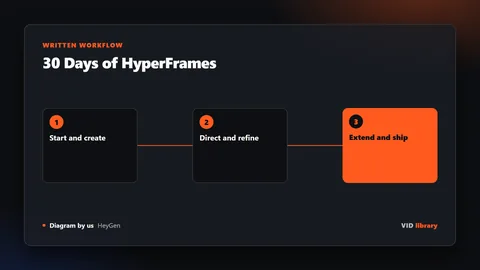 Library
Every card we reviewed for AI video editing in one filterable list: filter by engine, type, price and licence. Each links to its source with the catch.
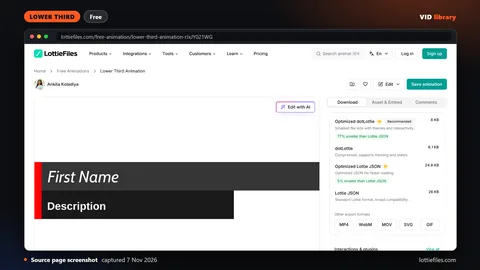 Resources
Repositories, YouTube creators, skills, docs, free tools, benchmarks, communities, footage sources and news feeds for AI video editing, with licences.
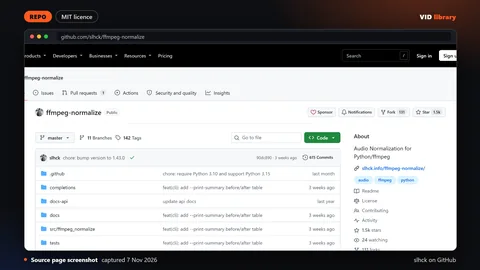 FFmpeg
 for video editors: recipes for trimming and joining video, with a command builder that writes the command for your job.
Motion graphics tools and free software, reviewedCode-based motion graphics tools we use or reviewed, such as HyperFrames, Remotion, GSAP and Lottie, with licence and price from each card. Not After Effects.
The full log is on What changed: routes and releases we re-checked.
We pick a few resources out of hundreds, write our own one-line take, credit the creator, label the licence and carry any warning. Only routes we really built say they were tested by us; everything else says where it came from and when we checked it. Read how we curate and test.