Best AI video editing tools 2026, judged by editors
A tool is only the best for a specific job, so this page groups AI video editing tools by the job you need done: talking heads, podcast clips, captions, shorts and code-based motion graphics. Each pick lists the evidence behind it and where it falls short. It is published only when coverage and evidence are enough.
This page is built but kept out of search until it carries the evidence it needs: Its value is the reviewed tool cards; noindex until Rahul has reviewed them.
How we judge a tool
We do not rank tools overall, because the right tool depends on the job. We judge a tool for a job by asking:
Does it do the job you make every week, on real footage, not on generated video?
Can you get the result into your own editor, with a timeline or clean files?
Are the licence and price visible on a page we could read, and when did we read it?
Is there evidence of real output, such as a demo or sample file, or only claims?
What are the known failures? Every measured case study we found had them.
Is it maintained, or archived or stale?
Then decide with three questions of your own. How many hours of footage do you handle each month? Who edits, and in which app? What does an error cost you: a redo, or a client call?
Reviewed tools by job
Tools grouped by the job they do, from the library audit. They are drafts until the owner reviews them, and we have not tested any of them on footage.
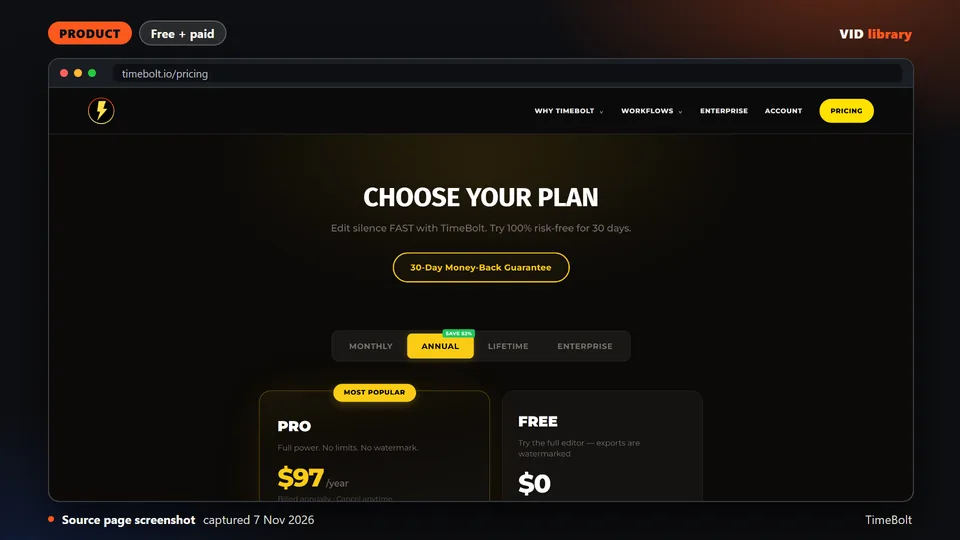
Paid desktop app that removes silence, filler words and bad takes locally. The catch is that vendor comparisons are unaudited and the cheap tiers have limits like watermarks.
Use it for: Compares a silence removal specialist against other editing tools.
Licence, price and checks
Licence proprietary
Reuse editorial source
Price Free $0 (watermarked, no XML export); Pro $17/mo; Pro Annual $97/year; Pro Lifetime $347 once; Teams $97/seat/year; UMCH
Library check works, Oct 17, 2026
Source reviewed on Oct 17, 2026. Not tested by us.
Paid app that removes silence automatically and exports to editing software. The catch is that refund terms are unstated and the annual price is not shown.
Use it for: Compares a silence removal specialist against other editing tools.
Licence, price and checks
Licence proprietary
Reuse editorial source
Price USD $129 one-time (1 user) or USD $15/month; free trial with 3 exports, no watermark, no card (2026-10-10)
Library check works, Oct 10, 2026
Source reviewed on Oct 10, 2026. Not tested by us.
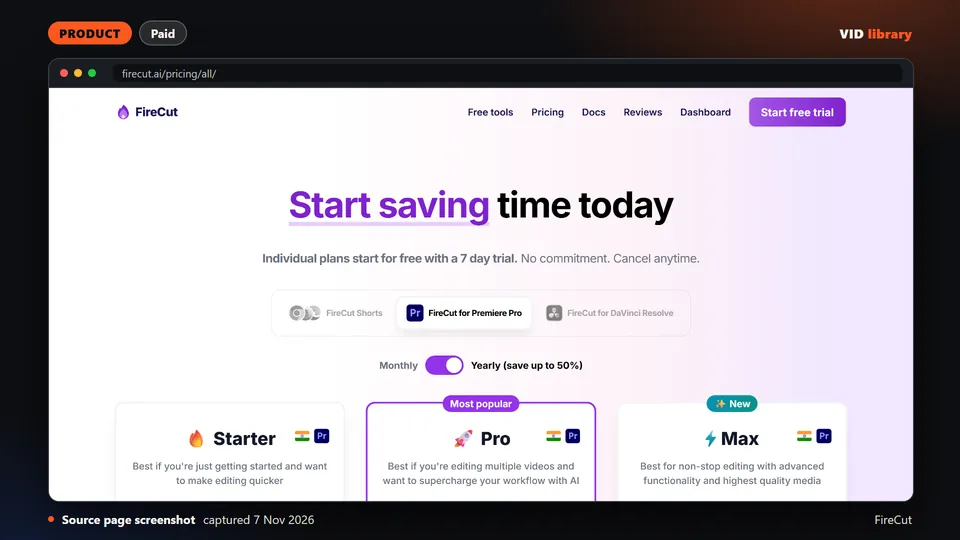
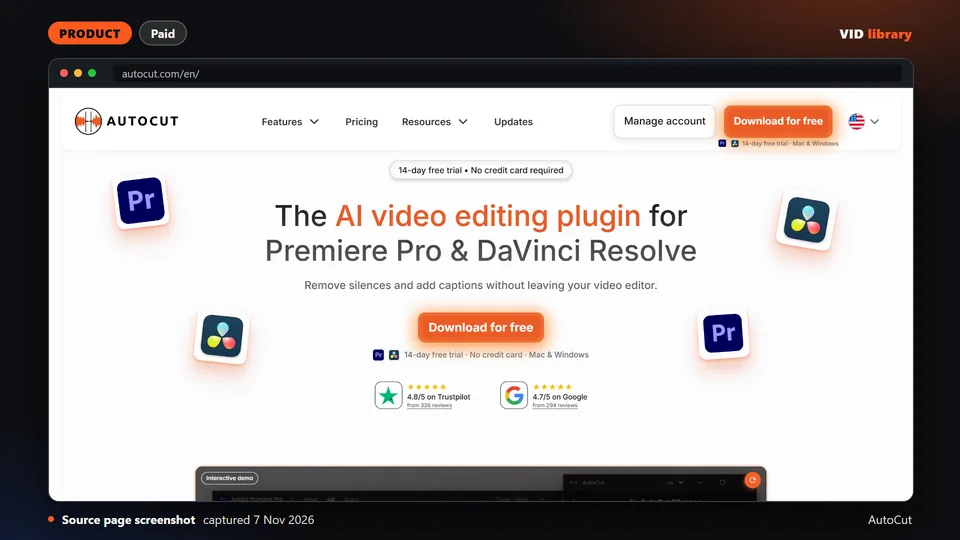
Paid plugin that adds AI editing to Premiere Pro and DaVinci Resolve. The catch is that testimonials are unattributed and launch discounts show no end date.
Use it for: Speeds up cuts and captions inside Premiere or Resolve.
Licence, price and checks
Licence proprietary
Reuse editorial source
Price Premiere Pro: Starter $10/mo monthly or $5/mo yearly; Pro $18/mo or $10/mo yearly (25 hours transcription); Max $23/mo o
Library check works, Oct 10, 2026
Source reviewed on Oct 10, 2026. Not tested by us.
Paid plugin that automates cuts and silence removal in Premiere Pro and Resolve. The catch is that refund terms are not stated and it is a paid subscription after the trial.
Use it for: Cuts silence and rough edits inside a professional editor.
Licence, price and checks
Licence proprietary
Reuse editorial source
Price Yearly billing: AI Plan USD $14.9/month ($178.8 billed yearly); Basic Plan USD $6.6/month ($79 billed yearly, silences o
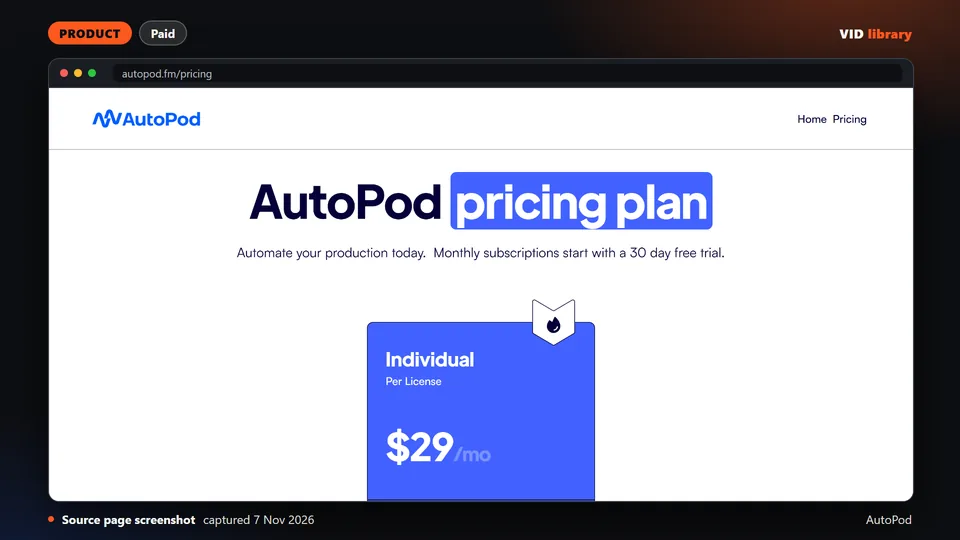
Paid Premiere Pro plug-ins for multicam, social clips and jump cuts. The catch is that the site shows no demo video, no refund terms and no version number.
Use it for: Automates multicam podcast edits in Premiere Pro.
Licence, price and checks
Licence proprietary
Reuse editorial source
Price USD $29/month per licence, 30-day free trial on monthly, annual gives 1 month free (annual total not shown) (2026-10-10)
Library check works, Oct 10, 2026
Source reviewed on Oct 10, 2026. Not tested by us.
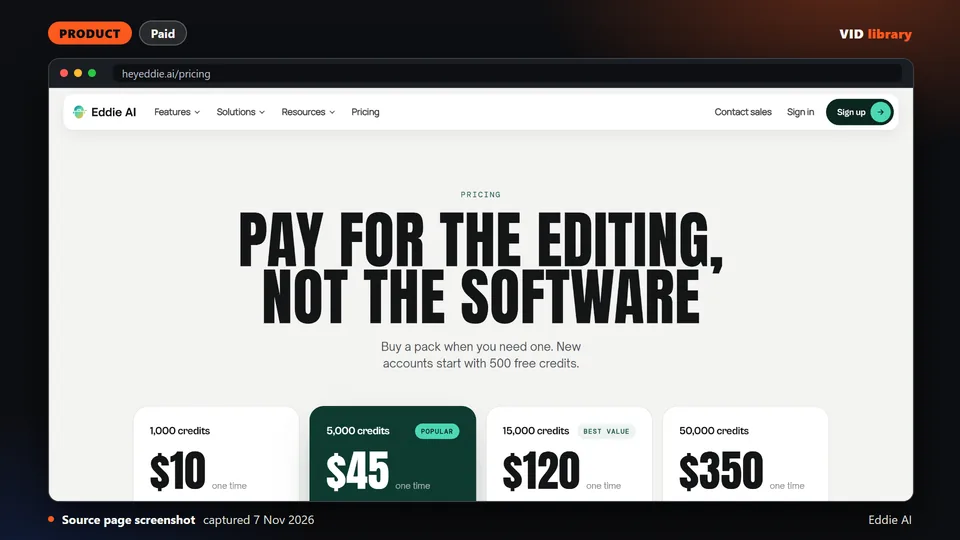
Prompt driven rough cut tool with credit packs and a free start. The catch is that no independent test was seen, and a similar domain is unrelated.
Use it for: Makes a first rough cut from a prompt, with an editor round trip.
Licence, price and checks
Licence proprietary
Reuse editorial source
Price Pay-as-you-go credit packs: 1,000 credits $10; 5,000 $45; 15,000 $120; 50,000 $350; 500 free credits on signup; packs ne
Library check likely works, Oct 10, 2026
Source reviewed on Oct 10, 2026. Not tested by us.
What we left out and why
AI video generators. This site is about editing real footage and motion graphics, not generating video.
Tools we could not read a licence or price for. If we cannot see the terms, we do not list the tool.
Resources the audit rejected, and tools that stopped or were archived and have no replacement path.
Directories that rank by install counts. Counts are not results, and they can be inflated.
Tools we would have to take on trust. A page of testimonials is not evidence.
Method and limits
The list comes from our resource library of 378 resources, audited on 2026-10-17 and 2026-10-18 by reading each repository or page. We did not test any of them on footage, we have not run a benchmark, and we did not use Claude Motion.
Editors judge each tool against written acceptance criteria for a real production job. A pick links to the evidence behind it, and tools we have not tested are labelled as such. The curation and testing methods are described separately on the method page.
Tools change quickly, so every pick shows the date it was last checked.
A tool that is best for one job can be a poor choice for another, so read the job before the ranking.