The job: add designed motion to a video you are already editing: titles, kinetic text, lower thirds, logo stings, number counters, overlays. The motion is the message for a few seconds, then the footage carries on.
The deliverable is one of two things. Graphics baked into a finished video, or separate overlay files with a transparent background that you place in any editor. We made both for our effect previews: each effect was rendered with HyperFrames 0.8.10 on a laptop and also as a transparent ProRes 4444 MOV, which we composited with FFmpeg 8.1.2 onto a moving background we generated. That background is not camera footage.
What you need
Brand basics: logo as SVG or high-resolution PNG, fonts you may use, and colors. Fonts under the SIL OFL 1.1 licence are a common safe choice.
A framework: HyperFrames needs Node 22 and FFmpeg, per the library notes. Remotion needs a React setup and a licence check.
An editor to place the result, or a way to composite with FFmpeg.
The exact text for every graphic, including the longest name and the longest headline.
Optionally a coding agent. Our effect compositions were written with Claude Code.
Recommended workflow
Operator: write what appears, when, and the exact text. Include the longest version of every text.
Tool: scaffold a project, then add a ready-made block (commands below). The HyperFrames catalog lists 393 installable items (blocks and components) in groups such as text and captions, transitions and data.
Agent or operator: adjust the block to your brand, either by editing the HTML or by having a coding agent do it from your written brief. Operator: look at frames at the start, middle and end of the animation.
Tool: render the project (command below). For overlays, export a version with a transparent background.
Tool: place or composite the result in your editor or with FFmpeg.
Operator: play it at full speed on the real footage, check the text for spelling, and run the checklist below.
We rendered a lower third and a title card with HyperFrames 0.8.10 on a transparent background (ProRes 4444, 1920x1080, 24 fps) and laid them over three 60-second clips of Tears of Steel with FFmpeg: one cold run and three timed runs per clip, on a laptop CPU. The script, the numbers and the frames are on our overlay test.
A whole run (two renders and the composite) took a median of 2.9, 3.3 and 3.2 minutes per clip.
The picture around the graphics stayed clean: at most 0.0004 percent of the pixels outside the graphics boxes differed from a plain encode of the same clip.
The test page records where the layout broke: a longer name, and white text over a bright part of the picture.
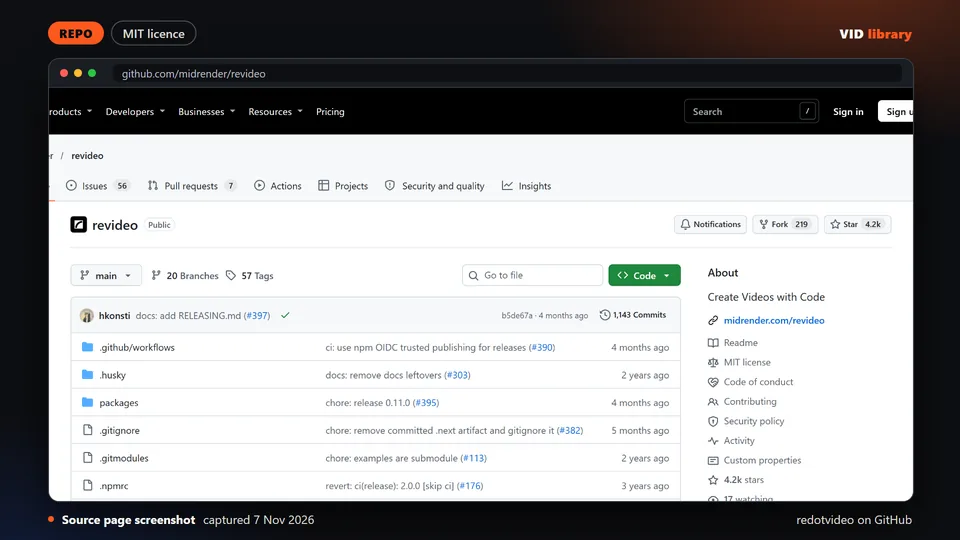
Not run by us: Remotion for this job, Motion Canvas, Revideo, MoviePy, editly, the template packs, and Claude Motion.
Alternative route
Remotion is the other main code route. It is a React framework for making videos from code, with 23 official starter templates in the library index (20 free, 3 paid). It is free for individuals and teams of 3 or fewer; larger companies need a licence. The wording is on Remotion for AI video editing.
The template route: free lower thirds, titles and logo reveals for Premiere, Resolve and After Effects exist, for example in Mixkit's free categories (free to download with no attribution or sign-up, per the pages; read the full terms at mixkit.co/license). This fits when your team lives in an editing app and needs a few graphics, not a system.
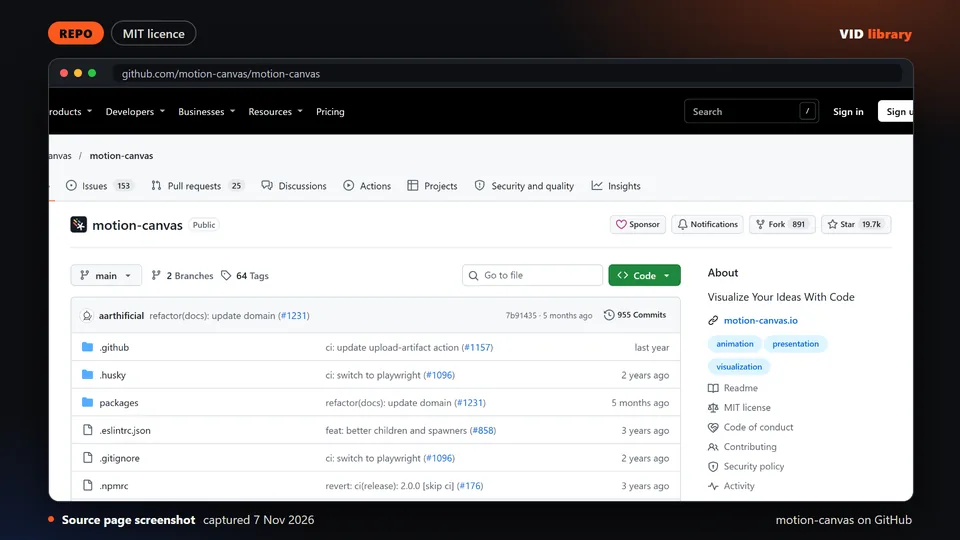
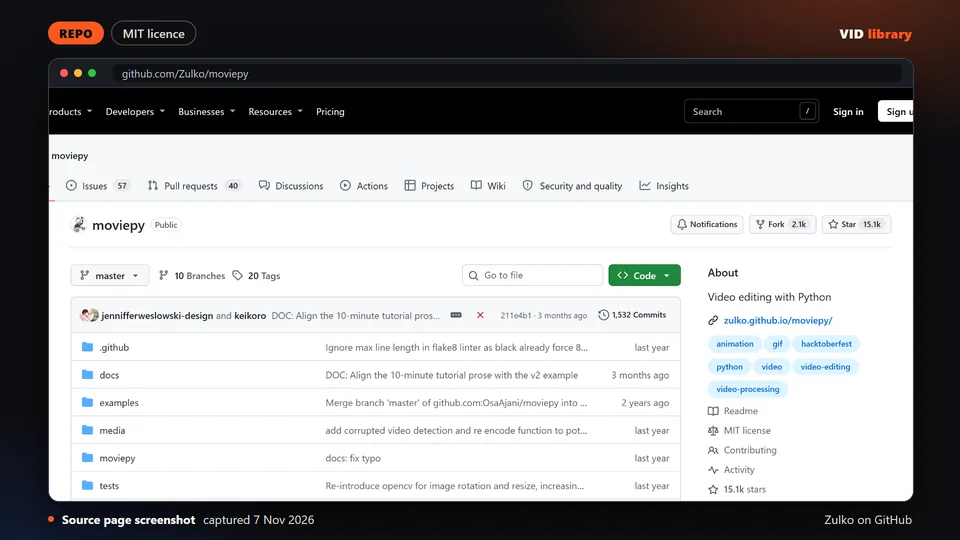
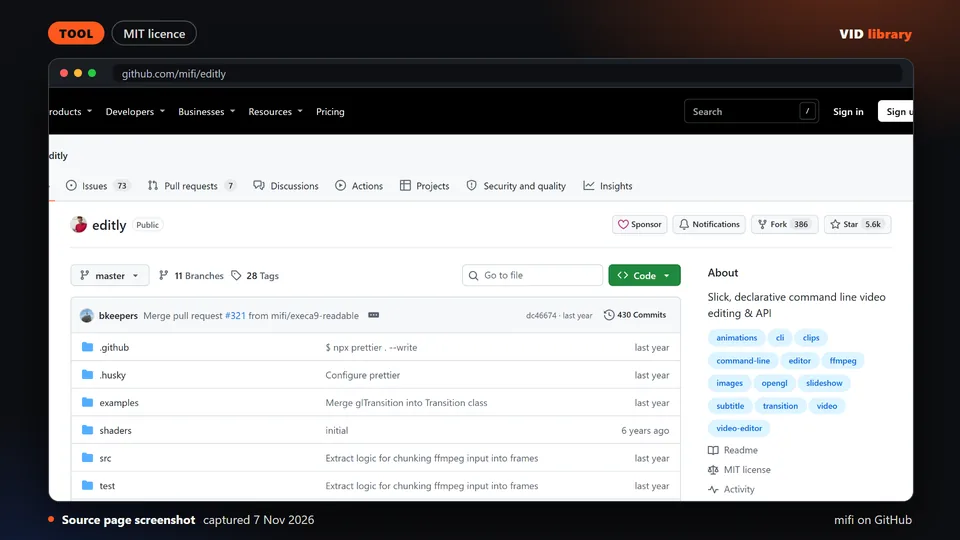
Other code tools in the library are Motion Canvas, Revideo, MoviePy and editly. They differ in focus; for example, Motion Canvas is for explainer graphics and is not aimed at editing footage.
Quality checklist
The longest name and the longest headline still fit, with no clipped letters.
Text stays on screen long enough to read; lower thirds usually need a couple of seconds.
Animation in and out is clean, with no stray frame before or after.
No fast flashing. We ran an automated flash check on each of our effect renders; run your own check on yours.
Colors and fonts match the brand file. Fonts load on the machine that renders.
Overlays with transparency show no dark fringe on the real background.
The final export matches the project size and frame rate.
Known problems
Vendor and community claims are usually unaudited. The library marks HyperFrames, its catalog and its examples as vendor-written, notes that 12 of the 23 example films have no linked source, and notes that HyperFrames is pre-1.0, so breaking changes are likely.
Licences differ by part. The HyperFrames launches repo licenses code only, not the media, fonts or brand assets. Remotion's company licence applies at 4 or more people, and templates inherit the terms.
Community skills can run commands. Read each skill file before you run it.
Long text, two-line titles and non-Latin scripts break layouts that look perfect with the sample text.
Fonts missing on the render machine silently change the look.
We tested effect previews on generated backgrounds, and one route (HyperFrames rendered with a transparent background, laid over film footage by FFmpeg) on three clips of an open film. We have not tested the other routes on camera footage, and we did not use Claude Motion.
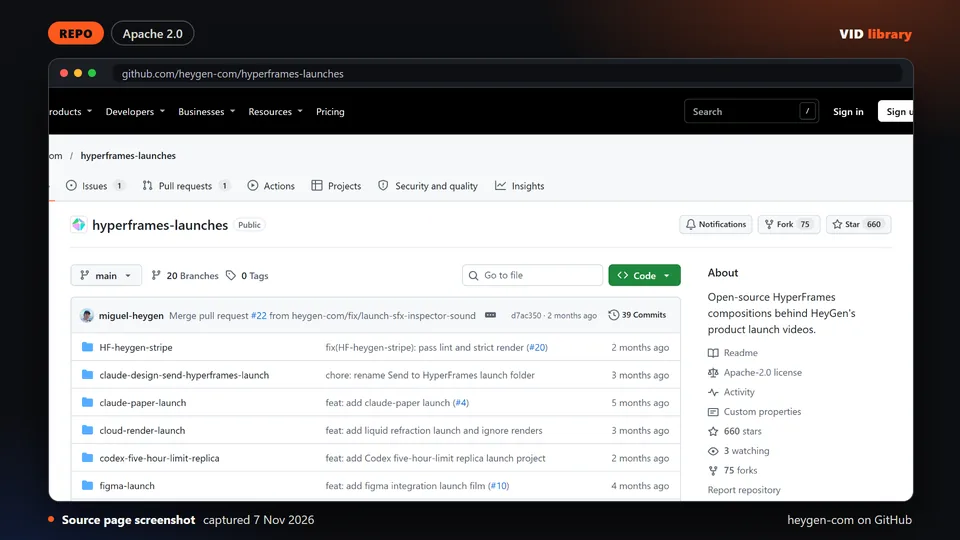
HeyGen's own launch video projects with source and rendered output. The catch is that the licence covers the code only, not the media, fonts or brand assets.
Use it for: Shows finished HyperFrames motion graphics with source to study.
Licence, price and checks
Licence Apache-2.0
Reuse keep the licence notice
Library check works, Oct 17, 2026
Source reviewed on Oct 17, 2026. Not tested by us.
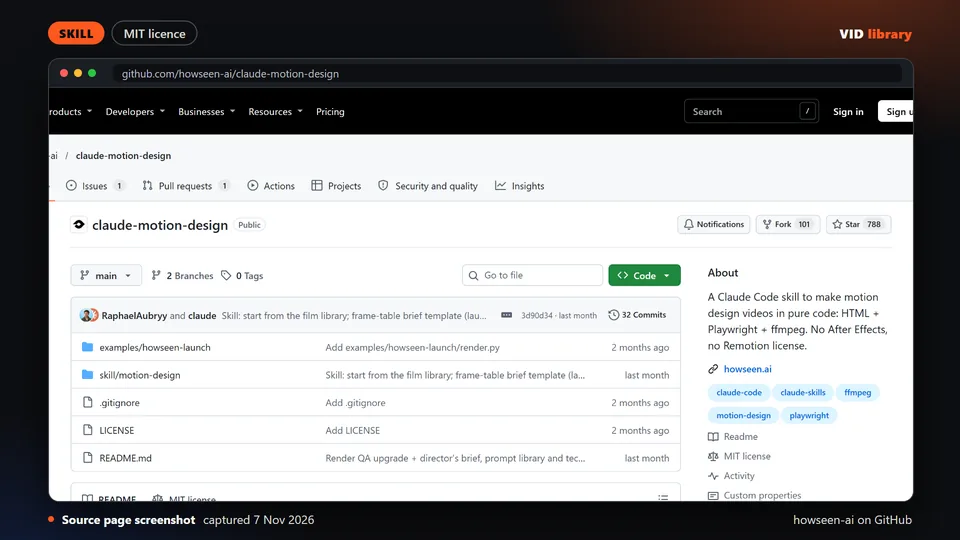
MIT skill that makes motion designed videos with Claude, with a preview of a rendered launch video. The catch is that it downloads third-party media and installs Chromium.
Use it for: Builds animated explainer and launch graphics with an agent.
Licence, price and checks
Licence MIT
Reuse keep the licence notice
Library check works, Oct 10, 2026
Source reviewed on Oct 10, 2026. Not tested by us.
Popular MIT licensed tool for animating explainer graphics with code. The catch is that it is not made for editing footage and the repo page shows no demo.
Use it for: Creates diagram style motion graphics from code.
Licence, price and checks
Licence MIT
Reuse keep the licence notice
Library check works, Oct 10, 2026
Source reviewed on Oct 10, 2026. Not tested by us.
Command line tool that stitches clips, text and transitions from a JSON file. The catch is that it has had no commits since early 2025 and one maintainer.
Use it for: Assembles simple video sequences from a config file.
Licence, price and checks
Licence MIT
Reuse keep the licence notice
Library check likely works, Oct 10, 2026
Source reviewed on Oct 10, 2026. Not tested by us.
For teams that make this every week
If your team needs branded motion graphics on every video, tell us about the job, the stack and the step that repeats most.
If your team makes this kind of video every week, tell us the job, the tools you use, how many you make a week and where it gets stuck: contact us. We read every message; there is no form to fill in and no account.