AI Video Editing Flows

OpusClip alternatives for podcast clips

If OpusClip does not fit your podcast, the right alternative depends on what part of the job you need: finding highlights, reframing to vertical, captions or export. This page compares tools and workflows on those steps and on how much human finishing each clip still needs. Pricing is shown with the date it was checked.

This page is built but kept out of search until it carries the evidence it needs: Its value is the reviewed alternatives; noindex until Rahul has reviewed them.

What a podcast clip job needs

A clipping tool does five things, and you can judge any option by how it handles each. Use this as a checklist before you compare prices.

  1. Find moments. Does it propose candidates, and can you change the start and end to a full sentence?
  2. Reframe to vertical. Does it track the speaker, and can you correct it?
  3. Caption. Are captions word-timed, editable, and inside the safe zone? See Shorts, Reels and TikTok safe zone overlay.
  4. Brand. Can you save a template with logo, colors and font?
  5. Export. What size, format and limits do you get, and are exports free of watermarks on your plan?

Then add two practical questions: where does your footage go (a hosted service or your own machine), and what happens when you reach a limit.

Reviewed alternatives

These are options from the library audit. They are drafts until the owner reviews them, and we have not tested any of them on footage.

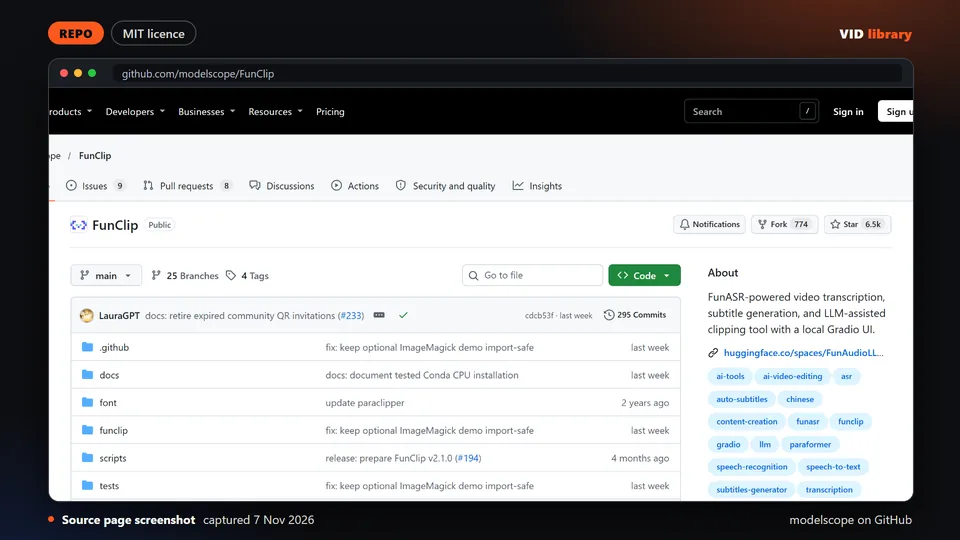
Source page screenshot, captured 2026-11-07

FunClip

By modelscope on GitHub

Open source clipper that cuts highlights out of long recordings. The catch is that it is built for Chinese speech first and downloads its speech models.

Use it for: Compares a free clipper against OpusClip.

Licence, price and checks
  • Licence MIT
  • Reuse keep the licence notice
  • Library check works, Oct 17, 2026

Source reviewed on Oct 17, 2026. Not tested by us.
Source page screenshot, captured 2026-11-07

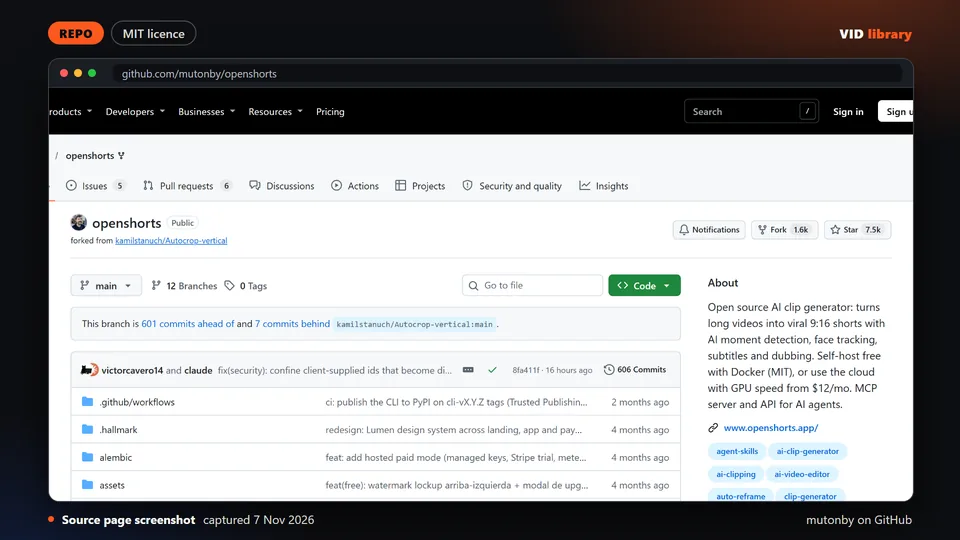
OpenShorts

By mutonby on GitHub

Open source tool that turns long videos into vertical shorts. The catch is that some features need outside API keys and its cloud folder uses a commercial licence.

Use it for: Compares a free shorts tool against OpusClip.

Licence, price and checks
  • Licence MIT
  • Reuse keep the licence notice
  • Library check works, Oct 10, 2026

Warning: licence: check before bundling or redistributing: Needs Gemini key and others for some features; cloud/ folder under a commercial licence; 8GB+ RAM.

Source reviewed on Oct 10, 2026. Not tested by us.

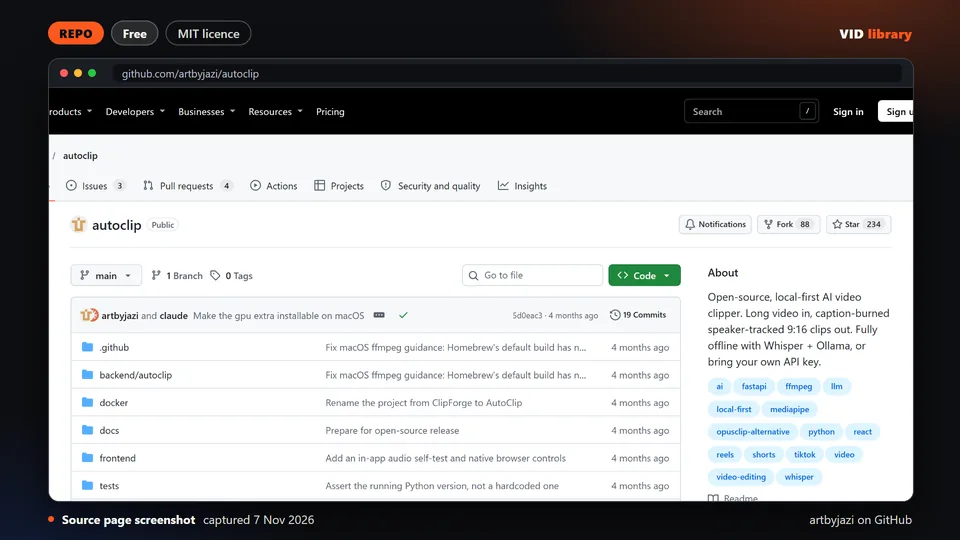
Source page screenshot, captured 2026-11-07

AutoClip (local long-to-shorts clipper)

By artbyjazi on GitHub

Local pipeline that cuts long videos into short clips, with a doctor command to check setup. The catch is that it is pre-1.0 and shows no demo video.

Use it for: Compares a local clipper against OpusClip.

Licence, price and checks
  • Licence MIT
  • Reuse keep the licence notice
  • Price Free
  • Library check likely works, Oct 18, 2026

Source reviewed on Oct 18, 2026. Not tested by us.

Designed card

Submagic (captions and short-form editing SaaS)

By Submagic

Paid captions and short-form editing service with credit based plans. The catch is that its pricing cards and comparison table disagree, and refund terms are missing.

Use it for: Compares a captions tool against OpusClip.

Licence, price and checks
  • Licence proprietary
  • Reuse editorial source
  • Price Starter USD $19/mo monthly or $12/mo yearly (45 credits, 15 videos, 2-minute videos); Pro $39/mo or $23/mo yearly (120 c
  • Library check works, Oct 10, 2026

Source reviewed on Oct 10, 2026. Not tested by us.

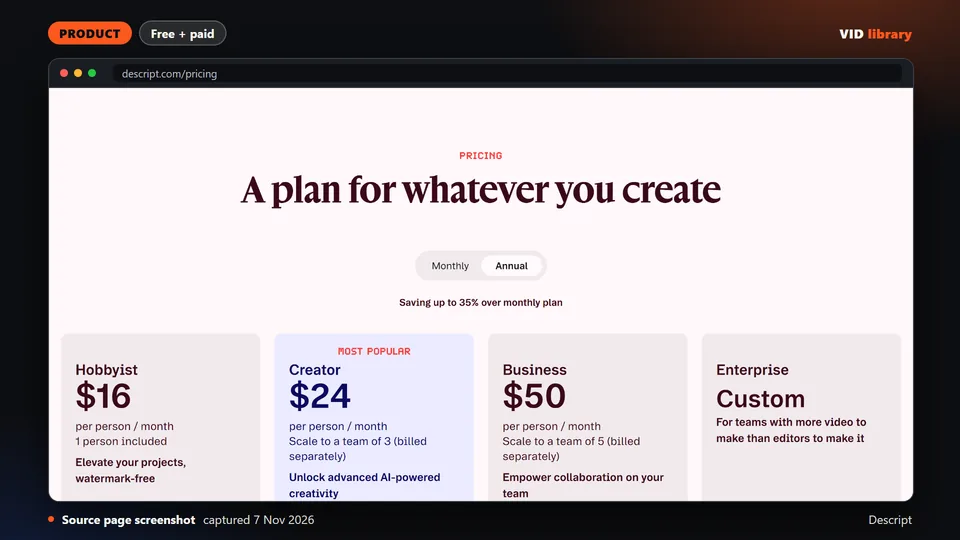
Source page screenshot, captured 2026-11-07

Descript (text-based video editor, pricing)

By Descript

Paid text based video editor with a free tier. The catch is that the page does not say which price per plan is annual, and refund terms are missing.

Use it for: Compares a transcript editor against OpusClip style tools.

Licence, price and checks
  • Licence proprietary
  • Reuse editorial source
  • Price Free $0 (60 media minutes/month, 720p, watermark, 100 one-time AI credits); Hobbyist $16 or $24 per person/month (10 hrs
  • Library check works, Oct 10, 2026

Source reviewed on Oct 10, 2026. Not tested by us.

A workflow you control

If you would rather own the steps, a route made of open parts looks like this. It is our own guidance and untested as a whole.

  1. Transcribe with speaker labels using WhisperX or faster-whisper.
  2. Read the transcript and pick moments yourself, or ask an LLM for candidates and approve them.
  3. Cut at sentence boundaries with FFmpeg (FFmpeg trim video: accurate cuts by time).
  4. Reframe to 9:16 with a crop or a face-tracking tool, and check every clip.
  5. Add captions inside the safe zone.
  6. Watch each clip to the end.

The full guide, with the quality checklist and known problems, is Podcast to shorts: AI editing workflows. OpusClip's own plans and gaps are on OpusClip pricing and usage limits.

Method and limits

The options come from our resource library, audited on 2026-10-17 and 2026-10-18 by reading each repository or page. We did not run any of them on footage, and we have no benchmark. Cards show the licence and any warning the audit found.

Open tools in this area are new. Most need paid API keys and show no demo output, and one popular project, ClipsAI, stopped in January 2024. Affiliate links are off at launch; see Affiliate disclosure for our policy.

Each alternative is judged on the same steps of the podcast clip job, using the same long recording. Prices and limits come from the shared pricing data file and carry the date they were checked.

Page checked on Nov 4, 2026.