The job: turn a long recording into short clips that each make sense on their own. Each clip starts with a point, ends when the point is made, and carries captions. For video podcasts the clip is usually reframed to vertical. For audio-only shows it is usually a waveform with captions, an audiogram.
The deliverable: a set of finished clip files, each with a title, a caption file or burned-in captions, and a note of where it came from in the full episode so a human can approve it.
What you need
The full recording, ideally with a separate track per speaker.
A transcript with speaker labels. WhisperX can add speaker labels, but the library notes it needs an access token for that step.
A way to find moments: a person reading the transcript, an LLM suggesting candidates, or both.
A reframing method for vertical: a fixed crop, or face tracking if speakers move.
A caption style and a brand template, and the safe zones for your platforms.
Recommended workflow
This is our own guidance. We ran a scripted long-to-shorts pass on three 60-second film clips, described under What we ran ourselves. We did not run the open tools listed below, and the research found that open tools in this area are new and unproven, with most needing paid API keys and showing no demo output.
Operator: write down what makes a clip for your show (one idea, a clear start, a clear end) and a length range for each platform.
Tool: transcribe the full episode with speaker labels, for example with WhisperX or faster-whisper.
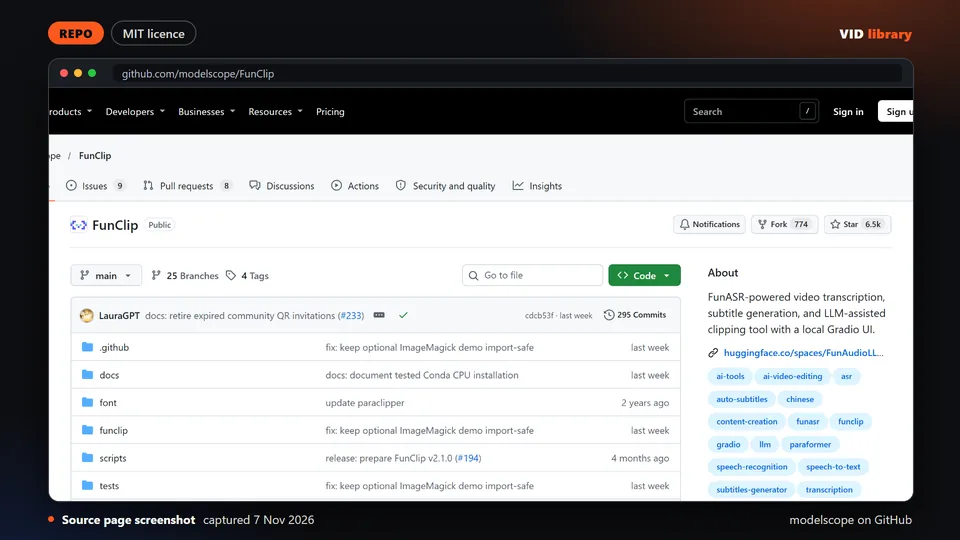
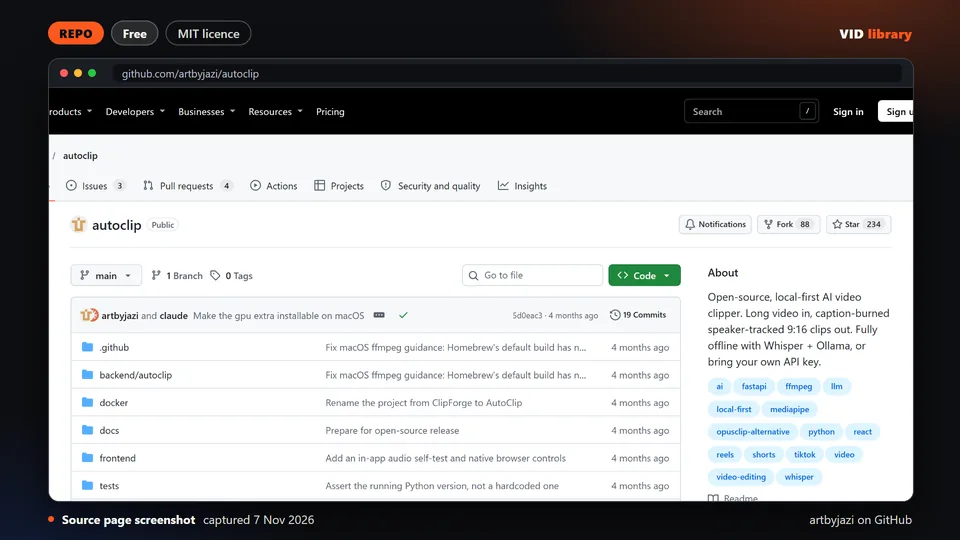
Operator with an agent or tool: find candidate moments. You can read the transcript yourself, or ask an LLM for candidates and read them. FunClip lets you pick clips by selecting transcript text or by LLM suggestion, but the library notes its speech recognition is Chinese-first. AutoClip is a local pipeline that is pre-1.0 and shows no demo video. Choose the moments yourself either way.
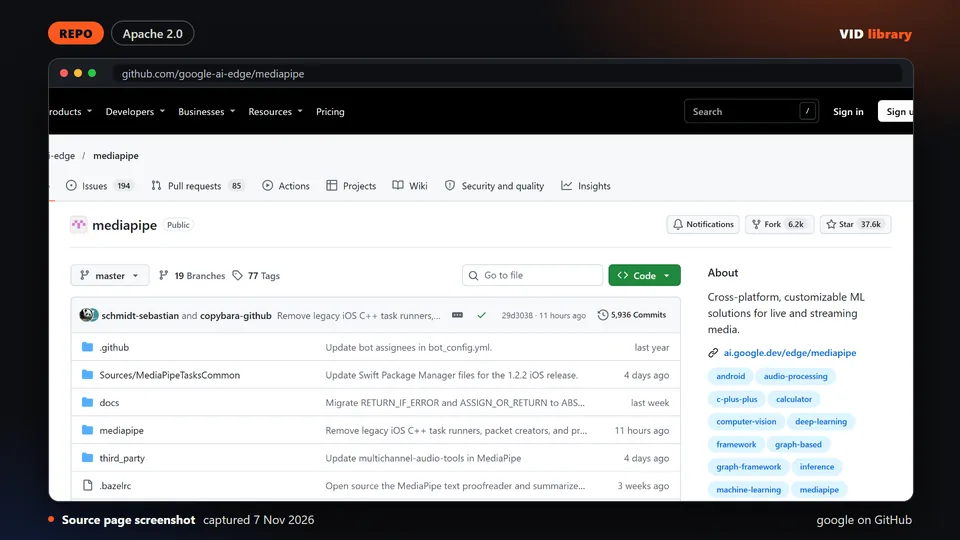
Tool: reframe to 9:16. For multi-camera shows, a scene detector such as PySceneDetect finds where the shot changes so each shot can be framed separately. Face tracking (MediaPipe is a common base) needs a check on every clip.
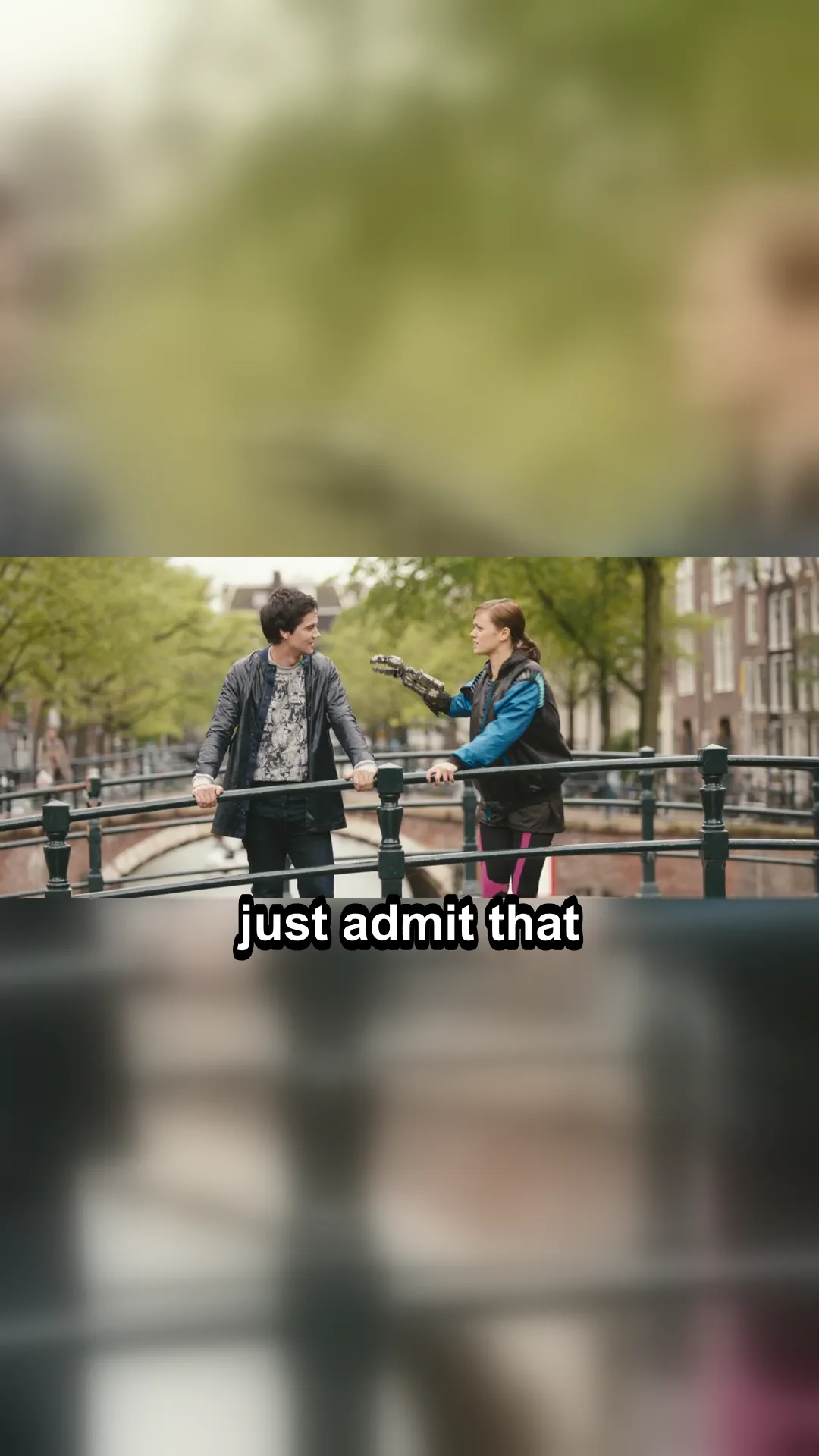
One script: faster-whisper word times on the whole clip, a rule that picks the stretch of 15 to 25 seconds with the most words per second, FFmpeg to make it 1080x1920 over a blurred copy of itself, three-word captions burned in, loudness levelled to -14 LUFS. Run on three 60-second clips of Tears of Steel: one cold run and three timed runs each. Everything is on our podcast clip test; the steps are on the long-to-shorts guide.
A whole run took a median of 21.9, 28.4 and 24.6 seconds per clip.
The pick is a density rule. It found the densest talk (3.4, 1.9 and 1.6 words per second) and one of the three picks started mid-sentence. Whether a pick is worth watching is still your call.
One pass of loudnorm missed -14 LUFS on all three; two passes gave -14.0, -13.6 and -14.0.
We did not run a face-tracking crop, a real podcast with several speakers, or a long recording.
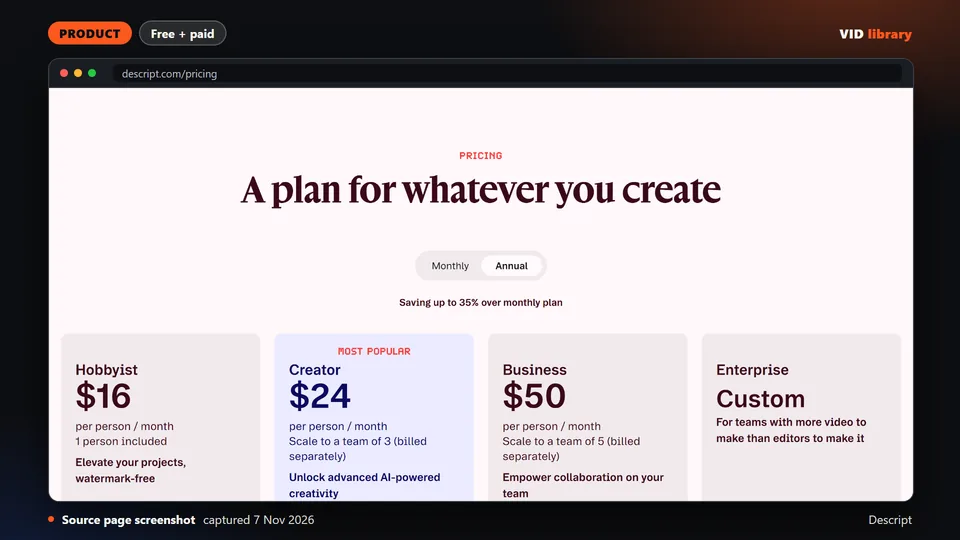
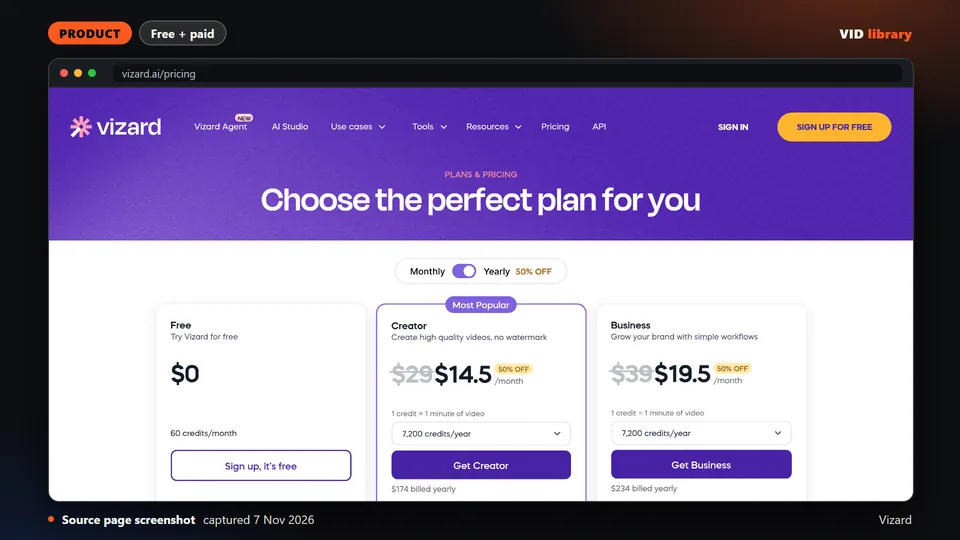
Not run by us: OpusClip, Vizard, Submagic, Riverside, Descript and the other hosted clippers (paid plans or an account), and the open clippers that need a paid API key. Their pricing pages are read, not tested.
Alternative route
A hosted clipper such as OpusClip takes a long video, proposes candidate moments, reframes to vertical and adds captions. On the page we read on 2026-11-04, plans were listed as Free at 0 dollars, Starter at 15 and Pro at 29 per month, with Business unpriced. The page showed monthly prices only and no monthly credit allowance. Details and gaps: OpusClip pricing and usage limits. Other options are compared on OpusClip alternatives for podcast clips and Riverside vs Descript for podcast editing.
This route fits when you publish many clips and want a first pass without setting anything up, and you accept that you still review each clip. The route above fits when you want to see and change each step, or when sending your recordings to a hosted service is not acceptable.
Quality checklist
Every clip starts on a complete thought and ends after the last word, not on a breath or a half sentence.
Captions match the speech, guest names are spelled correctly, and no caption runs longer than two lines on screen.
The right person is in frame when they speak, including during crosstalk.
Captions and any title card sit inside the safe zone for the platform.
Loudness is the same across all clips from one episode.
Export is 9:16 at 1080x1920 for vertical platforms, H.264 with AAC audio, and the file plays on a phone.
Each clip has a source timestamp so you can trace it back to the episode.
Known problems
Automatic moment picking finds loud or quotable passages, not necessarily self-contained ones. A clip can make sense only if you heard the question before it.
Face tracking can jump to the wrong speaker during crosstalk or when a speaker looks away. Reframing tools differ a great deal, and nobody has published a head-to-head of them; we have not either, and our run used a fixed centre layout, not face tracking.
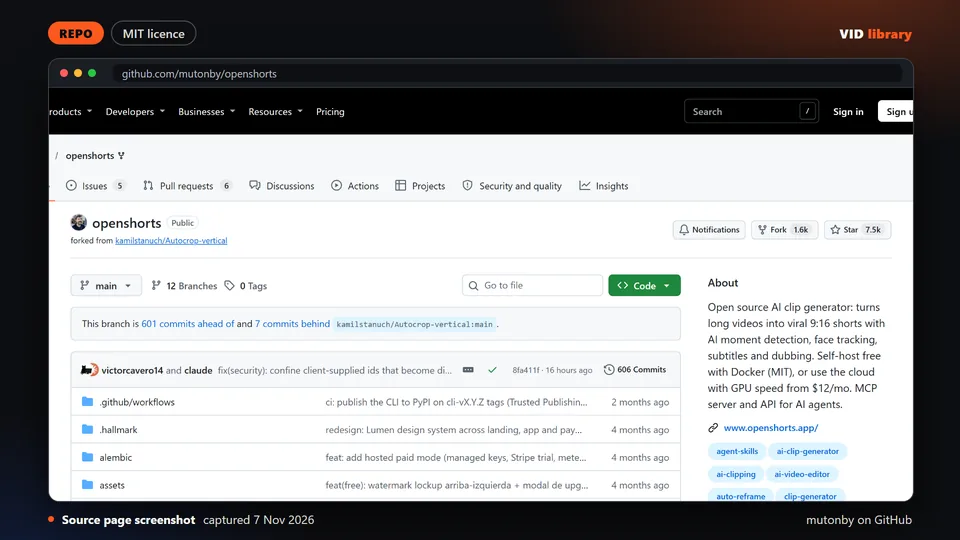
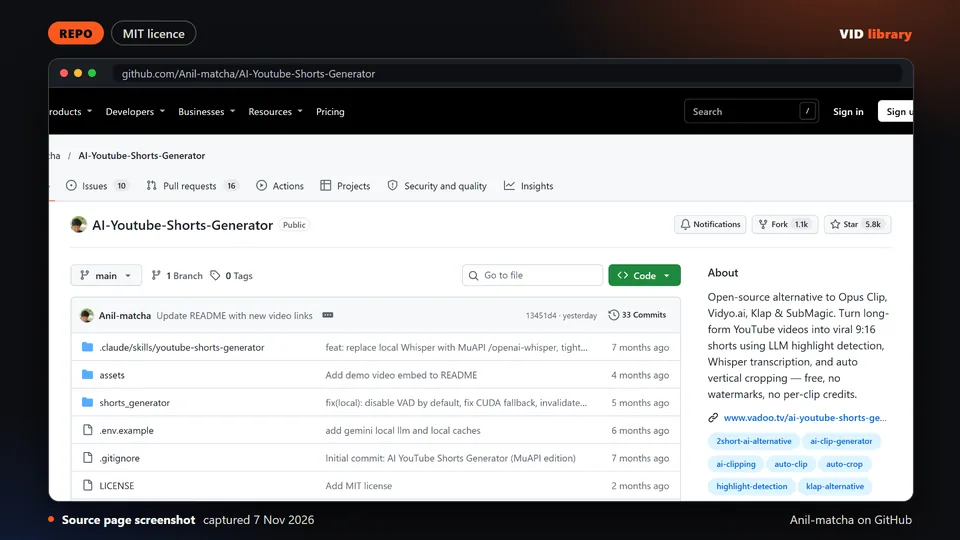
Open tools have supply risks. The library research found that ClipsAI stopped in January 2024, that yt-short-clipper is Windows only, and that OpenShorts keeps a commercial-licence cloud folder, so read the licence before you bundle anything.
Guest names and brand terms are the usual caption errors. Fix them in the transcript before styling.
Pages on this site for the podcast-to-clips job: a workflow, comparisons and a pricing page.
How to choose, and our three picks
Turning a long video into Shorts means finding the strongest moments, cutting them cleanly, reframing from 16:9 to 9:16 so the speaker stays in frame, and adding captions and a hook. A good result starts on a complete thought, ends on a clear beat, keeps the face centered through the crop, and carries readable captions placed away from app interface zones. Options here include open source clippers you run yourself, web services that pick moments for you, and plugins inside Premiere or Resolve. Watch for free plans with watermarks and short export windows, tools that need several API keys, copyleft licences, and automated highlight picks that choose exciting sounding but incomplete moments. Always review every clip from first word to last, check the crop on fast head movement, and confirm you own or have permission to reuse the source video.
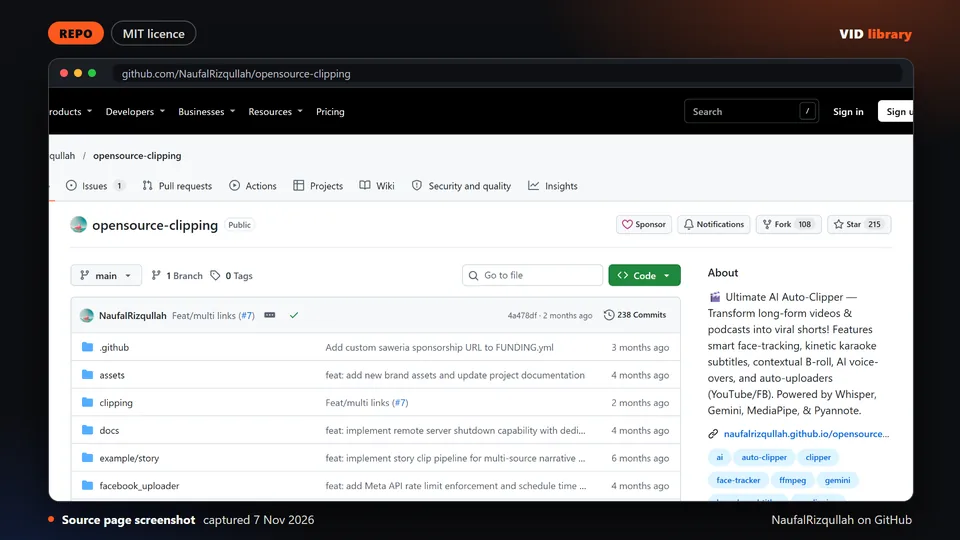
OpenShorts: Docker app with demo media that turns long videos into 9:16 shorts with moment detection, face tracking and subtitles, under MIT. Limit: Some features need a Gemini key and others, and its cloud folder has its own licence.
FunClip: Local tool under MIT that transcribes, subtitles and clips by selected text or LLM suggestion, with demo media. Limit: Speech recognition is Chinese-first and models must be downloaded.
OpusClip (long video to shorts SaaS): Established web service that finds moments, reframes to vertical and adds captions, with live pricing and demos. Limit: Free plan watermarks caption templates, and paid plan credits and refund terms were not shown.
Reviewed picks from other creators
Long-to-shorts tools and guides from other creators. Every card is a draft until the owner reviews it.
Open source clipper that cuts highlights out of long recordings. The catch is that it is built for Chinese speech first and downloads its speech models.
Use it for: Pulls short clips out of a long podcast recording.
Licence, price and checks
Licence MIT
Reuse keep the licence notice
Library check works, Oct 17, 2026
Source reviewed on Oct 17, 2026. Not tested by us.
Open source tool that turns long videos into vertical shorts. The catch is that some features need outside API keys and its cloud folder uses a commercial licence.
Use it for: Makes vertical shorts from long podcast footage.
Licence, price and checks
Licence MIT
Reuse keep the licence notice
Library check works, Oct 10, 2026
Warning: licence: check before bundling or redistributing: Needs Gemini key and others for some features; cloud/ folder under a commercial licence; 8GB+ RAM.
Source reviewed on Oct 10, 2026. Not tested by us.
Experimental open source clipper with demo media. The catch is that it needs Gemini and HuggingFace tokens, sometimes YouTube cookies, and the tunnel address changes.
Use it for: Finds clip moments in a long podcast recording.
Licence, price and checks
Licence MIT
Reuse keep the licence notice
Library check likely works, Oct 10, 2026
Source reviewed on Oct 10, 2026. Not tested by us.
Established paid service that turns long videos into shorts, with a free tier. The catch is that the free plan is watermarked and plan credit limits were not visible.
Use it for: Makes shorts from long podcast or interview videos.
Licence, price and checks
Licence proprietary
Reuse editorial source
Price Free $0 (watermark on caption templates, 3-day MP4 export window, 1080p); Starter $15/mo; Pro $29/mo; Business custom; c
Library check works, Oct 10, 2026
Source reviewed on Oct 10, 2026. Not tested by us.
Google toolkit whose face and pose detection is a common base for face-tracking crop tools, under Apache-2.0. The catch is it is not a ready editing tool, and we did not check its AutoFlip example.
Use it for: Face tracking base for 9:16 reframing.
Licence, price and checks
Licence Apache-2.0
Reuse keep the licence notice
Library check works, Oct 10, 2026
Source reviewed on Oct 10, 2026. Not tested by us.
Web clipping tool that cuts long videos into shorts with captions, with credit-based plans and an API. The catch is paid prices showed as $0 in the fetched text, and the free plan has a watermark and 3-day storage.
Use it for: Clips long videos into captioned shorts.
Licence, price and checks
Licence proprietary
Reuse editorial source
Price Free $0 (60 credits/month, 720p, 10-minute exports, watermark); Creator and Business billed yearly with exact prices not
Library check works, Oct 10, 2026
Source reviewed on Oct 10, 2026. Not tested by us.
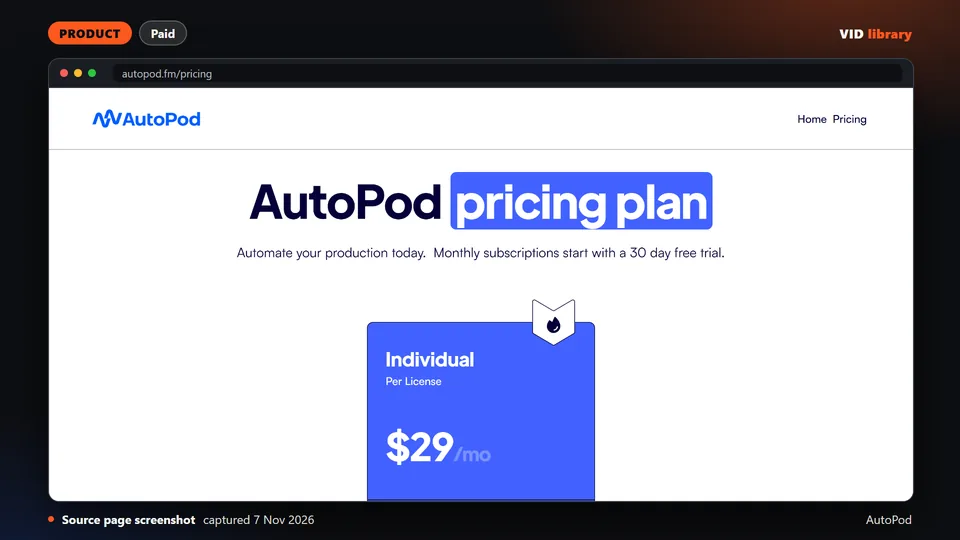
Premiere Pro plug-in pack that builds social clips at 16:9, 4:5 and 9:16 from an in and out point, and cuts multicam by speaker. It costs $29 a month. The catch is no demo or refund terms were shown.
Use it for: Social clips from marked points in Premiere.
Licence, price and checks
Licence proprietary
Reuse editorial source
Price USD $29/month per licence, 30-day free trial on monthly, annual gives 1 month free (annual total not shown) (2026-10-10)
Library check works, Oct 10, 2026
Source reviewed on Oct 10, 2026. Not tested by us.
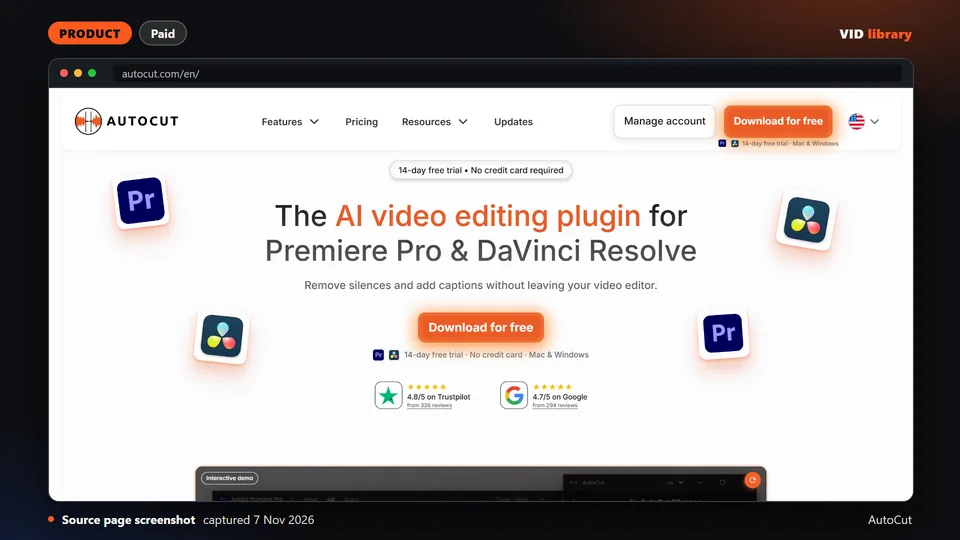
Premiere and Resolve plugin that removes silences, switches multicam angles, adds captions and zooms, and resizes for social without leaving the timeline. It has a 14-day trial. The catch is it is a paid subscription after the trial.
Use it for: In-timeline captions, zooms and social resizing.
Licence, price and checks
Licence proprietary
Reuse editorial source
Price Yearly billing: AI Plan USD $14.9/month ($178.8 billed yearly); Basic Plan USD $6.6/month ($79 billed yearly, silences o
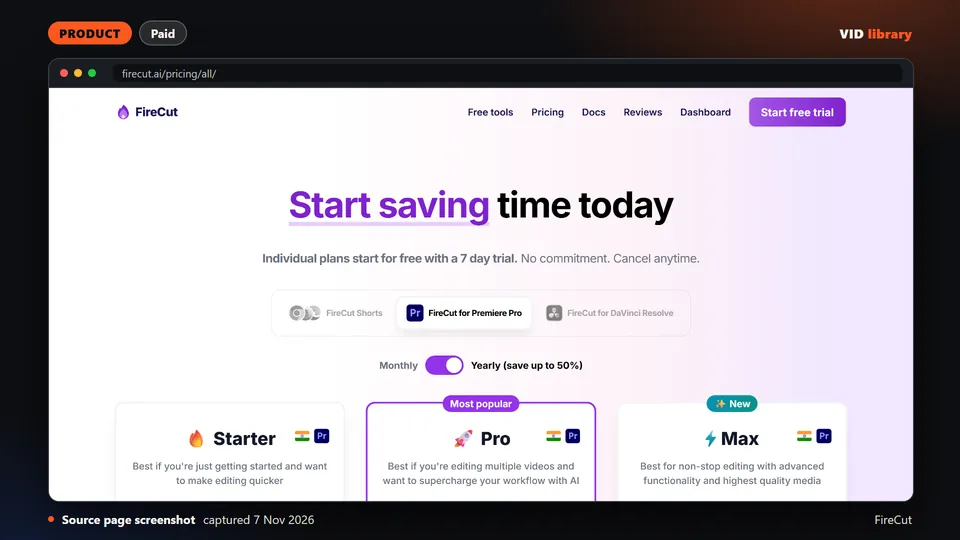
Plugin for Premiere Pro and Resolve that removes silences, adds captions and auto zooms, and turns long edits into shorts. It has a 7-day trial. The catch is some prices are struck-through launch discounts with no end date.
Use it for: Turns long edits into shorts inside the editor.
Licence, price and checks
Licence proprietary
Reuse editorial source
Price Premiere Pro: Starter $10/mo monthly or $5/mo yearly; Pro $18/mo or $10/mo yearly (25 hours transcription); Max $23/mo o
Library check works, Oct 10, 2026
Source reviewed on Oct 10, 2026. Not tested by us.
Web editor that adds animated captions, b-roll, zooms and hook titles to short clips, trims by text and publishes to social platforms. The catch is its pricing cards and comparison table disagree, and no refund terms are shown.
Use it for: Captions, zooms and hooks for short clips.
Licence, price and checks
Licence proprietary
Reuse editorial source
Price Starter USD $19/mo monthly or $12/mo yearly (45 credits, 15 videos, 2-minute videos); Pro $39/mo or $23/mo yearly (120 c
Library check works, Oct 10, 2026
Source reviewed on Oct 10, 2026. Not tested by us.
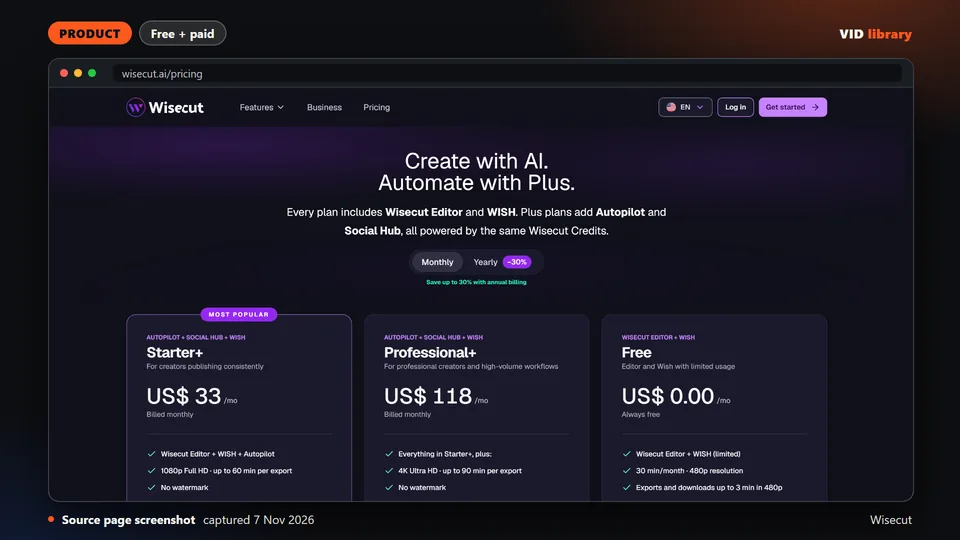
Browser editor that auto-cuts silences, captions and reframes uploaded talking-head videos. The free tier has no watermark but a 480p cap and 3-minute exports. The catch is the domain now redirects to wisecut.ai.
Use it for: Auto-cuts and reframes talking-head clips.
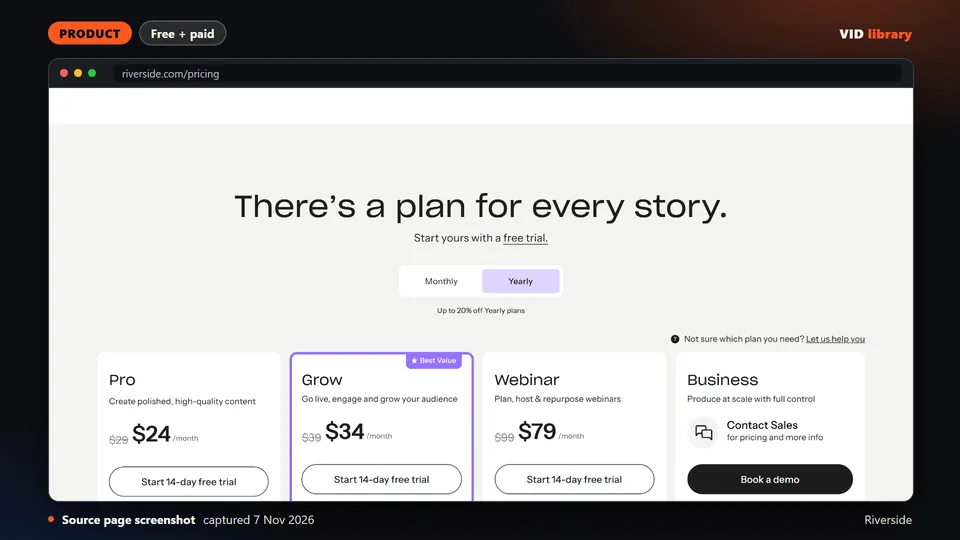
Pricing page of a remote recording platform showing Magic Clips on the free tier, with text-based editing starting on Pro. The catch is the page carried a staging notice, so re-verify figures before quoting.
Use it for: Magic Clips from recorded interviews.
Licence, price and checks
Licence proprietary
Reuse editorial source
Price Free $0 (2 hours multitrack, 720p, watermark); Pro $29/month or $24/month billed $288/year; Grow $39/month or $34/month
Library check works, Oct 10, 2026
Source reviewed on Oct 10, 2026. Not tested by us.
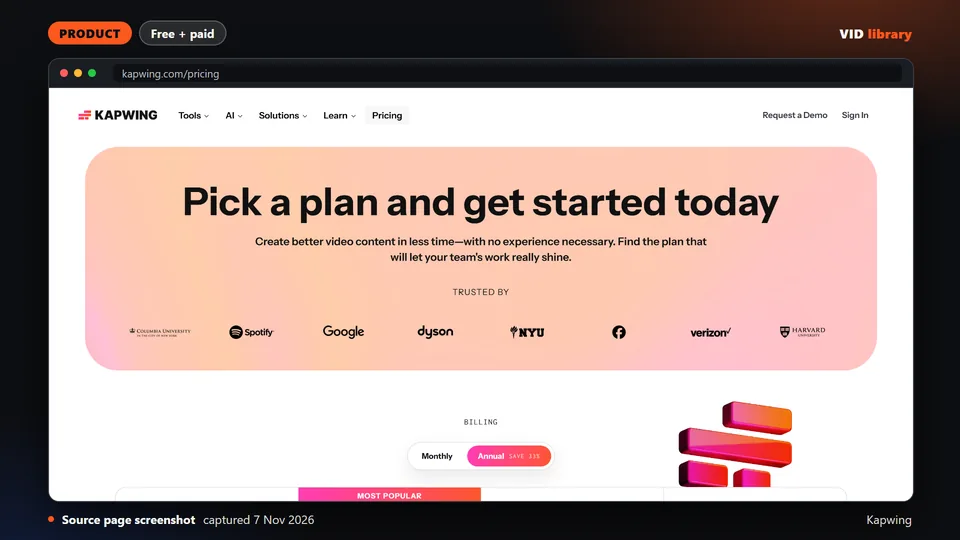
Browser editor with auto subtitles and resizing, sold with a watermarked free tier limited to 4-minute exports at 720p. The catch is Kapwing states no refunds once you upgrade.
Use it for: Auto subtitles and resizing in a browser.
Tool that turns long YouTube videos into 9:16 shorts with LLM highlight picking, Whisper and face-tracking crop, under MIT. The catch is the README pushes the author's paid API and shows no demo render.
Use it for: Picks highlights and crops to vertical.
Licence, price and checks
Licence MIT
Reuse keep the licence notice
Library check likely works, Oct 10, 2026
Source reviewed on Oct 10, 2026. Not tested by us.
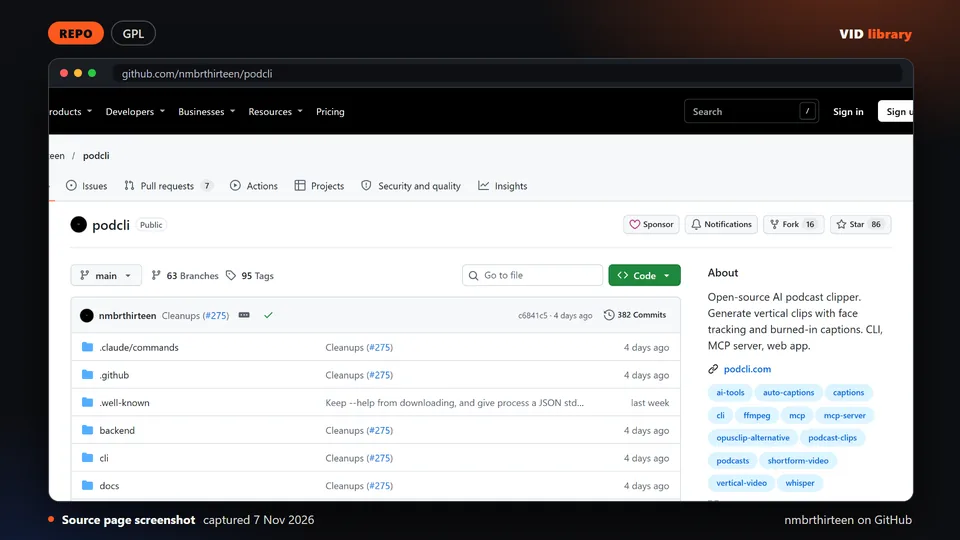
Open source podcast clipper with face tracking and burned-in captions, driven by CLI, web studio or coding agent, with demo media. The catch is the AGPL-3.0 licence, so link only, and it is a small project so far.
Use it for: Podcast clips with face tracking and captions.
Licence, price and checks
Licence AGPL-3.0
Reuse copyleft, never bundle
Library check likely works, Oct 10, 2026
Warning: licence: check before bundling or redistributing: Only 78 stars; AGPL (commercial licence offered); installer downloads binaries and models.
Source reviewed on Oct 10, 2026. Not tested by us.
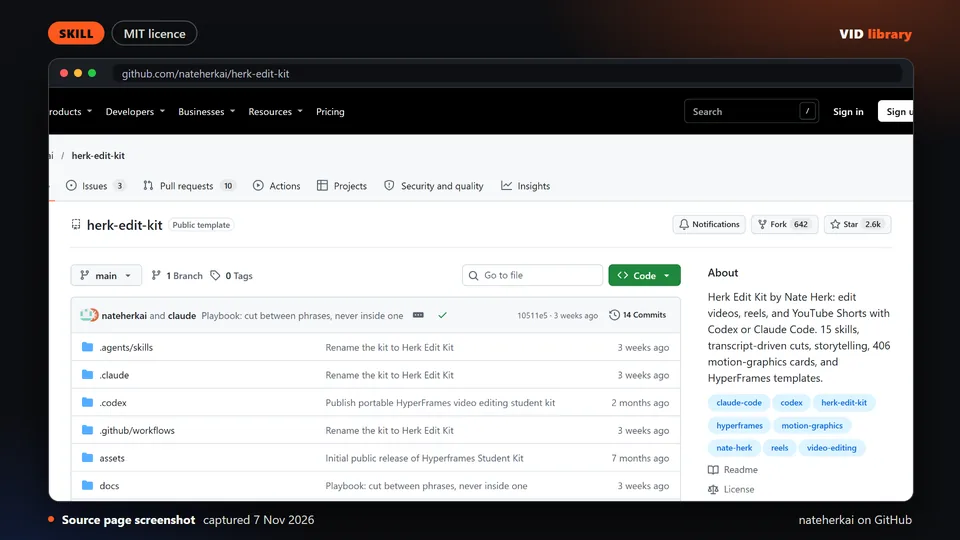
Kit of agent skills on top of HyperFrames for transcript-driven cuts and short-form edits with captions, with demo videos in the README. The catch is optional paid keys and third-party media and fonts with their own rights.
Use it for: Agent skills for short-form edits with captions.
Licence, price and checks
Licence MIT (code); third-party media and fonts have their own rights
Reuse keep the licence notice
Library check works, Oct 17, 2026
Source reviewed on Oct 17, 2026. Not tested by us.
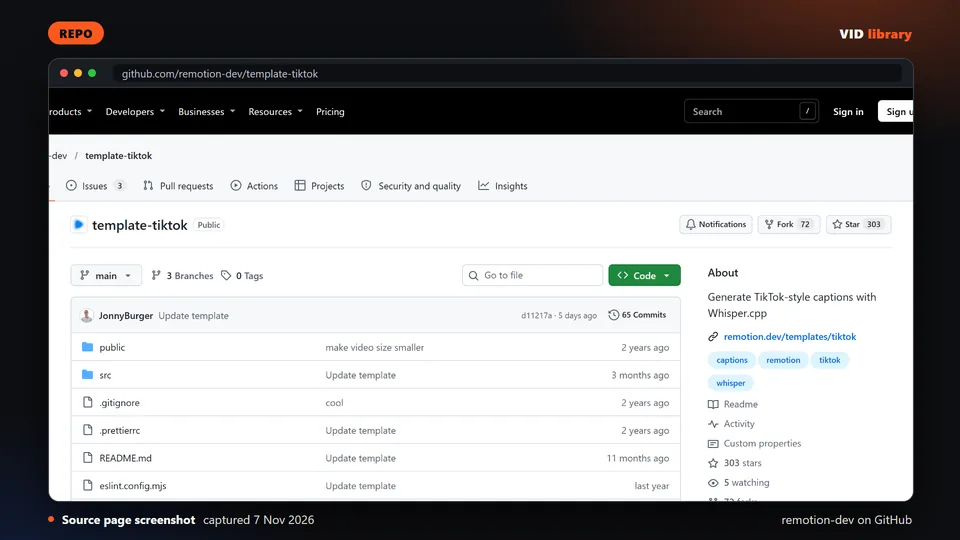
Official Remotion template that transcribes a video with whisper.cpp and renders TikTok-style word captions. The catch is there is no LICENSE file, Remotion terms apply, and the first run downloads a 1.5 GB model.
Use it for: Word captions for already-cut shorts.
Licence, price and checks
Licence Remotion licence: free for individuals, up to 3 employees and non-profits; company licence above that
Reuse Remotion licence: free for individuals, for-profit organisations with up to 3 employees and non-profits; a company licence is needed for larger for-profits (LICENSE.md in remotion-dev/remotion, read 6 Nov 2026)
Library check works, Oct 17, 2026
Source reviewed on Oct 17, 2026. Not tested by us.
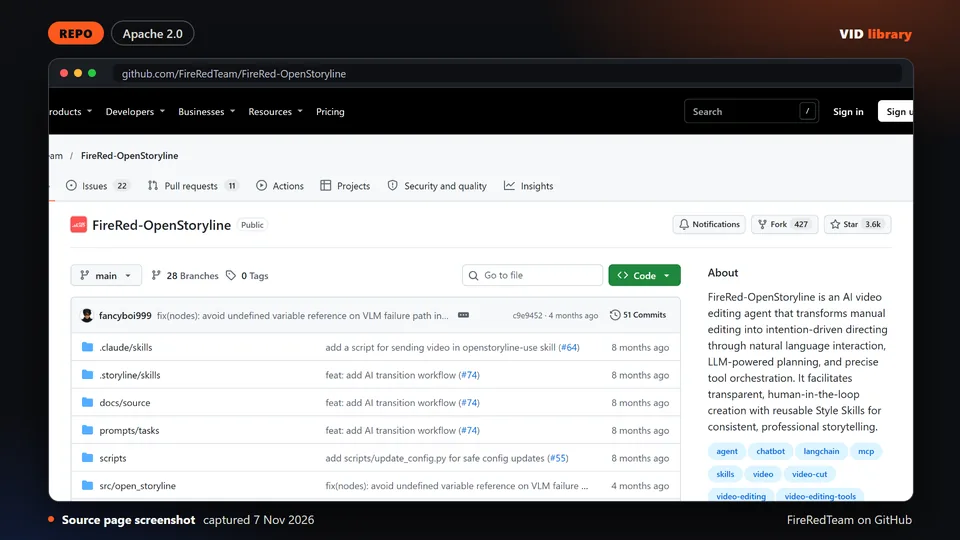
Open source AI editing agent with conversational edits, reusable style skills and an ASR rough cut that removes filler words. The catch is heavy setup, API keys in a config file, and music and font licences that limit commercial use.
Use it for: Chat-driven editing with style presets.
Licence, price and checks
Licence Apache-2.0
Reuse keep the licence notice
Library check likely works, Oct 10, 2026
Source reviewed on Oct 10, 2026. Not tested by us.
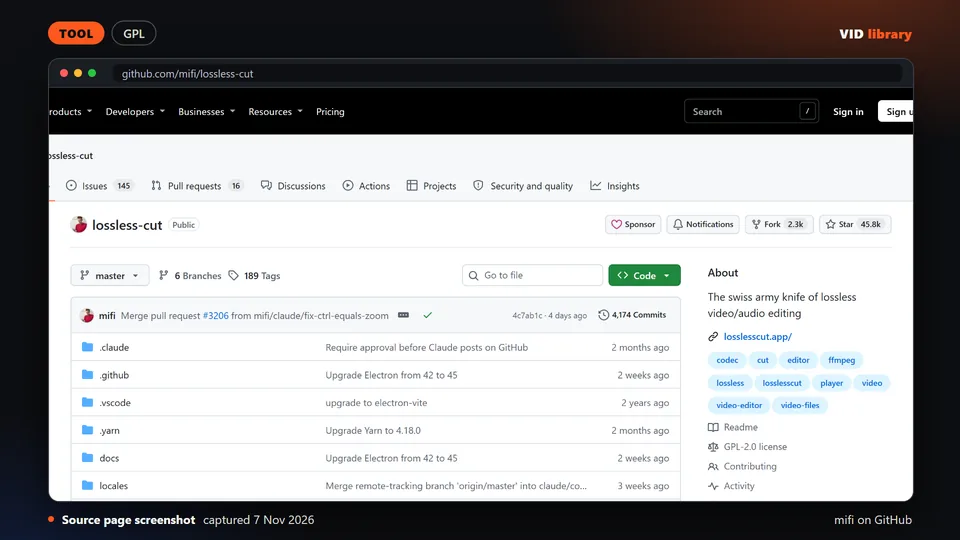
Desktop interface over FFmpeg that cuts, merges and remuxes video and audio without re-encoding. The catch is the GPL-2.0 licence, so link only, and lossless cuts land only on keyframes.
Use it for: Fast lossless trimming of source clips.
Licence, price and checks
Licence GPL-2.0
Reuse copyleft, never bundle
Library check works, Oct 10, 2026
Warning: licence: check before bundling or redistributing: Cuts only fall on keyframes in lossless mode; commit and release dates were not visible on the fetched page.
Source reviewed on Oct 10, 2026. Not tested by us.
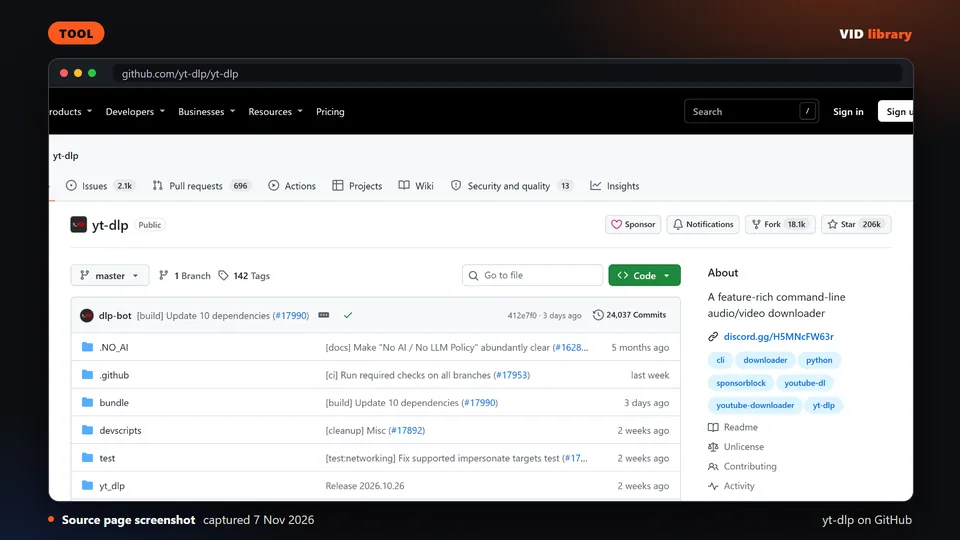
Command line downloader for audio and video from thousands of sites, under the Unlicense, which we use. The catch is downloading content you do not own can breach platform terms or copyright.
Use it for: Fetches source videos for clipping.
Licence, price and checks
Licence Unlicense
Reuse keep the licence notice
Library check works, Oct 10, 2026
Source reviewed on Oct 10, 2026. Not tested by us.
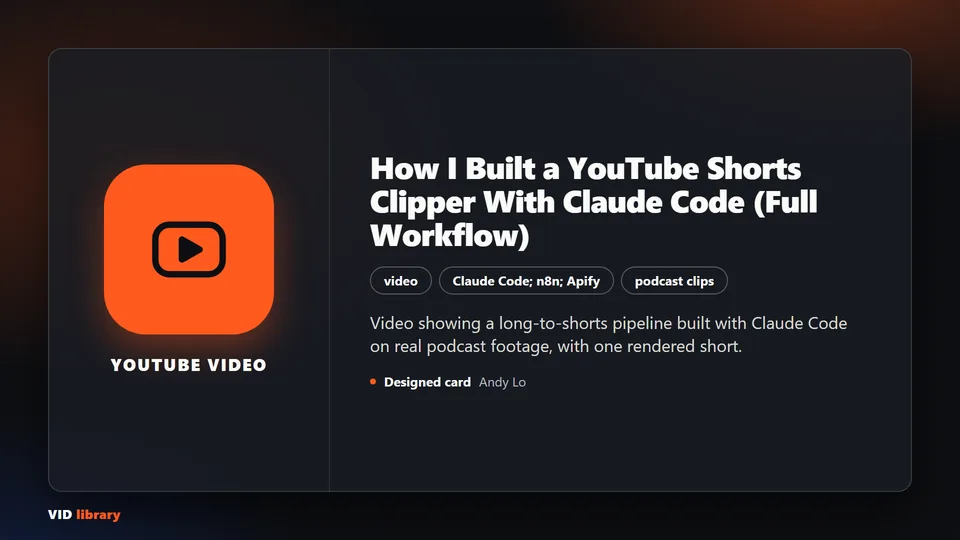
Video showing a long-to-shorts pipeline built with Claude Code on real podcast footage, with one rendered short. The catch is key files sit in a community, only one clip finished, and affiliate links are in the description.
Use it for: Walkthrough of a coded clipper pipeline.
Licence, price and checks
Licence proprietary
Reuse editorial source
Library check likely works, Oct 17, 2026
Source reviewed on Oct 17, 2026. Not tested by us.
Long video building a working clipper, but the real editing is outsourced to Vizard and it is pitched at agency resale. The catch is it dates from July 2025 and the description has a discount code and affiliate links.
Use it for: Walkthrough of an automated clip workflow.
Licence, price and checks
Licence proprietary
Reuse editorial source
Library check likely works, Oct 10, 2026
Source reviewed on Oct 10, 2026. Not tested by us.
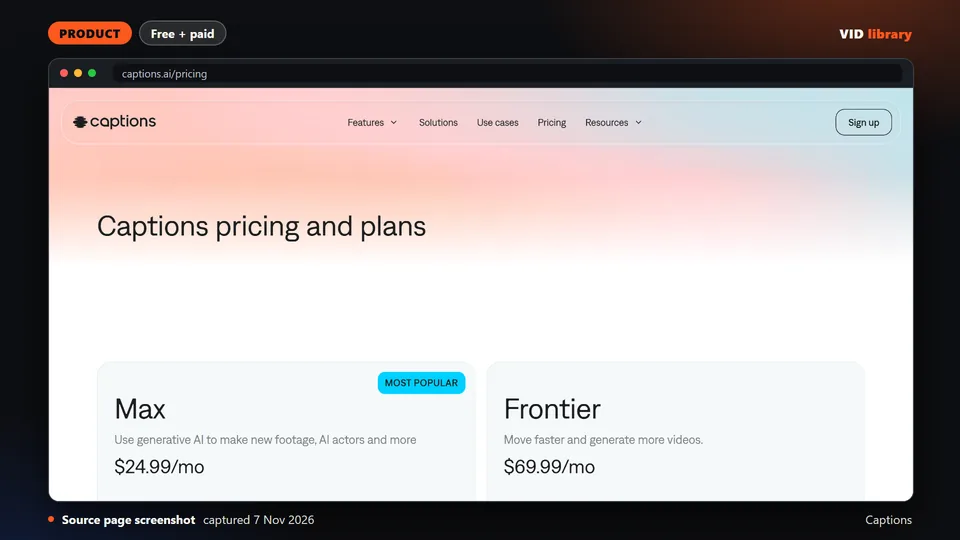
Caption-first editor that trims, adds caption styles, cuts long videos into clips and applies AI edit styles on a credit system. The catch is pricing is stated for iOS only, and much of it is generative AI.
Use it for: Caption styles and clips in an app.
Licence, price and checks
Licence proprietary
Reuse editorial source
Price Free $0 (no AI credits, 1 caption template); Max USD $24.99/mo (500 credits); Frontier $69.99/mo (1,400); Frontier 2x $1
Library check works, Oct 10, 2026
Source reviewed on Oct 10, 2026. Not tested by us.
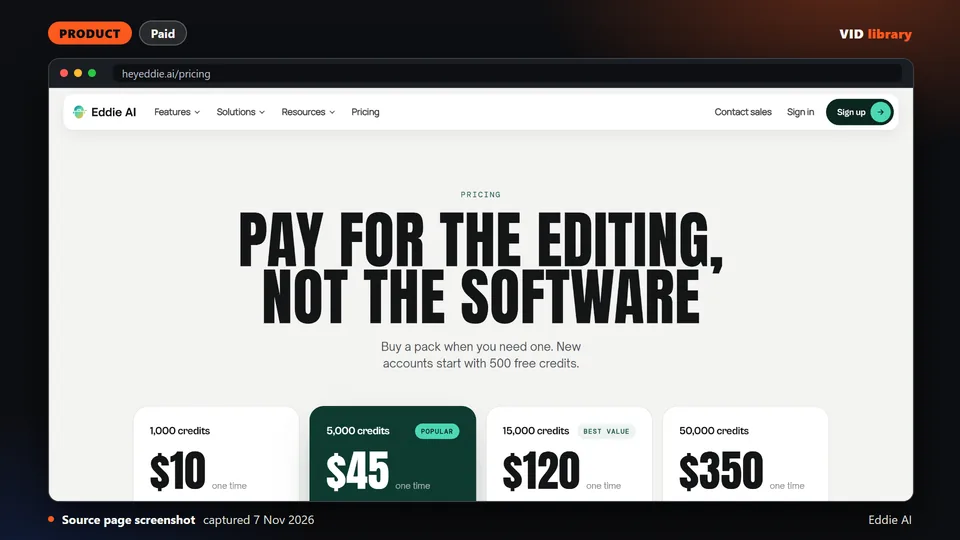
Service where you describe the cut in plain language and it assembles a rough cut from interview footage with music, titles and captions. The catch is no independent test was seen, and eddie.ai is an unrelated site.
Use it for: Prompt-driven rough cuts from interviews.
Licence, price and checks
Licence proprietary
Reuse editorial source
Price Pay-as-you-go credit packs: 1,000 credits $10; 5,000 $45; 15,000 $120; 50,000 $350; 500 free credits on signup; packs ne
Library check likely works, Oct 10, 2026
Source reviewed on Oct 10, 2026. Not tested by us.
For teams that make this every week
If your team turns a weekly show into clips, tell us about the job, the stack and the step that takes the most time.
If your team makes this kind of video every week, tell us the job, the tools you use, how many you make a week and where it gets stuck: contact us. We read every message; there is no form to fill in and no account.