Kinetic typography slam
Heavy headlines that slam in on the beat, for hooks, ads and Shorts.
This section is about editing footage you already have into vertical video, not about generating video from nothing.
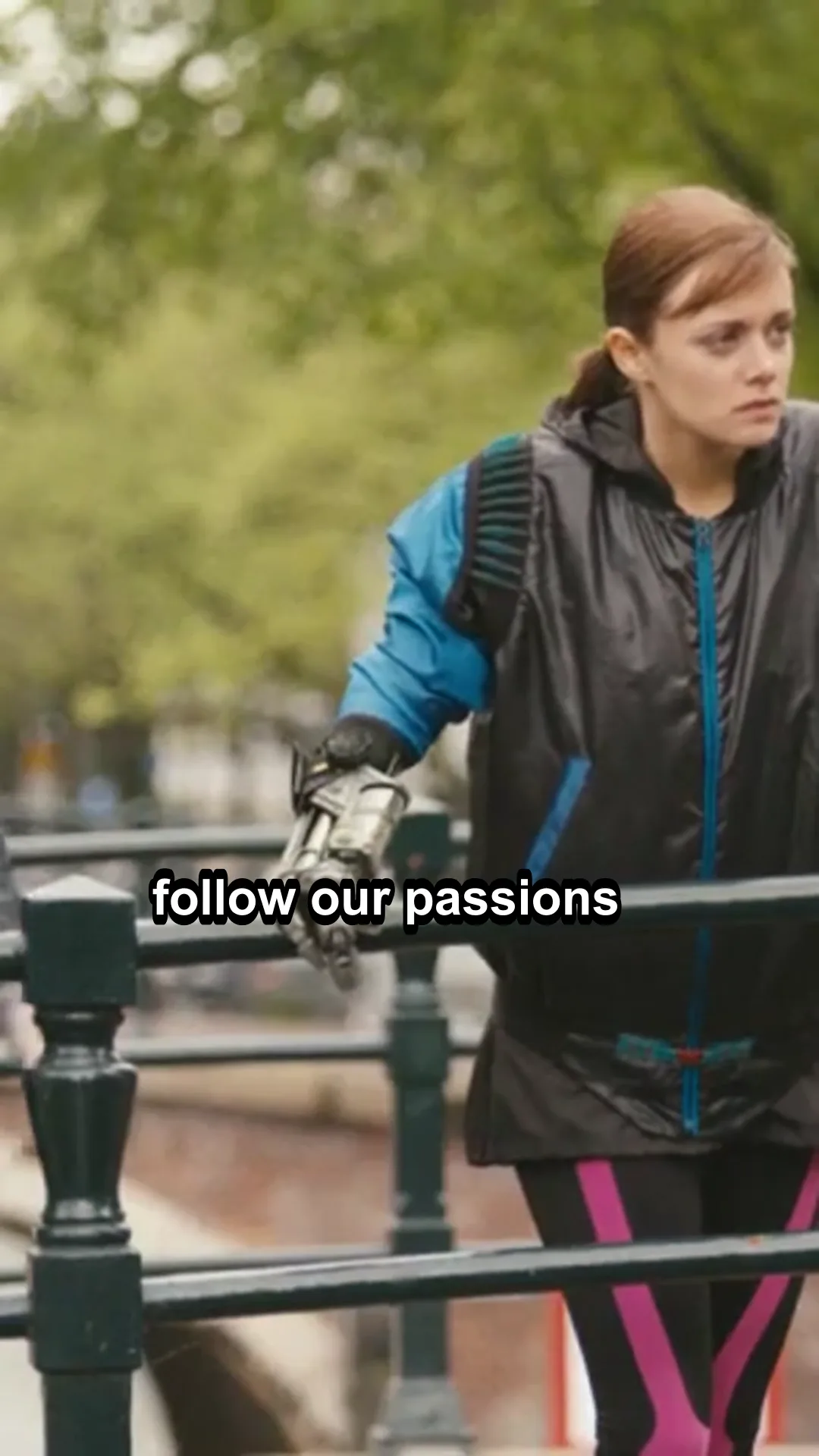
The job: edit footage you already have into vertical video for YouTube Shorts, Instagram Reels and TikTok. This is editing and reframing, not generating video from a prompt.
The deliverable: a 9:16 MP4, 1080x1920, with a hook in the first seconds, captions and any text kept inside the safe zone, steady audio, and a file small enough to upload from a phone.
We ran steps 2 to 5 as one script on three 60-second clips of Tears of Steel: auto-editor to tighten, FFmpeg's scene score to find the shots, a 9:16 crop window chosen for each shot, faster-whisper captions burned in after the crop and loudnorm to -14 LUFS. One cold run and three timed runs per clip, on a laptop CPU. The script, the numbers and the frames we looked at are on our wide-to-vertical test.
Not run by us: OpusClip, Submagic, the face-tracking clippers in the reviewed picks, PySceneDetect, ffmpeg-normalize, and the vertical tools inside editing apps.
Hosted clippers and caption editors, such as OpusClip and Submagic, do reframing, captions and zooms in a web editor. OpusClip prices and limits are on OpusClip pricing and usage limits. They fit when you produce many clips and want a quick first pass. The open route fits when you want exact control over crops and captions or cannot upload footage to a third party.
Your editing app's own vertical sequence and auto-reframe tools are the third route. We have not tested them.
Safe zones differ by platform and device. Google's published vertical ad zone on a 1080x1920 canvas leaves 288 px at the top, 672 px at the bottom, 48 px on the left and 192 px on the right, and Google notes that device screens vary and nothing is guaranteed. YouTube publishes no separate figure for organic Shorts. For Meta Reels, third-party guides report about 14 percent at the top, 35 percent at the bottom and 6 percent on each side, but we could not read Meta's own page. TikTok offers downloadable files and no fixed pixel zone.
Cropping a 16:9 video with burned-in captions cuts the captions off. Add captions after the reframe.
Face tracking can swing to the wrong person or jitter. Re-encoding the same file several times adds visible damage, so cut from the original, not from an earlier export.
Quick transitions and flashes can be hard on viewers who are sensitive to flashing. Keep flashes few and slow.
Download a transparent safe zone overlay for YouTube Shorts, Instagram Reels and TikTok, with each zone's source and the date we checked it.
Heavy headlines that slam in on the beat, for hooks, ads and Shorts.
A fast sideways camera whip with motion blur that hides the cut between two shots.
We ran the Shorts and Reels job on three 60-second clips: tighten, find shots, crop to 9:16, caption in the safe zone, level sound. Timings and failures.
Pages on this site for vertical video: a safe-zone tool, a command builder and effects that suit short clips.
Reframing and short-video tools from other creators. Every card is a draft until the owner reviews it.
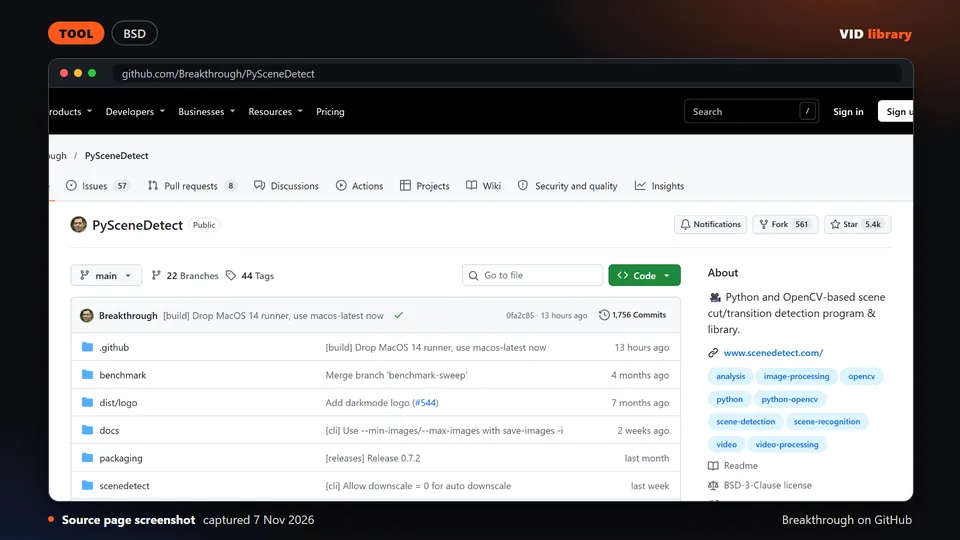
By Breakthrough on GitHub
Python tool that finds scene changes in video. The catch is that detection thresholds need tuning for each type of footage.
Use it for: Finds cut points in long footage before making shorts.
Source reviewed on Oct 10, 2026. Not tested by us.
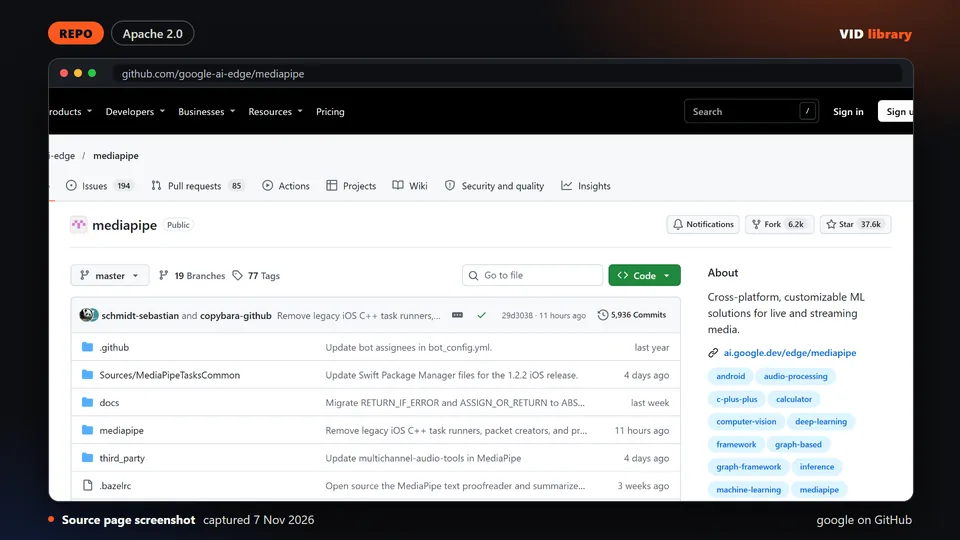
By google on GitHub
Google's library for tracking faces and bodies. The catch is that it is a building block, not a ready editing tool, and its auto reframe example was not checked.
Use it for: Supplies face tracking for reframing wide video to vertical.
Source reviewed on Oct 10, 2026. Not tested by us.
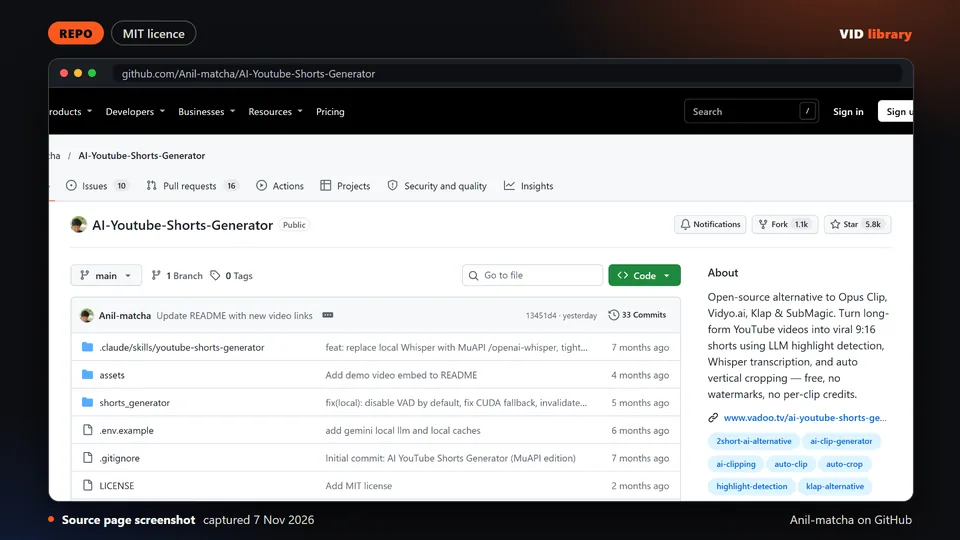
By Anil-matcha on GitHub
Open source generator that makes YouTube Shorts from longer videos. The catch is that the README pushes the author's paid API and clip quality depends on the language model.
Use it for: Makes shorts from a longer video automatically.
Source reviewed on Oct 10, 2026. Not tested by us.
If your team turns long footage into Shorts and Reels every week, tell us about the job, the stack and the step that slows you down.
If your team makes this kind of video every week, tell us the job, the tools you use, how many you make a week and where it gets stuck: contact us. We read every message; there is no form to fill in and no account.
Page checked on Nov 4, 2026.