The job: put the spoken words on screen, timed to the speech. There are two common deliverables. A caption file (SRT or VTT) that a platform or player shows and lets viewers switch off. Or burned-in captions, drawn into the picture, often animated word by word.
Pick before you start. Burned-in captions look the same everywhere but cannot be turned off or fixed later without re-exporting. Caption files are easy to correct but each platform styles them its own way. Many teams export both.
What you need
Audio with clear speech. Captions inherit every problem in the audio.
A transcription engine that gives word timing if you want word-by-word animation.
A subtitle editor or text editor to correct the text.
The exact spelling of names, brands and technical words.
A style: font, size, colors, position, and the safe zone for the platform.
Recommended workflow
Operator: decide caption file, burned-in, or both, and write the style rules (lines per caption, characters per line, position).
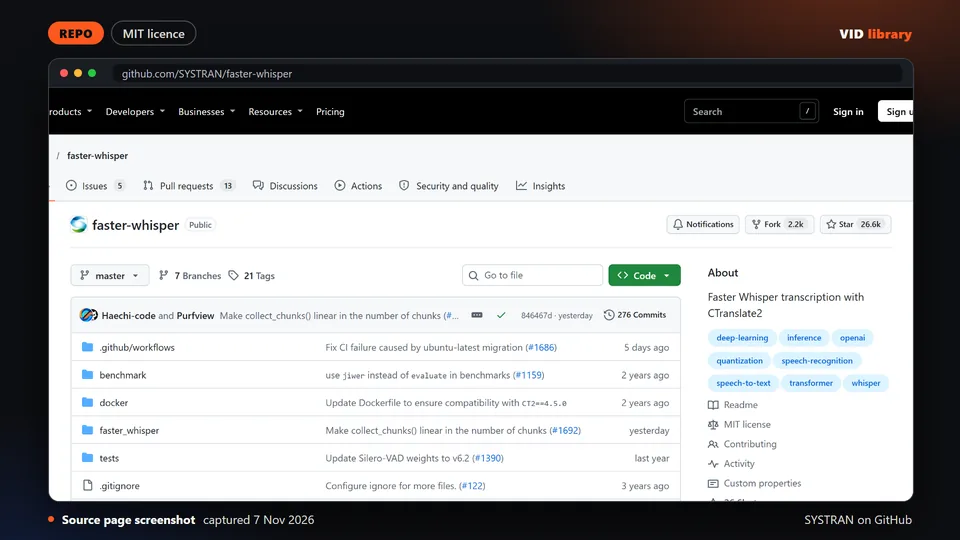
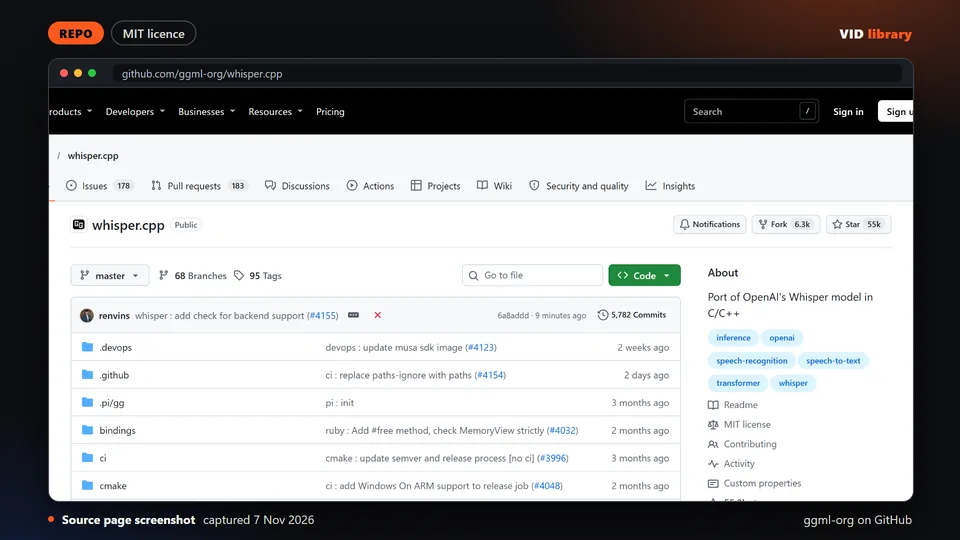
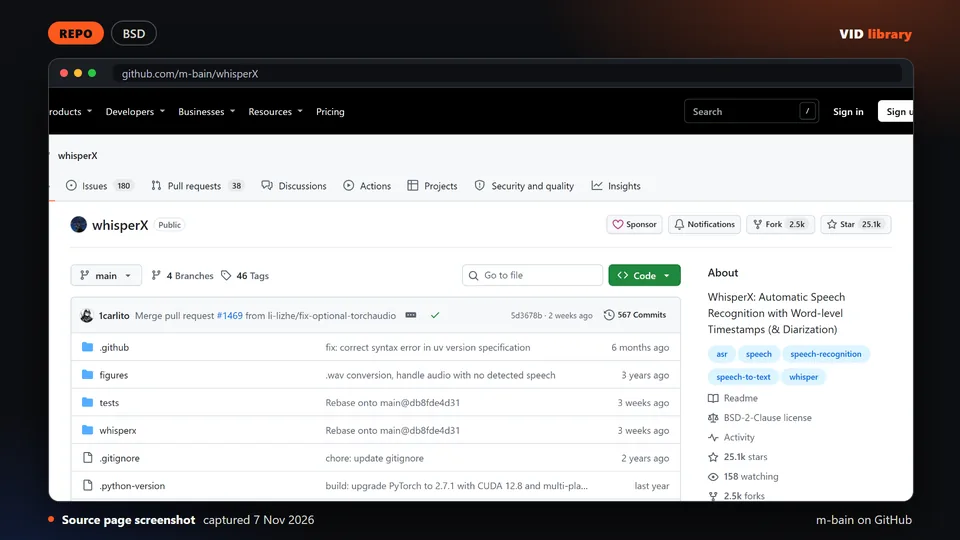
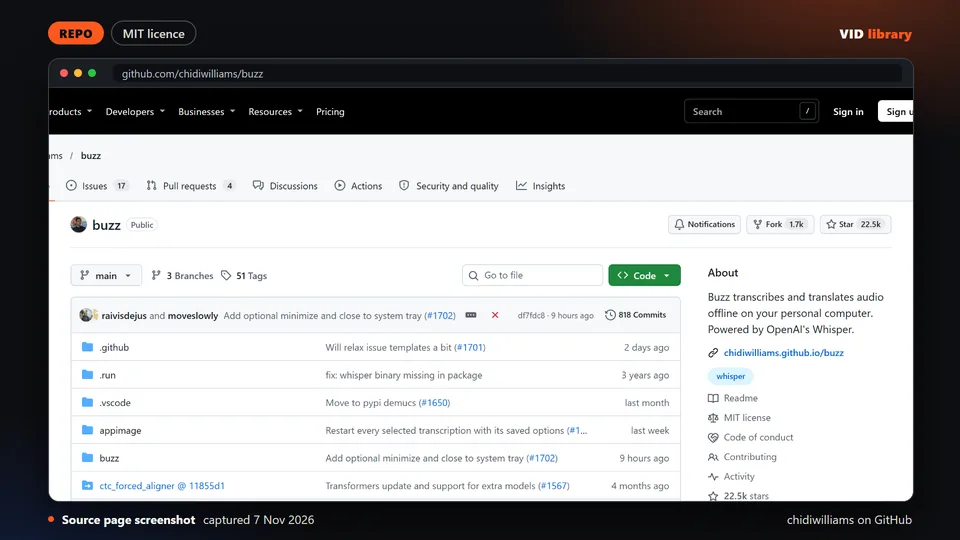
Tool: transcribe. faster-whisper is a fast reimplementation of Whisper; whisper.cpp runs on CPU but its models are large downloads; WhisperX adds word-level timestamps, which animated captions need. The library notes faster-whisper's GPU libraries can be fiddly on Windows.
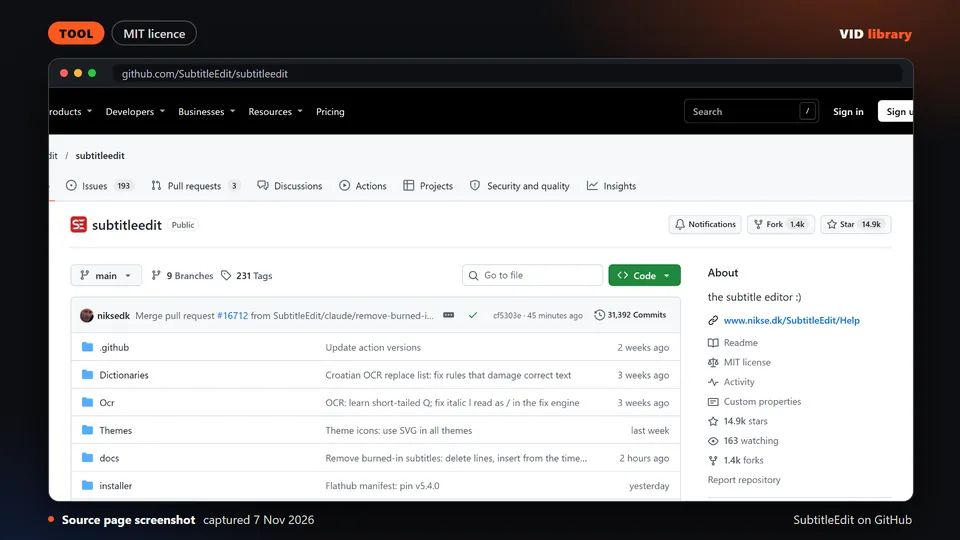
Operator: correct the text. Subtitle Edit is an offline open-source editor for creating, syncing and checking subtitles. Its optional online services send data off your device, so leave them off for private footage.
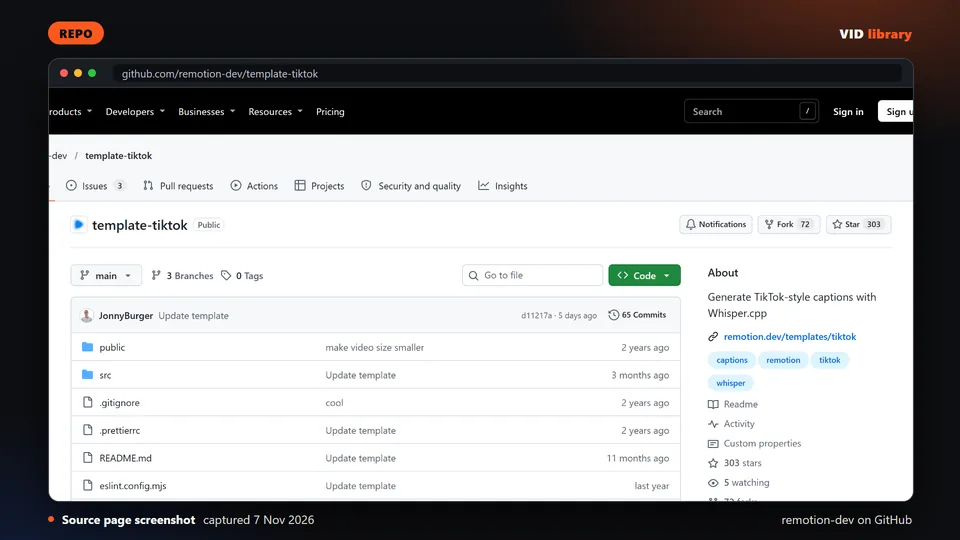
Tool: style and render. For animated captions, HyperFrames has caption blocks and an embedded-captions skill, and Remotion has an official TikTok captions template that uses whisper.cpp. We describe the HyperFrames route in Animated captions with HyperFrames, which is still in testing. Look at the finished styles in Animated caption styles.
Operator: play the video with sound and watch the captions, not the picture. Check timing at the start, the middle and the end of the file.
Tool: export the caption file and the burned-in version, then check sizes and the safe zone.
Word error against the film's official subtitles: 10.9% to 17% for small.en and 19% to 26.6% for base.en. Part of that is the subtitles' own wording, so use it to compare models, not as an exact score.
Burn-in with FFmpeg put every caption in the picture on all three clips, and a 60-second 720p encode took a median of 29.1 to 36.3 seconds.
The animated captions took a median of 3.7 minutes for one 60-second clip, most of it the HyperFrames render, with a peak of 1.7 GB of memory.
For burn-in and the animated captions we checked every caption in the picture by comparing frames with and without it. We did not test Hindi or other languages.
Not run by us: Submagic, AutoSubtitles.com's paid plan and any caption editor in the reviewed picks other than the four tools above.
Alternative route
Your editing app's own auto-captions are the simplest route when you only need a caption file and are happy to correct it by hand. We have not measured how they compare with code-based workflows; the benchmark page is a written protocol with no results: CapCut auto captions vs Premiere Pro vs a code workflow.
Hosted tools such as Submagic add animated captions to short clips in a web editor, and Descript captions from its transcript. Both are paid products; the library notes that Submagic's pricing cards and comparison table disagree on some limits. This route fits when you make many short clips and want a ready-made look.
Quality checklist
Every caption appears when its first word is spoken and leaves soon after its last word. Check three places in the video.
Spelling is correct for every name, brand and technical term. Read the captions aloud against the audio.
No more than two lines per caption, and line breaks fall at natural phrase boundaries.
Captions stay out of the platform's interface areas (safe zone) and contrast with the picture behind them.
Caption text is large enough to read on a phone at arm's length.
Burned-in version: exported at the final size and codec, with no captions cut off at the edges.
Caption file: opens in the platform's uploader without errors, and the language is set.
Known problems
Speech recognition makes errors on names, product terms and accents. We found no published accuracy numbers for Hindi or Indian-accented English, so assume those need a full read-through.
Transcription models can invent text over silence or music. Scan for caption lines that appear where nobody is talking.
Word timing drifts out of place if you edit the video after transcribing. Re-time after any cut.
Some dependencies in this area are archived or stale. The library research flags stable-ts (archived 2026-05-30), so check the repository status of any caption tool you adopt.
We ran faster-whisper, FFmpeg burn-in and a HyperFrames caption render on film clips, described under What we ran ourselves. The other caption tools in the reviewed picks were read, not run.
Open source transcription tool that gives word level timings for captions and edits. The catch is that it wants a GPU, and speaker labels need an access token.
Use it for: Gets word timings that captions are timed to.
Licence, price and checks
Licence BSD-2-Clause
Reuse keep the licence notice
Library check works, Oct 17, 2026
Source reviewed on Oct 17, 2026. Not tested by us.
Mature free subtitle editor for fixing timing and text by hand. The catch is that its online translation and speech to text options send data off your machine.
Use it for: Corrects caption text and timing after automatic transcription.
Licence, price and checks
Licence MIT
Reuse keep the licence notice
Library check works, Oct 17, 2026
Source reviewed on Oct 17, 2026. Not tested by us.
Official Remotion template for animated word by word captions. The catch is that it has no licence file, Remotion's company terms apply, and the first run downloads a large model.
Use it for: Builds animated short-form captions as code.
Licence, price and checks
Licence Remotion licence: free for individuals, up to 3 employees and non-profits; company licence above that
Reuse Remotion licence: free for individuals, for-profit organisations with up to 3 employees and non-profits; a company licence is needed for larger for-profits (LICENSE.md in remotion-dev/remotion, read 6 Nov 2026)
Library check works, Oct 17, 2026
Source reviewed on Oct 17, 2026. Not tested by us.
Paid captions and short-form editing service with credit based plans. The catch is that its pricing cards and comparison table disagree, and refund terms are missing.
Use it for: Adds styled captions to short vertical videos.
Licence, price and checks
Licence proprietary
Reuse editorial source
Price Starter USD $19/mo monthly or $12/mo yearly (45 credits, 15 videos, 2-minute videos); Pro $39/mo or $23/mo yearly (120 c
Library check works, Oct 10, 2026
Source reviewed on Oct 10, 2026. Not tested by us.
For teams that make this every week
If your team captions video every week, tell us about the job, the languages and where the time goes.
If your team makes this kind of video every week, tell us the job, the tools you use, how many you make a week and where it gets stuck: contact us. We read every message; there is no form to fill in and no account.