Paid products, courses and newsletters are worth a look when a team would rather buy a tool than build one. In an AI video editing workflow they cover building blocks for custom editors, silence and rough-cut tools, caption and short-form services, and plugins for professional editors. Every entry here links to its source. We read the pages and the prices shown, but we did not test the items, and licence traps are shown on the card. When we judge an entry we ask what it costs, what is limited on the free or cheaper tiers, and whether refund and licence terms are stated. Watch for prices that are ambiguous or missing, watermarks on free plans, and refund policies that are not visible. Re-check prices on the vendor page before you decide.
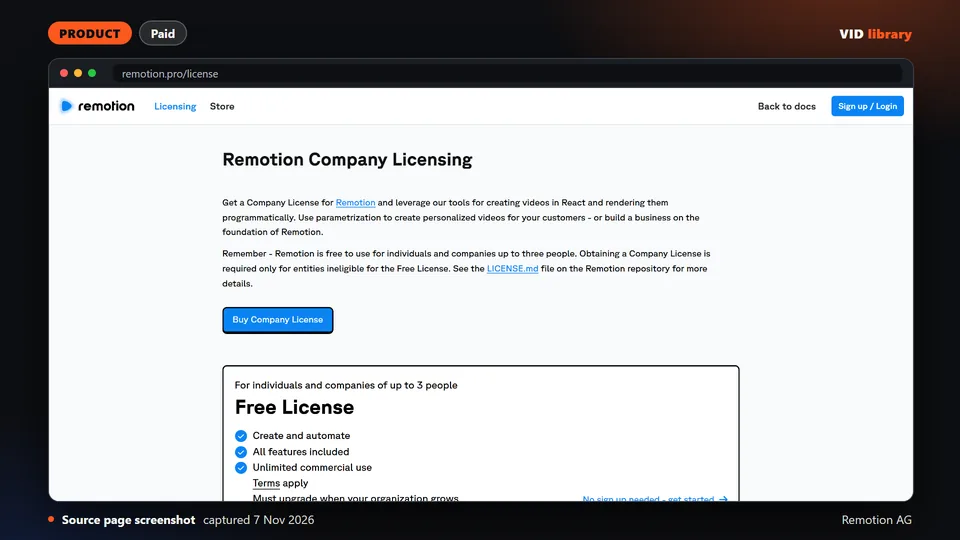
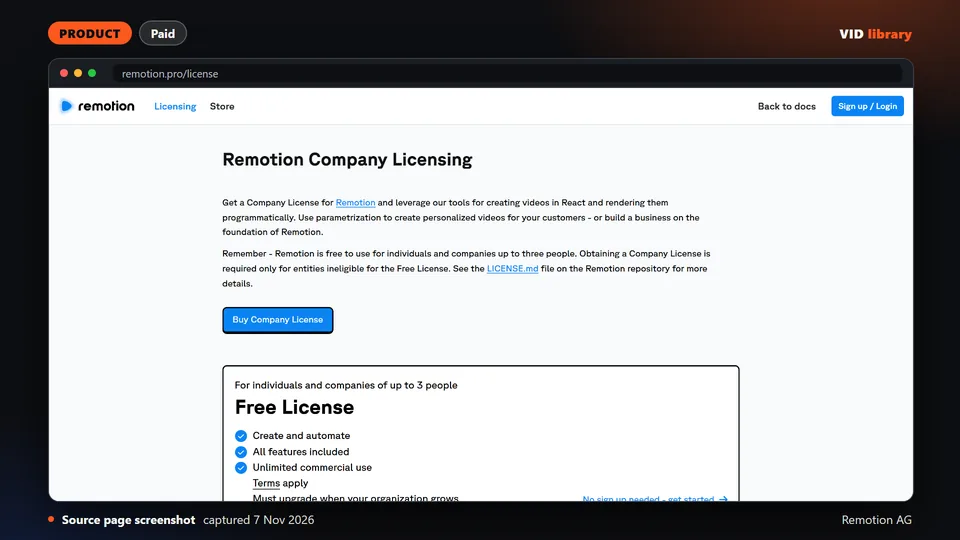
Remotion Company License (remotion.pro): The official Remotion company licence page shows what Remotion costs a team before building on it. Limit: The licence text will change in Remotion 5 and the docs page did not render for us.
OpusClip (long video to shorts SaaS): An established paid service that turns long podcast or interview videos into shorts, with a free tier. Limit: The free plan is watermarked and plan credit limits were not visible.
Official shop selling Remotion building blocks such as an editor starter and a timeline component, with prices on the page. The catch is that no refund policy is visible, with terms and the FAQ only linked.
Use it for: Price a Remotion-based editor product before building it.
Licence, price and checks
Licence proprietary
Reuse editorial source
Price Editor Starter $600; Cube Transition $10; Colors and Shapes $20; Timeline $300; NPM Kiosk $40 (currency shown as $)
Library check works, Oct 10, 2026
Source reviewed on Oct 10, 2026. Not tested by us.
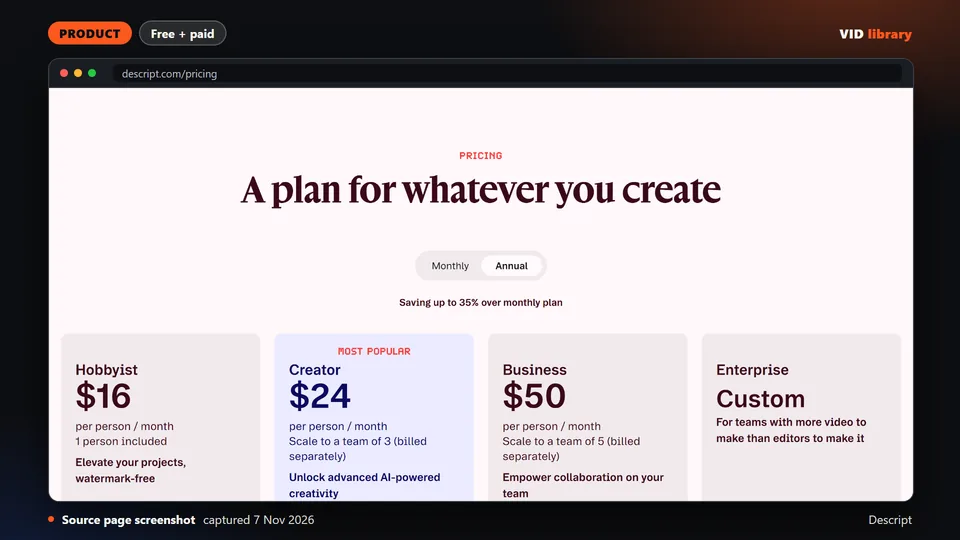
Official Remotion company licence page with prices. The catch is that the licence text will change in Remotion 5 and the docs page did not render for us.
Use it for: Checks what Remotion costs a team before building on it.
Licence, price and checks
Licence proprietary
Reuse editorial source
Price USD $25/month per seat (Remotion for Creators); USD $0.01 per render with USD $100/month minimum (Remotion for Automator
Library check works, Oct 17, 2026
Source reviewed on Oct 17, 2026. Not tested by us.
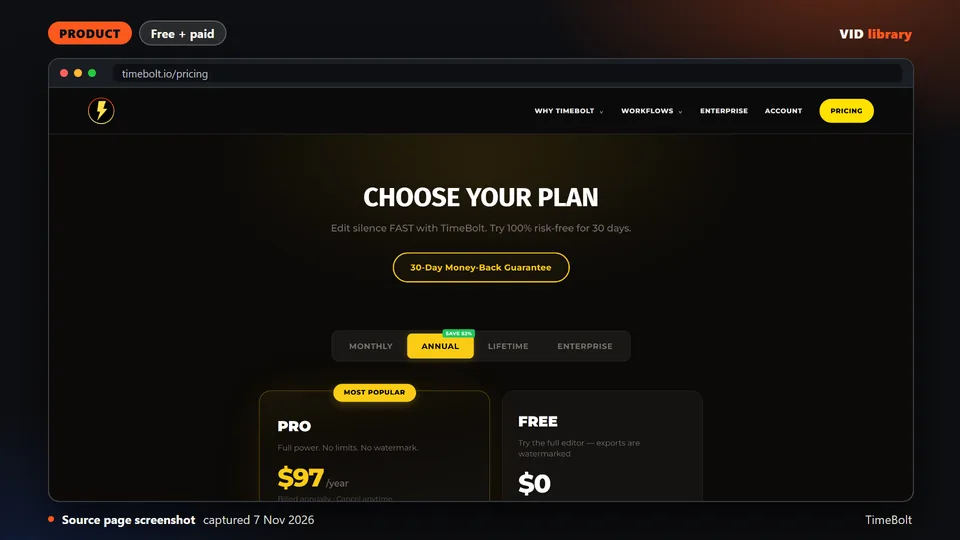
Paid desktop app that removes silence, filler words and bad takes locally. The catch is that vendor comparisons are unaudited and the cheap tiers have limits like watermarks.
Use it for: Compares a silence removal specialist against other editing tools.
Licence, price and checks
Licence proprietary
Reuse editorial source
Price Free $0 (watermarked, no XML export); Pro $17/mo; Pro Annual $97/year; Pro Lifetime $347 once; Teams $97/seat/year; UMCH
Library check works, Oct 17, 2026
Source reviewed on Oct 17, 2026. Not tested by us.
Paid app that removes silence automatically and exports to editing software. The catch is that refund terms are unstated and the annual price is not shown.
Use it for: Compares a silence removal specialist against other editing tools.
Licence, price and checks
Licence proprietary
Reuse editorial source
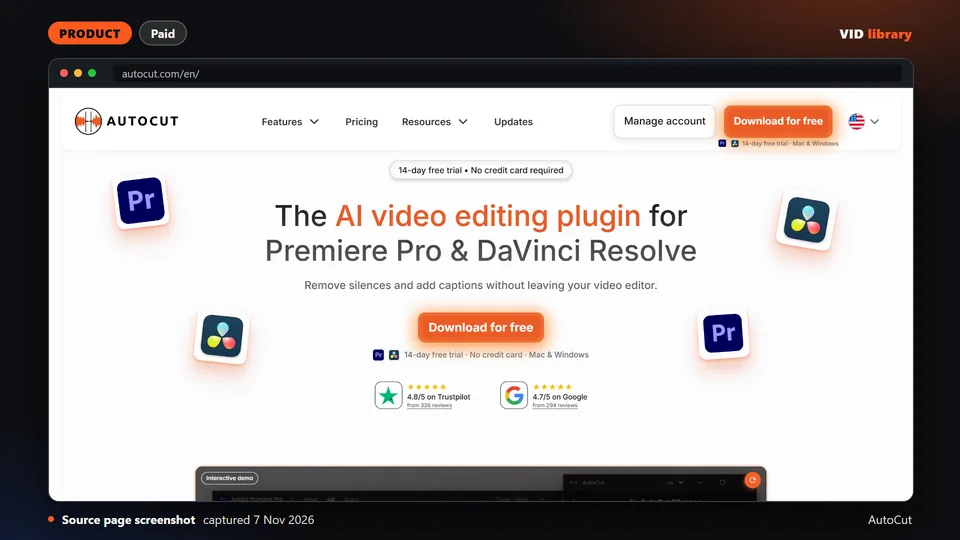
Price USD $129 one-time (1 user) or USD $15/month; free trial with 3 exports, no watermark, no card (2026-10-10)
Library check works, Oct 10, 2026
Source reviewed on Oct 10, 2026. Not tested by us.
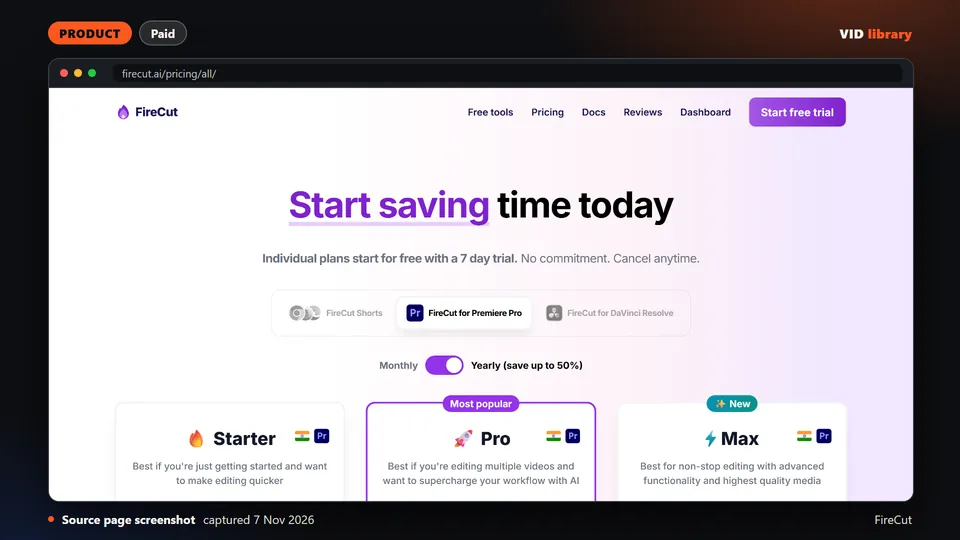
Paid plugin that adds AI editing to Premiere Pro and DaVinci Resolve. The catch is that testimonials are unattributed and launch discounts show no end date.
Use it for: Speeds up cuts and captions inside Premiere or Resolve.
Licence, price and checks
Licence proprietary
Reuse editorial source
Price Premiere Pro: Starter $10/mo monthly or $5/mo yearly; Pro $18/mo or $10/mo yearly (25 hours transcription); Max $23/mo o
Library check works, Oct 10, 2026
Source reviewed on Oct 10, 2026. Not tested by us.
Paid plugin that automates cuts and silence removal in Premiere Pro and Resolve. The catch is that refund terms are not stated and it is a paid subscription after the trial.
Use it for: Cuts silence and rough edits inside a professional editor.
Licence, price and checks
Licence proprietary
Reuse editorial source
Price Yearly billing: AI Plan USD $14.9/month ($178.8 billed yearly); Basic Plan USD $6.6/month ($79 billed yearly, silences o
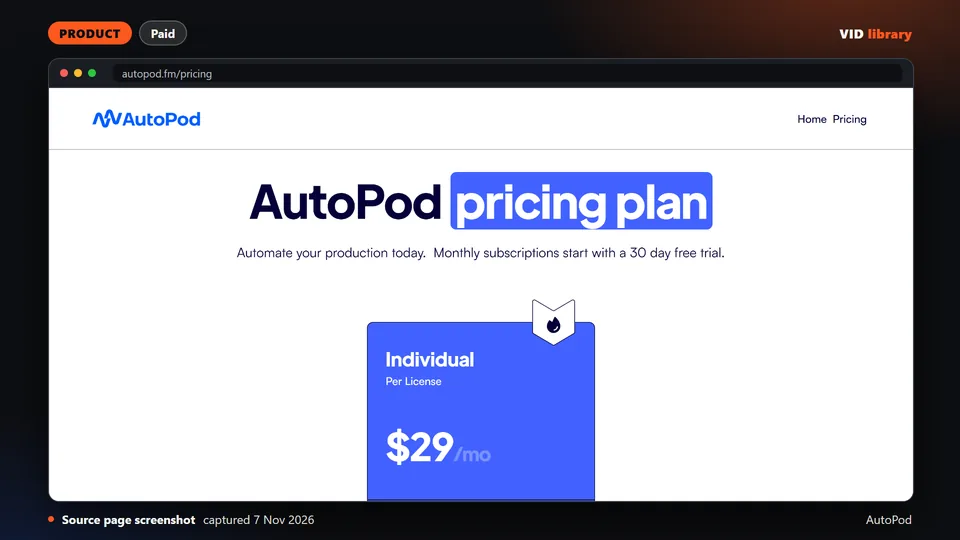
Paid Premiere Pro plug-ins for multicam, social clips and jump cuts. The catch is that the site shows no demo video, no refund terms and no version number.
Use it for: Automates multicam podcast edits in Premiere Pro.
Licence, price and checks
Licence proprietary
Reuse editorial source
Price USD $29/month per licence, 30-day free trial on monthly, annual gives 1 month free (annual total not shown) (2026-10-10)
Library check works, Oct 10, 2026
Source reviewed on Oct 10, 2026. Not tested by us.
Paid rough cut tool aimed at YouTube creators, with a limited free tier. The catch is that the free plan is watermarked and the refund policy is not stated.
Use it for: Makes a first rough cut of a talking-head recording.
Licence, price and checks
Licence proprietary
Reuse editorial source
Price Free $0 (1 hour/month, watermark); Plus $20/mon or $10/mon annual (10 hours); Pro $40/mon or $20/mon annual (30 hours);
Library check works, Oct 10, 2026
Source reviewed on Oct 10, 2026. Not tested by us.
Paid captions and short-form editing service with credit based plans. The catch is that its pricing cards and comparison table disagree, and refund terms are missing.
Use it for: Compares a captions tool against OpusClip.
Licence, price and checks
Licence proprietary
Reuse editorial source
Price Starter USD $19/mo monthly or $12/mo yearly (45 credits, 15 videos, 2-minute videos); Pro $39/mo or $23/mo yearly (120 c
Library check works, Oct 10, 2026
Source reviewed on Oct 10, 2026. Not tested by us.
Established paid service that turns long videos into shorts, with a free tier. The catch is that the free plan is watermarked and plan credit limits were not visible.
Use it for: Makes shorts from long podcast or interview videos.
Licence, price and checks
Licence proprietary
Reuse editorial source
Price Free $0 (watermark on caption templates, 3-day MP4 export window, 1080p); Starter $15/mo; Pro $29/mo; Business custom; c
Library check works, Oct 10, 2026
Source reviewed on Oct 10, 2026. Not tested by us.
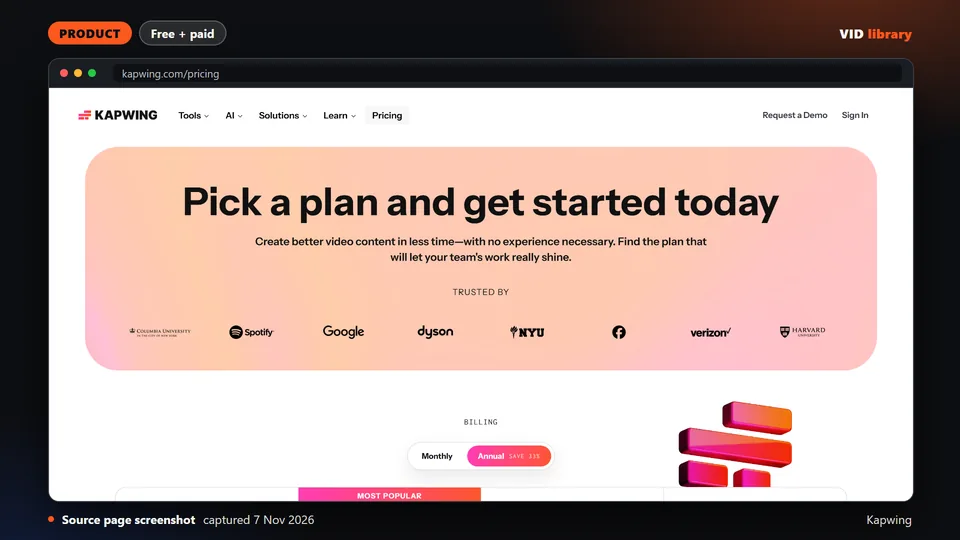
Browser editor with auto subtitles and resizing, sold with a watermarked free tier limited to 4-minute exports at 720p. The catch is Kapwing states no refunds once you upgrade.
Use it for: Auto subtitles and resizing in a browser.
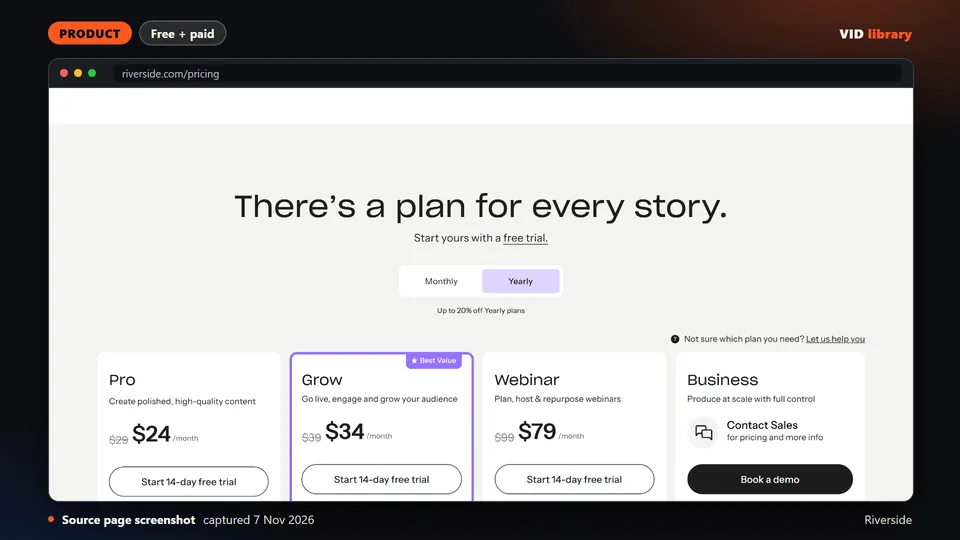
Pricing page of a remote recording platform showing Magic Clips on the free tier, with text-based editing starting on Pro. The catch is the page carried a staging notice, so re-verify figures before quoting.
Use it for: Magic Clips from recorded interviews.
Licence, price and checks
Licence proprietary
Reuse editorial source
Price Free $0 (2 hours multitrack, 720p, watermark); Pro $29/month or $24/month billed $288/year; Grow $39/month or $34/month
Library check works, Oct 10, 2026
Source reviewed on Oct 10, 2026. Not tested by us.
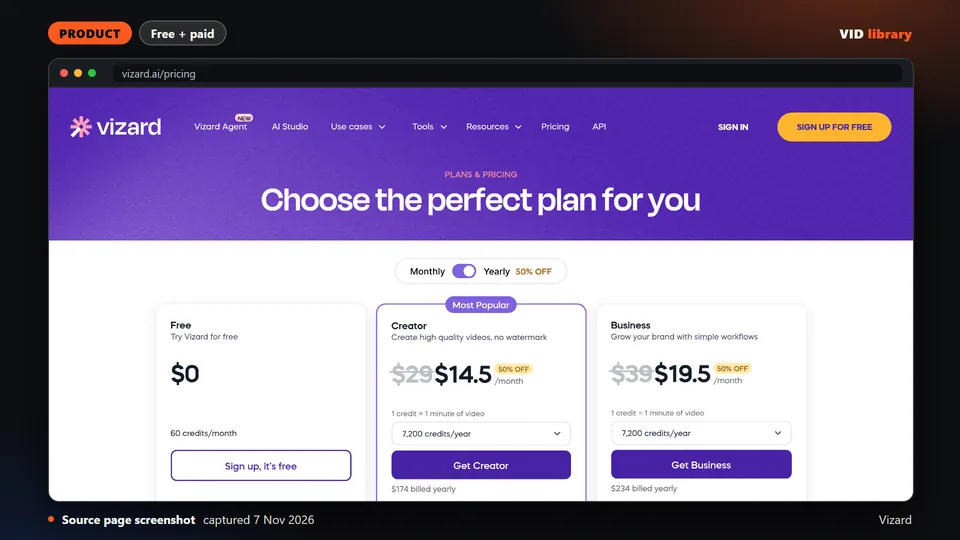
Web clipping tool that cuts long videos into shorts with captions, with credit-based plans and an API. The catch is paid prices showed as $0 in the fetched text, and the free plan has a watermark and 3-day storage.
Use it for: Clips long videos into captioned shorts.
Licence, price and checks
Licence proprietary
Reuse editorial source
Price Free $0 (60 credits/month, 720p, 10-minute exports, watermark); Creator and Business billed yearly with exact prices not
Library check works, Oct 10, 2026
Source reviewed on Oct 10, 2026. Not tested by us.
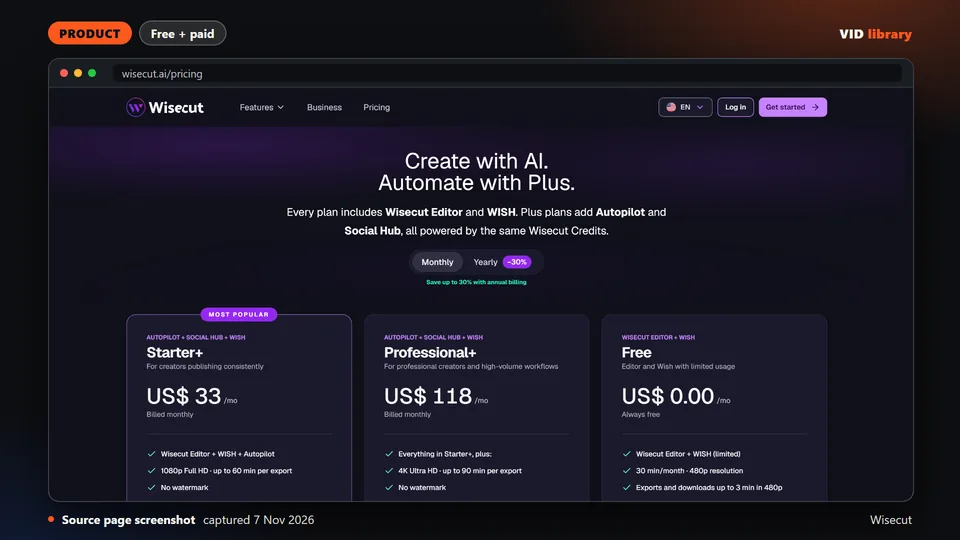
Browser editor that auto-cuts silences, captions and reframes uploaded talking-head videos. The free tier has no watermark but a 480p cap and 3-minute exports. The catch is the domain now redirects to wisecut.ai.
Use it for: Auto-cuts and reframes talking-head clips.
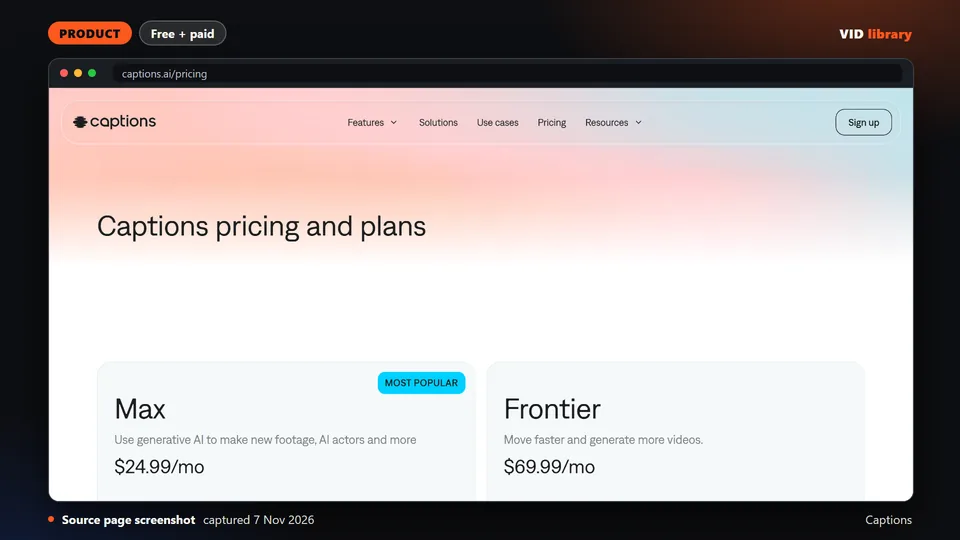
Caption-first editor that trims, adds caption styles, cuts long videos into clips and applies AI edit styles on a credit system. The catch is pricing is stated for iOS only, and much of it is generative AI.
Use it for: Caption styles and clips in an app.
Licence, price and checks
Licence proprietary
Reuse editorial source
Price Free $0 (no AI credits, 1 caption template); Max USD $24.99/mo (500 credits); Frontier $69.99/mo (1,400); Frontier 2x $1
Library check works, Oct 10, 2026
Source reviewed on Oct 10, 2026. Not tested by us.
How we review resources
Every entry is a third-party item that we read, not one we ran. Before a card is published, we check that the source page is live, that our description matches it, and that the licence on the card matches the licence at the source. The card says when we checked and that we did not test the item.
Held back, not shown: items whose licence is unclear for anything you would reuse, items with a non-commercial licence, and items that need your login cookies, run unreviewed install scripts or send data off your device without saying so.
Links only: articles, changelogs, videos and docs that you read but do not copy need no reuse licence, and the card says so.
Licence traps are shown on the card, not hidden: copyleft code (GPL, AGPL) you should link to but never bundle, non-commercial terms and mixed per-file licences.
No star counts, follower counts or growth figures. A count of what a page lists carries the date we counted.
A card with a source link that stops working is retired. Gated items (an account, email sign-up or paid plan behind a free label) say so in the catch.