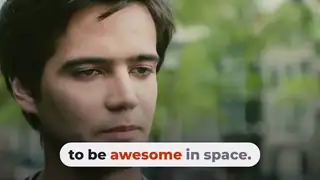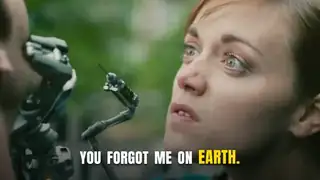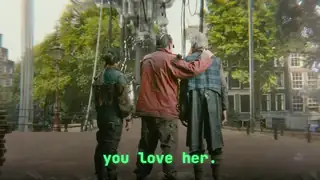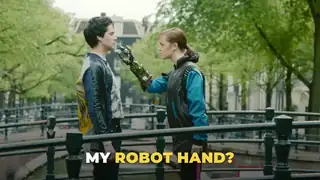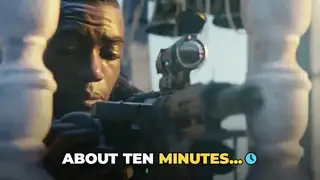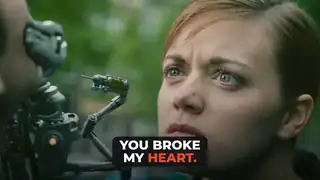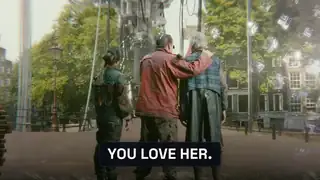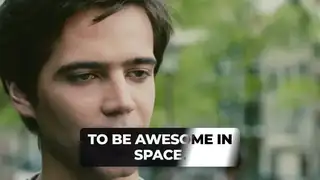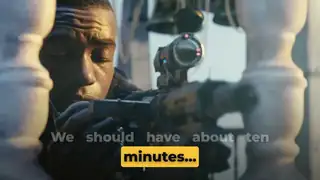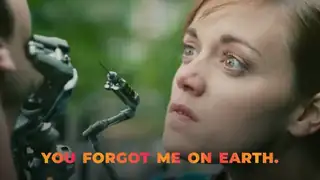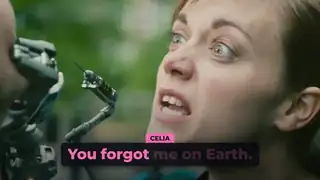
Word-highlight captions
TikTok-style captions where the spoken word lights up, for talking heads, podcast clips and ads.
TikTok-style captions where the spoken word lights up, for talking heads, podcast clips and ads.
Captions in a pill where each word changes colour as it is spoken, for Shorts and Reels.
Captions where each spoken word lights up with a soft neon glow, for night-themed Shorts, music and gaming clips.
Key words slam onto the screen with weight and settle, the punchy caption style of fast Shorts and ad hooks.
Each phrase decodes from scrambled characters into the real words, for tech, AI and gaming videos.
The view drifts to follow the active word through a multi-line caption block, so the eye stays on the word being spoken.
Emphasis words arrive with a small particle burst, used on one or two words per line so the caption stays readable.
Chosen words pop in with a small icon beside them, drawn as vector shapes so the render never depends on an emoji font.
Each word is revealed by a left-to-right wipe on a backed card, two lines at a time.
Words sit in a pill-shaped card while an accent capsule highlights each word in turn, three short phrases in sequence.
Short phrases land with a brief RGB split in controlled windows, then settle into clean text on a backed card.
Caption text that flips between white and black by itself as a bright band sweeps behind it, using the difference blend mode.
A highlight sweeps across the key words of a sentence in turn while the rest dims.
Large uppercase phrases bounce in and each word fills with a two-colour gradient as it is spoken.
Light words set a line, then one heavy emphasis word lands far larger on its own line.
A creator captions a dialogue with each speaker's words in their own colour and a name tag when the speaker changes.
AI caption workflows for real footage: auto captions in common editors, animated captions in code, word timing and the fixes each one needs.
Two caption looks for Shorts, Reels and talking heads, both driven by word timing.
Animated captions put the spoken words on screen in a style that fits the format: word-by-word highlights for shorts, karaoke color changes, bold single-word slams, or quiet lower-third subtitles for talking heads. A good result has accurate word timing, readable type with enough contrast, safe placement away from app interface zones, and a style that matches the brand rather than copying a trend. The options here split into speech-to-text engines that produce word timestamps, code templates you render yourself, web editors with caption presets, and subtitle editors for fine control. Watch for licence limits on fonts and templates, watermarks and resolution caps on free plans, caption styles that imitate named creators, and Remotion's company licence. Always read the full captioned video once at delivery size, because transcription errors on names and numbers are the most common failure.
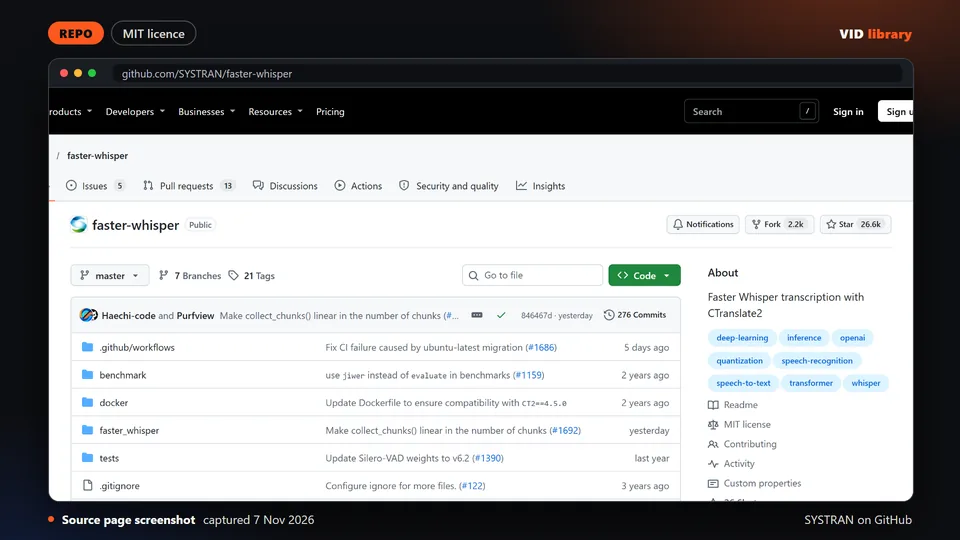
By SYSTRAN on GitHub
Fast Whisper reimplementation that produces the transcripts captions are built from. It has an MIT file, and we tested it ourselves on three clips (see our faster-whisper test). The catch is GPU libraries on Windows can be fiddly.
Use it for: Transcribes speech with word timing for captions.
Source reviewed on Oct 17, 2026. Not tested by us.
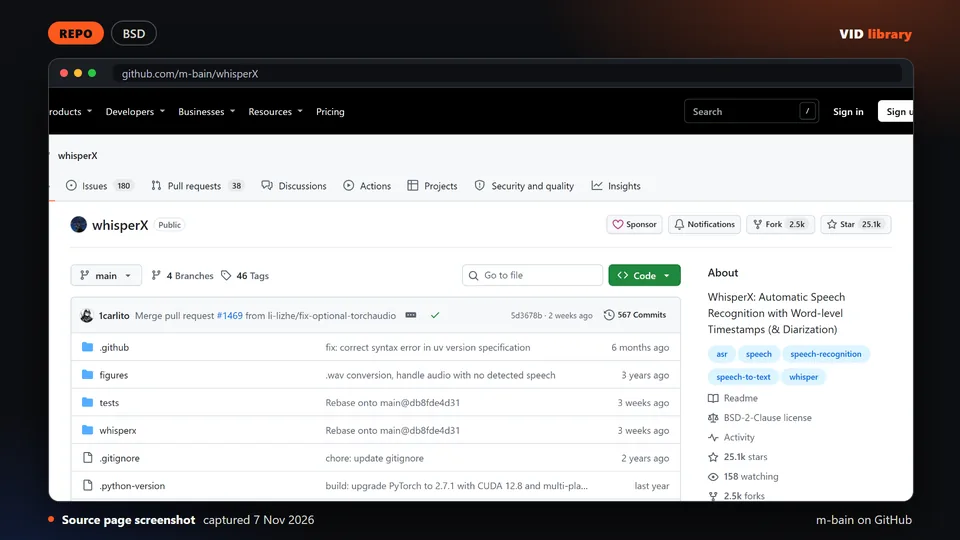
By m-bain on GitHub
Whisper pipeline that adds word-level timestamps and speaker diarization, with a BSD-2 file. The catch is a GPU is recommended and diarization needs an access token.
Use it for: Word-level timestamps for caption timing.
Source reviewed on Oct 17, 2026. Not tested by us.
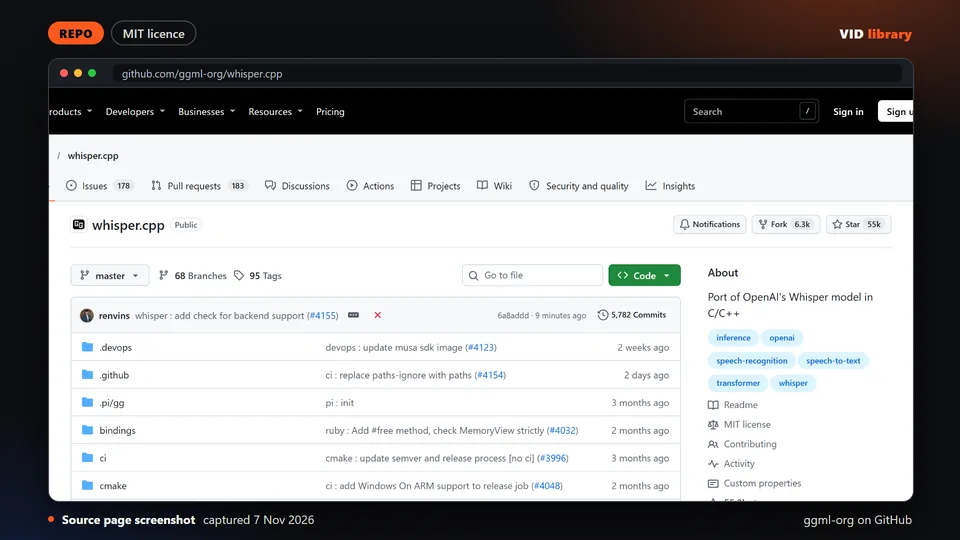
By ggml-org on GitHub
C and C++ port of Whisper that runs on a CPU, with demo media in the README and an MIT file. The catch is the models are large downloads.
Use it for: CPU speech-to-text for caption transcripts.
Source reviewed on Oct 17, 2026. Not tested by us.
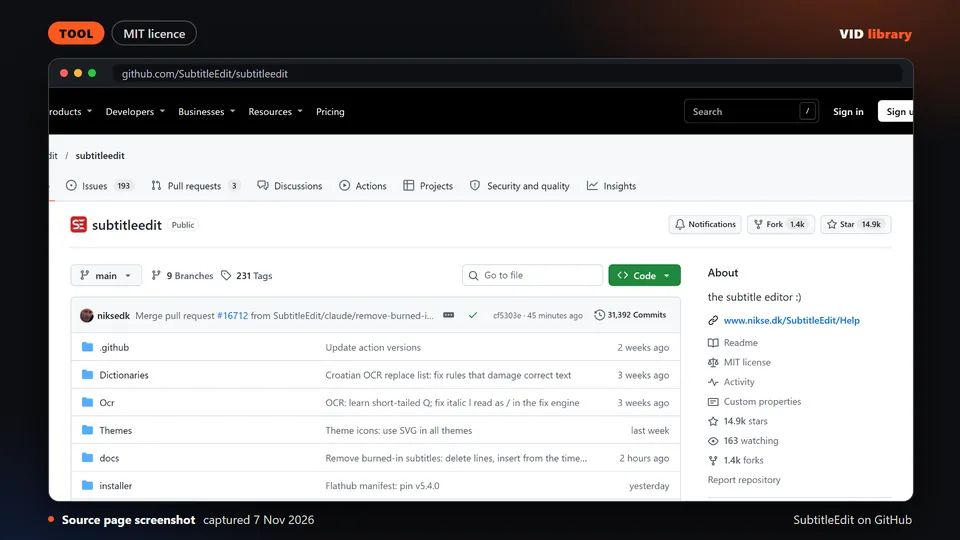
By SubtitleEdit on GitHub
Offline open source subtitle editor for creating, syncing, converting and checking subtitles, with an MIT file and frequent releases. The catch is optional online translation and speech-to-text send data off the device.
Use it for: Fix timing and text in subtitle files.
Source reviewed on Nov 6, 2026. Not tested by us.
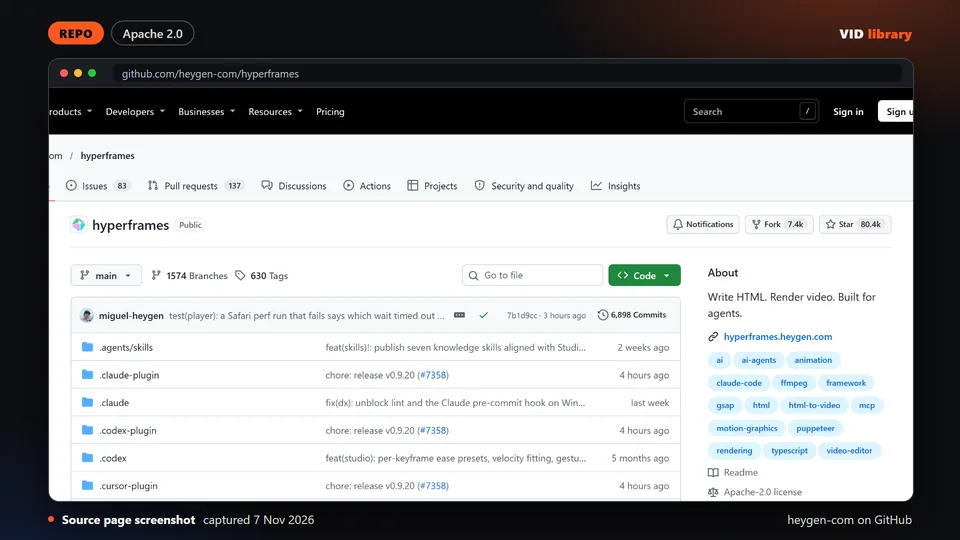
By heygen-com on GitHub
HeyGen's open source framework that renders MP4 from HTML, CSS and seekable animation, with an Apache-2.0 file. Our engines render with it and 18 Oct catalog test renders succeeded. The catch is the skills folder was not expanded.
Use it for: Renders caption animations to video from HTML.
Source reviewed on Oct 17, 2026. Not tested by us.
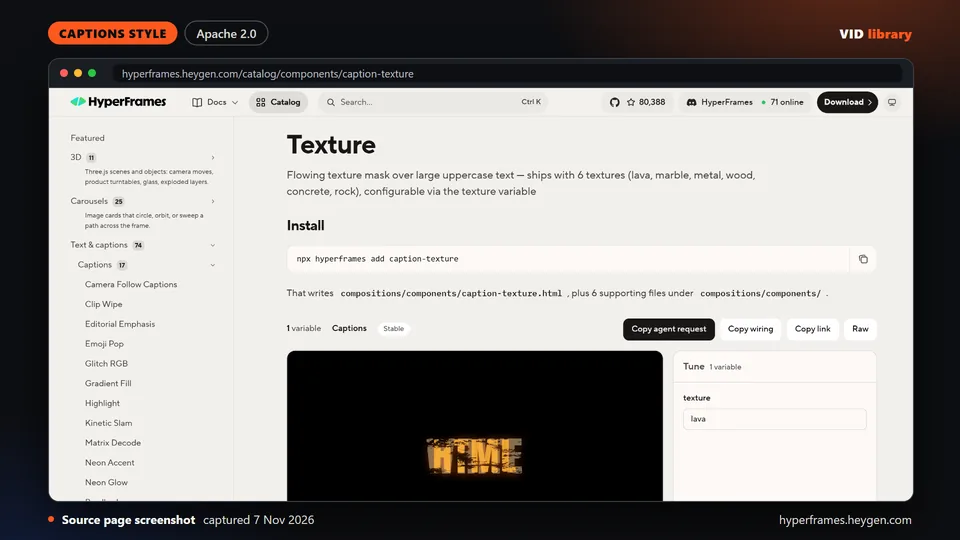
By hyperframes.heygen.com
HyperFrames caption with large uppercase text masked by flowing textures such as lava, marble and wood. Rendered by us on 18 Oct as an 8.0 s draft. The catch is the item page shows no licence, only the repo's Apache-2.0.
Use it for: Textured fill caption style.
Source reviewed on Oct 14, 2026. Not tested by us.
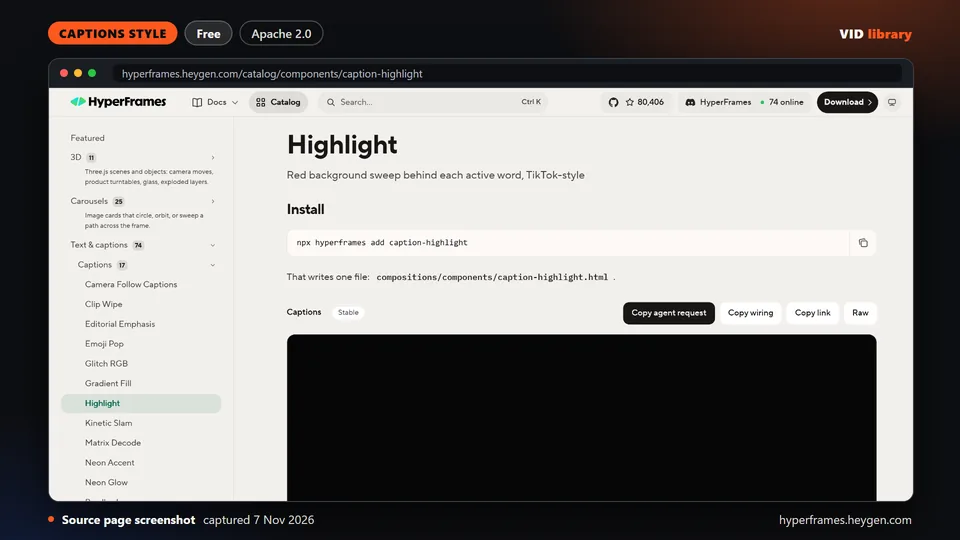
By hyperframes.heygen.com
HyperFrames caption where a red background sweep lands behind each active word, the familiar TikTok highlight look. Rendered by us on 18 Oct as an 8.0 s draft. The catch is per-item media and font terms.
Use it for: Highlighted-word shorts caption.
Source reviewed on Oct 14, 2026. Not tested by us.
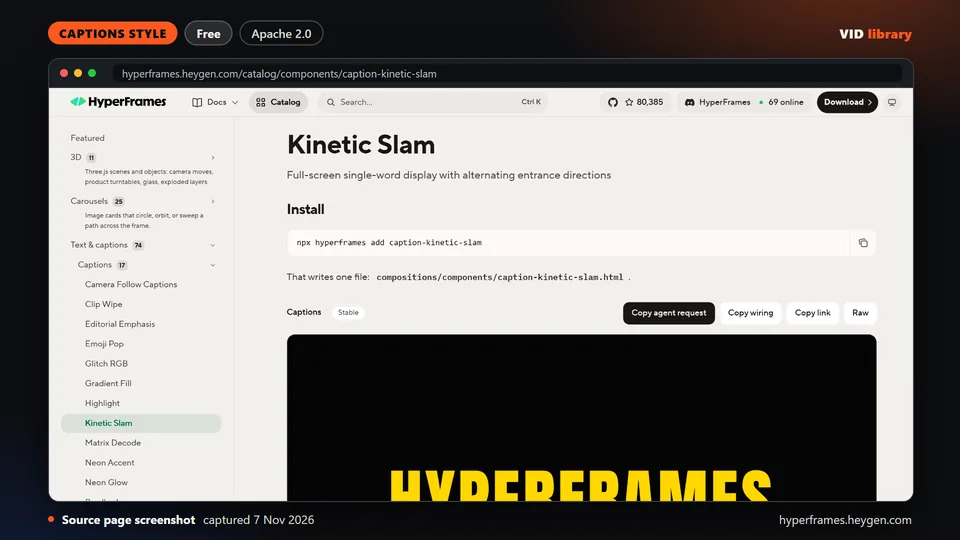
By hyperframes.heygen.com
HyperFrames caption showing one word at a time filling the screen, with alternating entrance directions. Rendered by us on 18 Oct as an 8.0 s draft. The catch is per-item media and font terms are unclear.
Use it for: One-word slam caption for shorts.
Source reviewed on Oct 14, 2026. Not tested by us.
By hyperframes.heygen.com
HyperFrames captions in a pill container where each word changes color as it is spoken. Rendered by us on 18 Oct as an 8.0 s draft. The catch is per-item media and font terms are unclear.
Use it for: Pill karaoke caption.
Source reviewed on Oct 14, 2026. Not tested by us.
By hyperframes.heygen.com
HyperFrames word captions with red and cyan RGB split, a CRT scanline overlay and small aftershock pulses. Rendered by us on 18 Oct as an 8.0 s draft. The catch is per-item media and font terms.
Use it for: Glitch RGB caption style.
Source reviewed on Oct 14, 2026. Not tested by us.
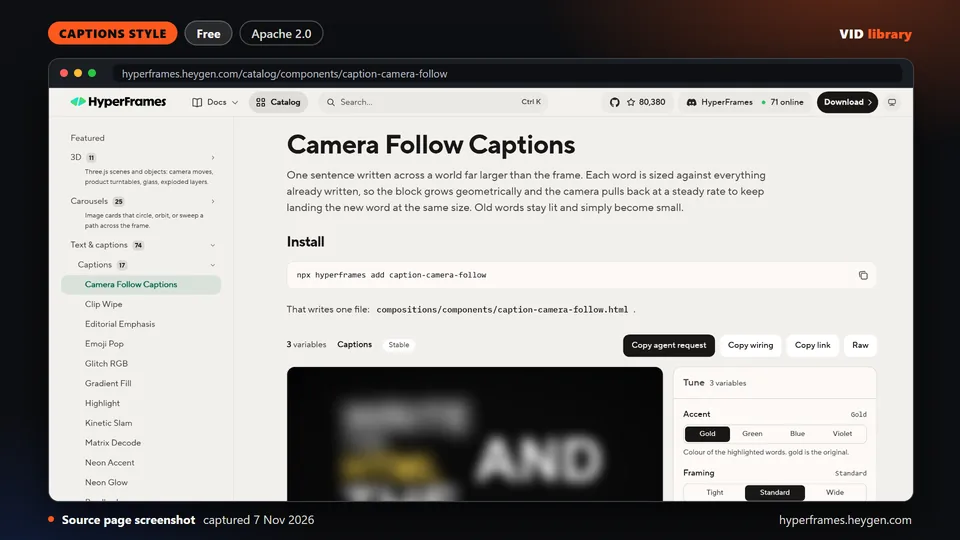
By hyperframes.heygen.com
HyperFrames caption that writes a sentence across a world larger than the frame while a virtual camera tracks each word. Rendered by us on 18 Oct as a 9.0 s draft. The catch is per-item media and font terms.
Use it for: Camera-follow caption.
Source reviewed on Oct 14, 2026. Not tested by us.
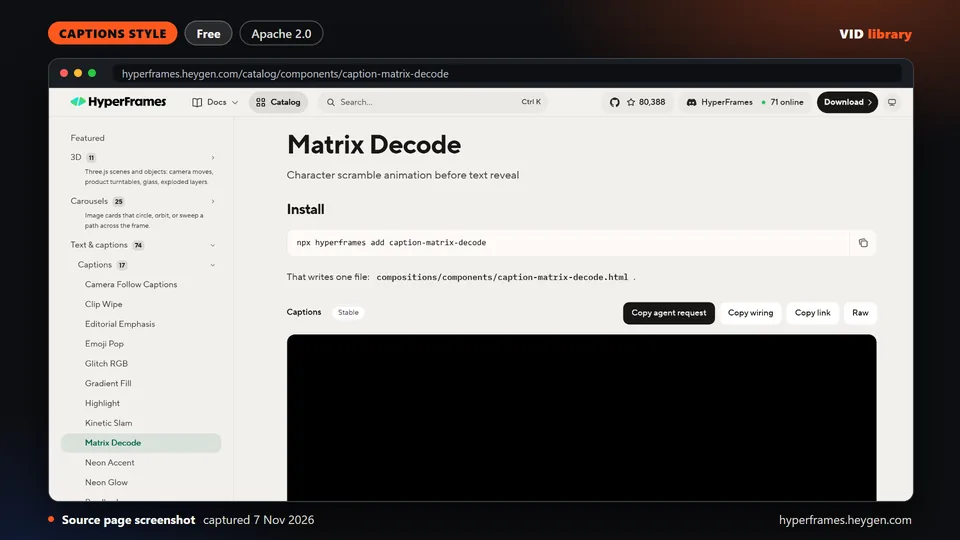
By hyperframes.heygen.com
HyperFrames caption where characters scramble before settling into the spoken word. Rendered by us on 18 Oct as an 8.0 s draft. The catch is per-item media and font terms are unclear.
Use it for: Matrix decode caption.
Source reviewed on Oct 14, 2026. Not tested by us.
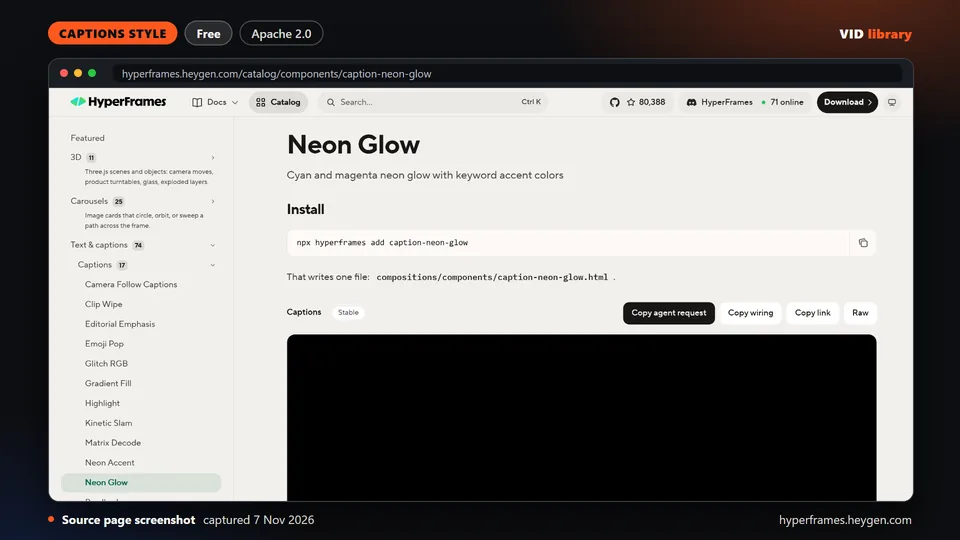
By hyperframes.heygen.com
HyperFrames cyan and magenta neon glow captions with accent colors for keywords. Rendered by us on 18 Oct as an 8.0 s draft. The catch is per-item media and font terms are unclear.
Use it for: Neon glow caption.
Source reviewed on Oct 14, 2026. Not tested by us.
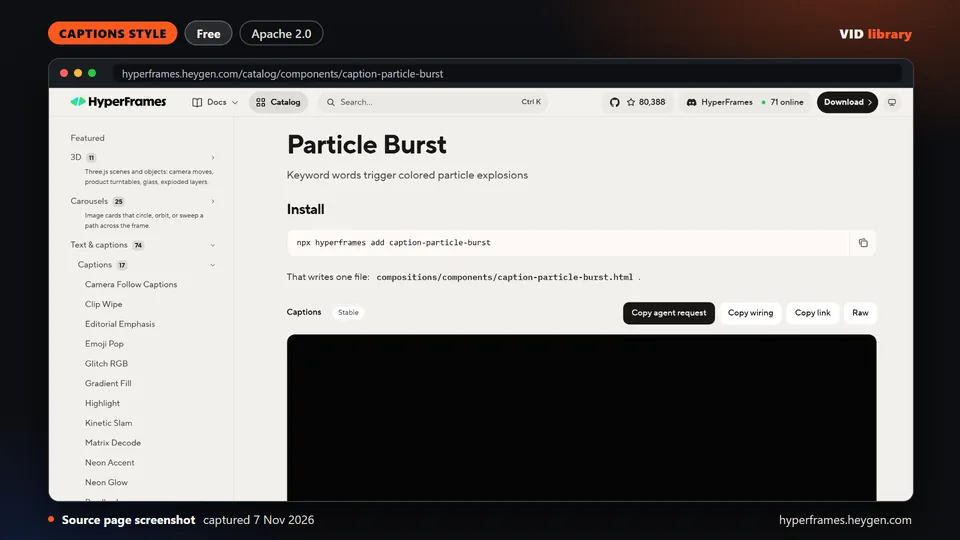
By hyperframes.heygen.com
HyperFrames captions where keyword words trigger colored particle explosions as they appear. Rendered by us on 18 Oct as an 8.0 s draft. The catch is per-item media and font terms are unclear.
Use it for: Particle burst keyword caption.
Source reviewed on Oct 14, 2026. Not tested by us.
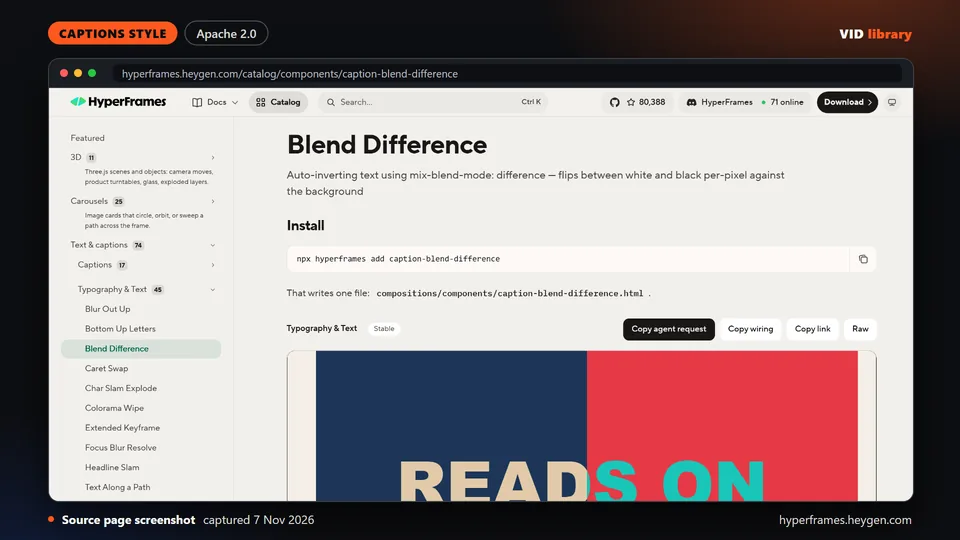
By hyperframes.heygen.com
HyperFrames caption snippet that auto-inverts text between white and black over footage with difference blending. The catch is it has no timeline of its own and we have not yet rendered it inside a composition.
Use it for: Auto-inverting caption text.
Source reviewed on Oct 14, 2026. Not tested by us.
By Submagic
Submagic vendor guide to old and new Hormozi-style captions with named fonts, covering Submagic, Premiere Pro and CapCut, with embedded examples. The catch is it is a vendor blog and terms are not shown.
Use it for: Recipe for Hormozi-style captions.
Source reviewed on Oct 14, 2026. Not tested by us.
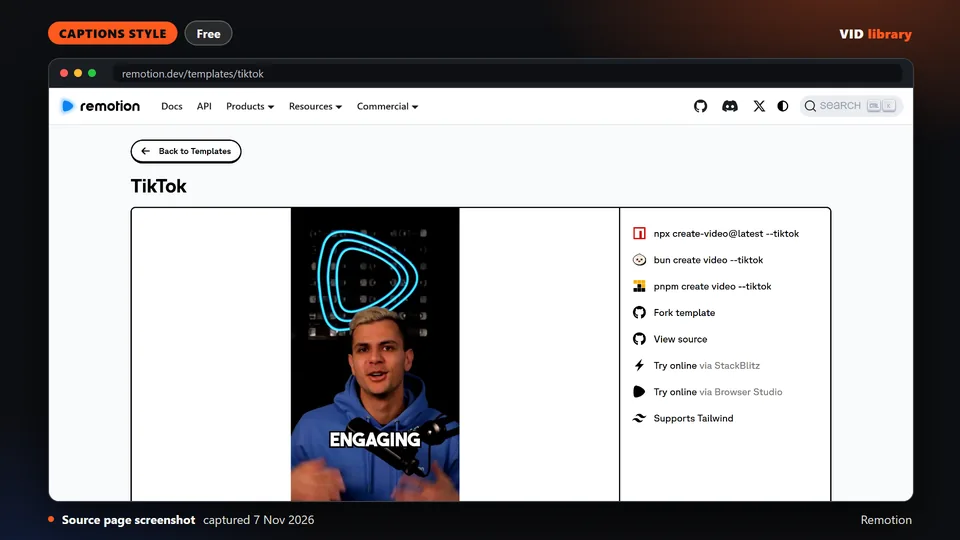
By Remotion
Official Remotion starter that renders animated word-by-word TikTok-style captions from a transcript, with an install command and a preview video. The catch is Remotion's licence is free only up to 3 people for companies.
Use it for: Word-by-word shorts captions in Remotion.
Source reviewed on Oct 14, 2026. Not tested by us.
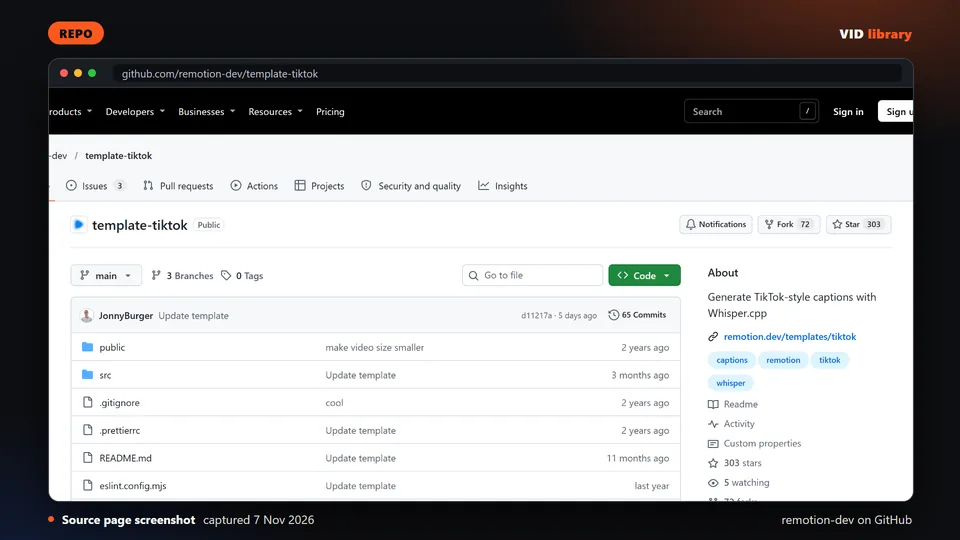
By remotion-dev on GitHub
Official Remotion template that transcribes a video with whisper.cpp and renders TikTok-style word captions. The catch is there is no LICENSE file, Remotion terms apply, and the first run downloads a 1.5 GB model.
Use it for: Auto-transcribes and renders word captions.
Source reviewed on Oct 17, 2026. Not tested by us.
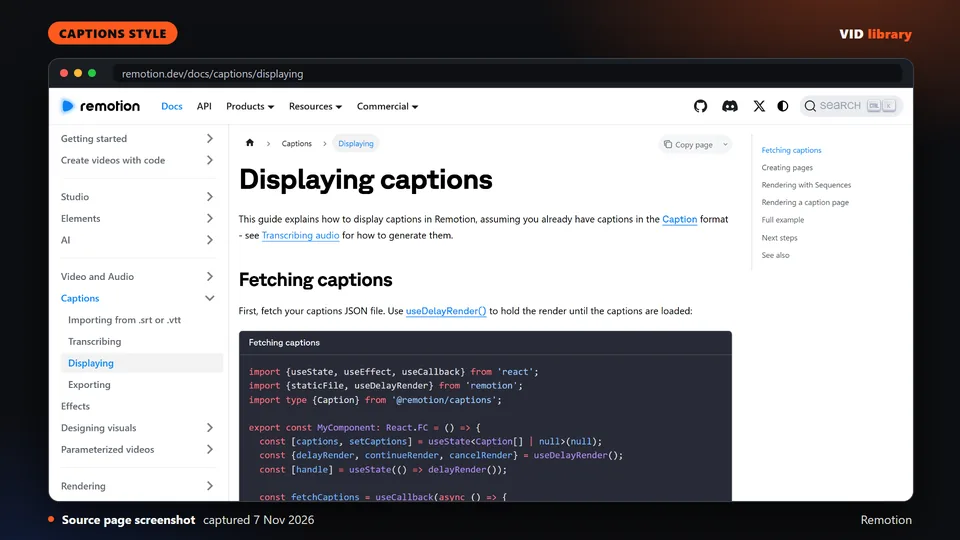
By Remotion
Official Remotion guide to showing captions, with TikTok-style page grouping and active-word highlight, and complete code. The catch is the page has no rendered example and the Remotion company licence applies.
Use it for: Page grouping and active-word highlight code.
Source reviewed on Oct 14, 2026. Not tested by us.
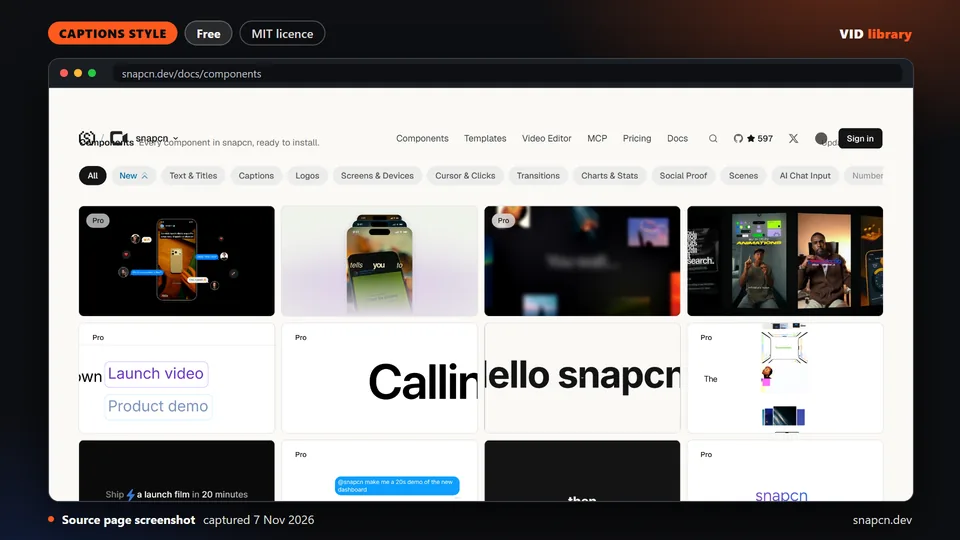
By snapcn.dev
Word-highlight karaoke caption component for Remotion, MIT, with install command and usage code. The catch is timing is line-level and manual rather than word-timed, and Remotion licence terms apply.
Use it for: Karaoke caption component for Remotion.
Source reviewed on Oct 14, 2026. Not tested by us.
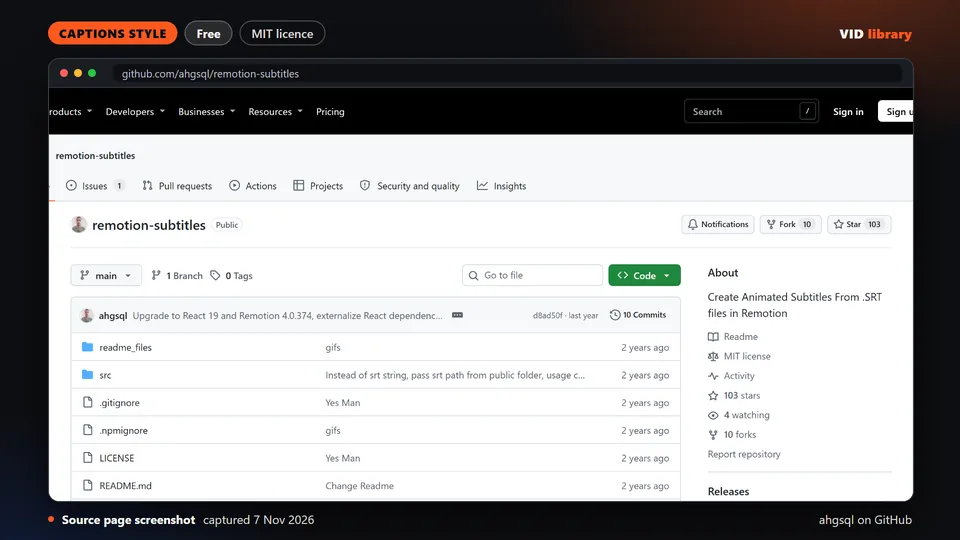
By ahgsql on GitHub
Caption helpers and styles for Remotion, with demo media and an MIT file. The catch is the last commit was 12 Nov 2025 and Remotion licence terms apply.
Use it for: Caption styles for Remotion projects.
Source reviewed on Oct 14, 2026. Not tested by us.
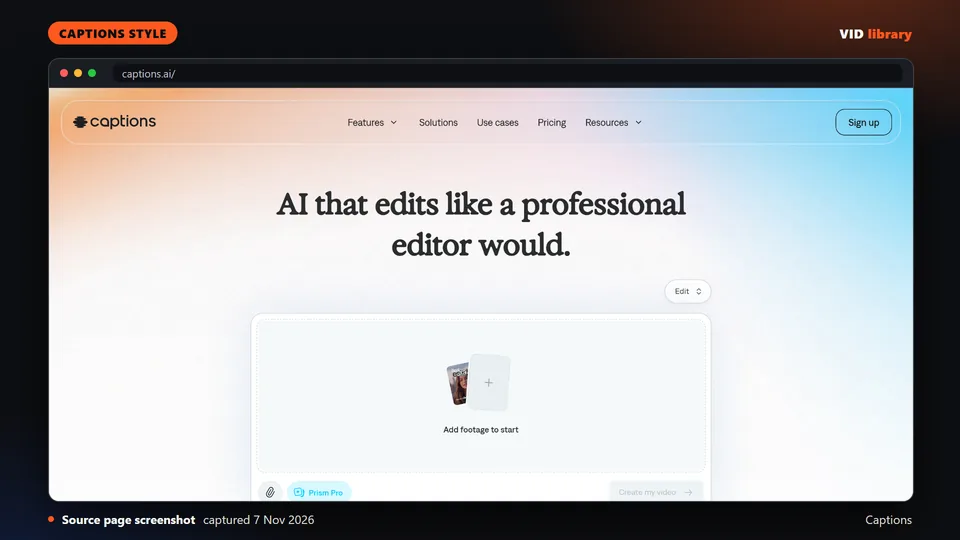
By Captions
Homepage of a captions app listing 20 named AI edit styles and claiming 100+ caption styles, with preview videos. The catch is styles are used inside the app, the best features are paid, and the terms (read 6 Nov 2026) bar commercial use of the app's own content beyond what they authorise.
Use it for: Preset caption styles inside an app.
Source reviewed on Oct 14, 2026. Not tested by us.
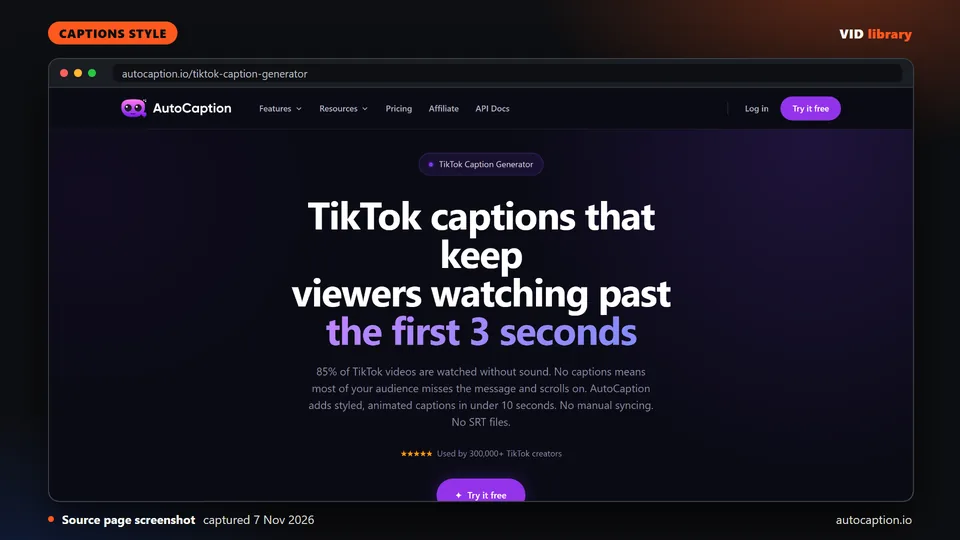
By autocaption.io
Web generator that styles and animates TikTok captions in 100+ languages, with a karaoke word-highlight style and a free plan. The catch is no output was shown, and its short terms (read 6 Nov 2026) say nothing about using the captions commercially.
Use it for: Web tool for styled TikTok captions.
Source reviewed on Oct 14, 2026. Not tested by us.
By Submagic
Web editor that adds animated captions, b-roll and zooms to short clips, with Starter at $19 a month. The catch is its pricing cards and comparison table disagree, and no refund terms are shown.
Use it for: Caption styles and short-form edits in a web app.
Source reviewed on Oct 10, 2026. Not tested by us.
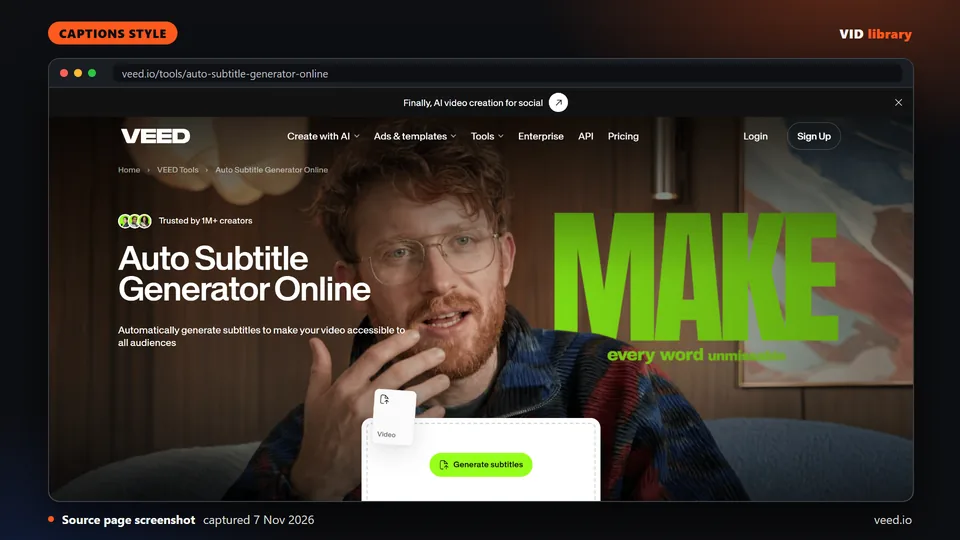
By veed.io
Established web editor with auto subtitles in 125+ languages and dynamic subtitles for Reels, Shorts and TikTok. The catch is the page states no free-tier limits, and VEED's Terms of Use (read 6 Nov 2026) need a licence to use VEED's own content commercially, apart from what you upload, create or edit.
Use it for: Auto subtitles in a web editor.
Source reviewed on Oct 14, 2026. Not tested by us.
By AutoSubtitles
Browser tool that transcribes a video, lets you edit text and timing, and burns styled captions into the export. The catch is free exports are watermarked and capped at 720p and 10 minutes, and SRT export is Pro only.
Use it for: Burn styled captions in the browser.
Source reviewed on Oct 10, 2026. Not tested by us.
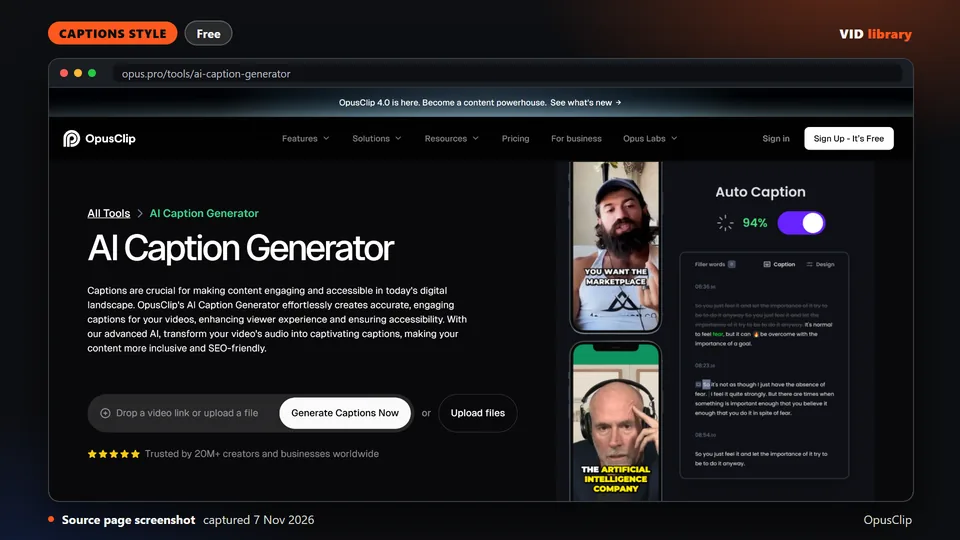
By OpusClip
Tool page for animated captions from OpusClip, with a free plan of 60 minutes a month as stated. The catch is the page lists no style names and shows no output, and the Terms of Service (read 6 Nov 2026) limit free use to personal, non-commercial use, while paid plans are licensed for commercial use.
Use it for: Animated captions inside a clipping tool.
Source reviewed on Oct 14, 2026. Not tested by us.
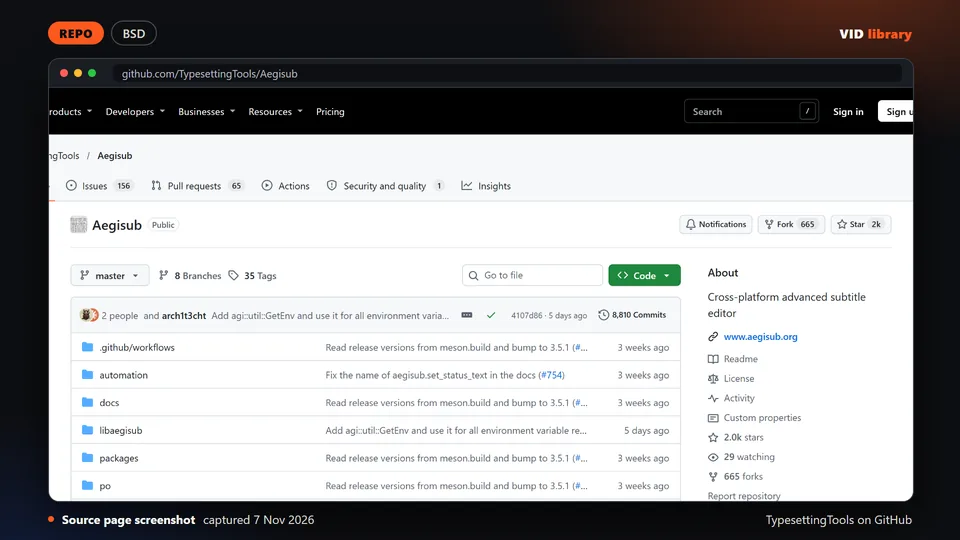
By TypesettingTools on GitHub
Advanced subtitle editor with ASS styling and karaoke effects, pushed 17 Oct, with a BSD-style licence file. The catch is the licence is unclear in the API and the interface is steep.
Use it for: Detailed subtitle styling and karaoke effects.
Source reviewed on Oct 10, 2026. Not tested by us.
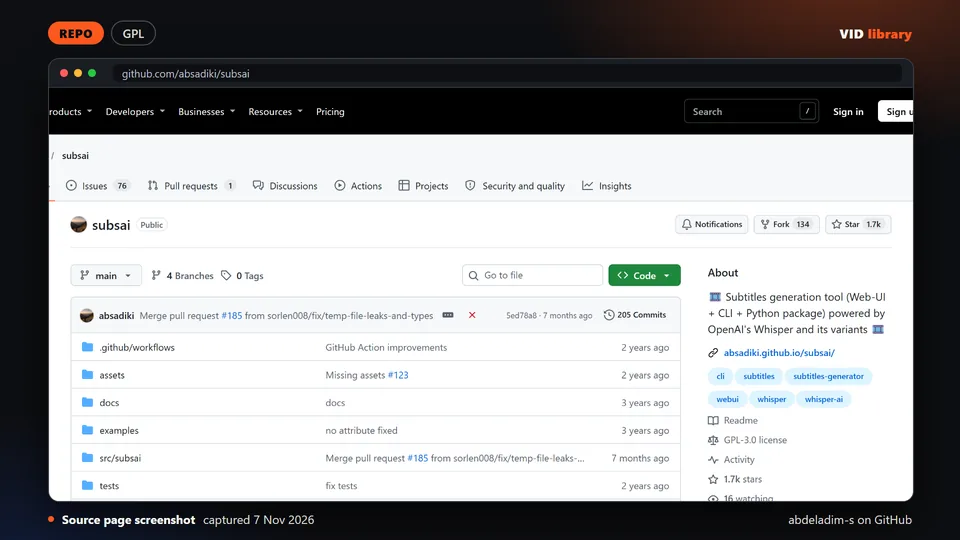
By abdeladim-s on GitHub
Web UI, CLI and package for generating subtitles with Whisper models, with demo media. The catch is the GPL-3.0 licence, so link only and never bundle, and the repo moved to absadiki/subsai.
Use it for: Generates subtitle files from speech.
Warning: licence: check before bundling or redistributing: GPL licence.
Source reviewed on Oct 10, 2026. Not tested by us.
Captions belong to every spoken job: AI caption workflows for real footage, Editing workflows for Shorts and Reels and Podcast to shorts: AI editing workflows.
Page checked on Nov 4, 2026.