The job: take a recording of one person talking to camera and turn it into a video you can publish after one human review. That means dead air and flubbed takes removed, captions on, the voice at a steady level, a name or title on screen where needed, and an export that fits the place it will play.
The deliverable: one master file, usually 16:9, and optionally a 9:16 version. Decide before you start which one counts as the master, because every later choice (caption size, crop, safe zones) depends on it.
What you need
The raw recording, with the cleanest audio you can get. A mic close to the speaker matters more than any software step below.
A transcript source: a local engine such as WhisperX or faster-whisper, or the transcript inside a hosted editor.
A place to review cuts at full speed with sound: your editing app or a plain video player.
Brand basics: logo file, font, colors, and the exact spelling of names and product terms.
A target length and a platform, decided up front.
Recommended workflow
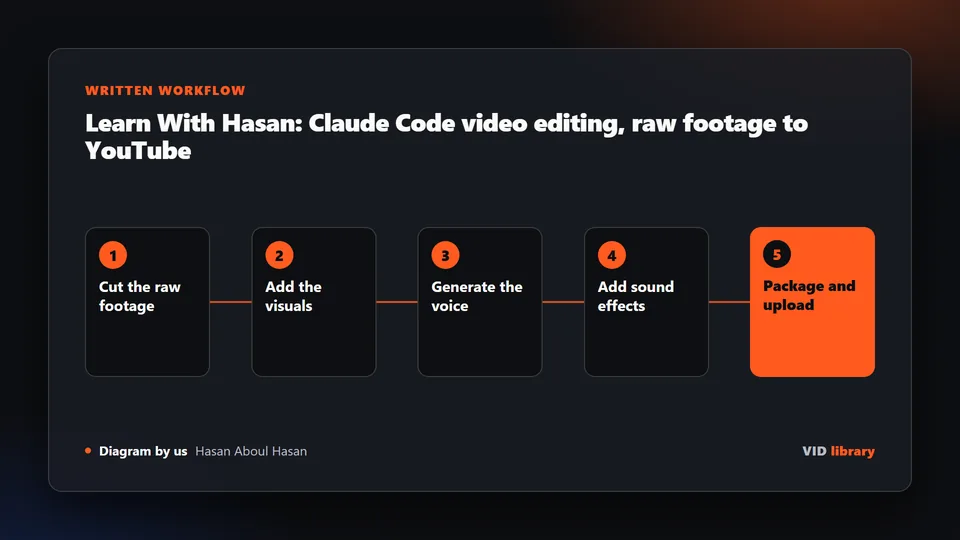
This is a human-in-the-loop route. Each step says who does it. We ran the automatic steps (silence cutting, word times, captions, loudness) as one script on three clips of an open film, described under What we ran ourselves. The other tools named here come from our library audit, which was a reading audit, not a footage test.
Operator: watch or listen through once and note which take you want where the speaker repeated a line. Write the target length at the top of your notes.
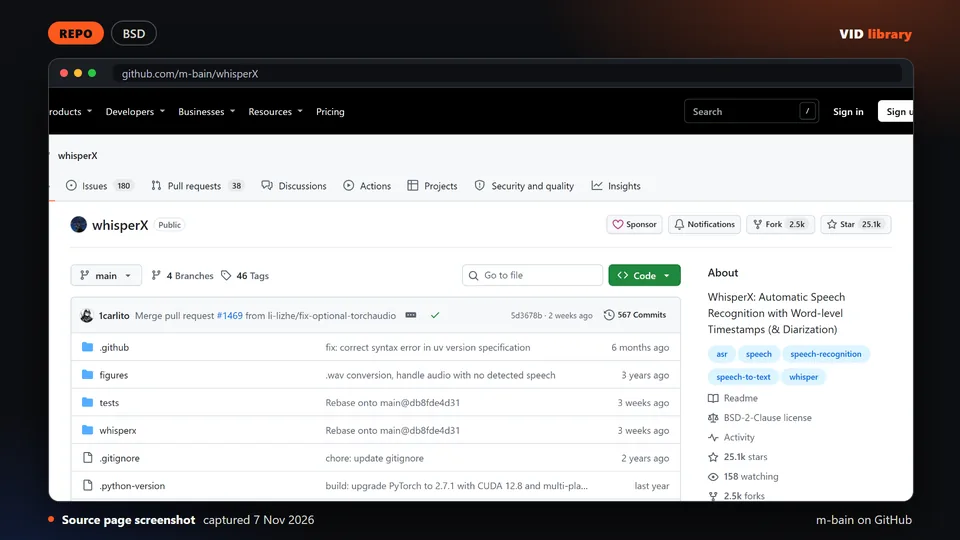
Tool: transcribe with WhisperX when you want word-level timing (the library notes say a GPU is recommended and speaker labels need a token), or with faster-whisper for a plain fast transcript. Operator: read the transcript and fix names and jargon now, before captions are built from it.
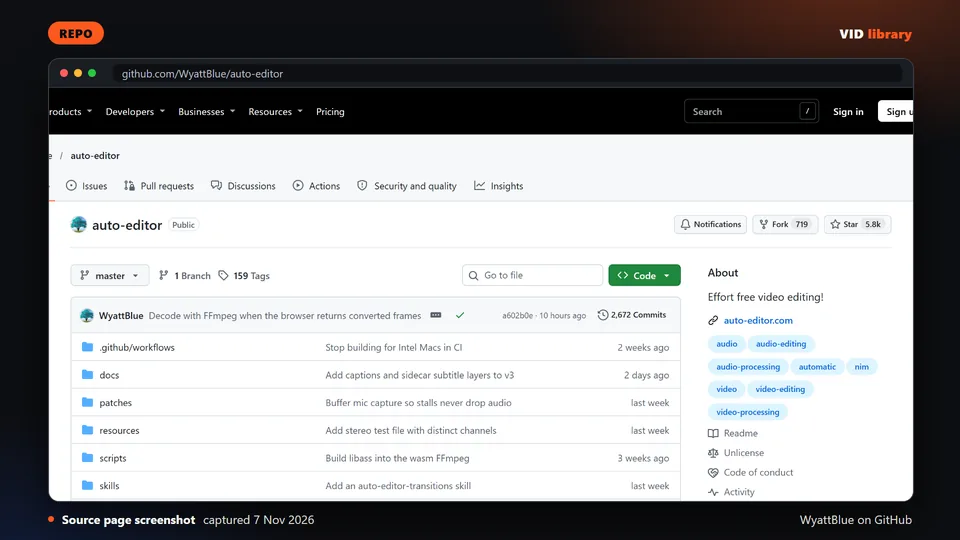
Tool: remove silence with auto-editor, a command line tool that cuts silent or low-motion sections and can export a timeline to an editing app. The library notes that its behavior changed across major versions, so check the flags for your version. Leave a small margin around speech so cuts are not tight. Operator: play every cut. For a quick audio-only trial in your browser, see Remove silence from audio.
Operator, optionally with an agent: remove bad takes and repeated lines. A coding agent with a video skill can propose a cut list, but you approve each cut. Check that no cut lands mid-word or mid-sentence (see Known problems).
Operator: watch the whole export once, start to finish, with sound on, then run the checklist below.
What we ran ourselves
We chained auto-editor, faster-whisper and FFmpeg in one script (cut the quiet parts, word times, three-word captions, loudness, burn-in) and ran it on three 60-second clips of Tears of Steel: one cold run and three timed runs each, on a laptop CPU. The script, every number and the frames we checked are on our one-pass test; the steps are on the one-pass guide.
A whole run took a median of 68.4, 77.8 and 72.8 seconds for the three clips.
The cut step removed little, 2.1, 5.4 and 0.7 seconds of 60, because the film has music under its dialogue. A clean talking-head recording would cut more; we did not measure that.
With one pass of loudnorm the finals missed the -16 LUFS target on two of three clips. Two passes (measure, then apply) gave -15.9, -16.0 and -16.0 LUFS.
A word timed over 5 seconds kept one caption on screen for 6.4 seconds. Grouping words into captions does not fix a bad word time.
Not run by us: Descript, Gling, TimeBolt, Recut, AutoCut, FireCut, AutoPod, Wisecut and Submagic (paid plans or an account are needed), and the agent-driven editors in the reviewed picks. Our results say nothing about them.
Alternative route
A hosted transcript editor lets you edit video by editing text. Descript is one example; the library entry is its pricing page. On the plans we read on 2026-11-04, Free allowed 1 media hour a month with 720p export and no watermark-free export, and Hobbyist allowed 10 media hours with 1080p. Each plan showed two prices and the page did not say which is monthly and which is annual. Details are on Descript pricing plans: what teams actually pay.
Desktop rough-cut tools such as TimeBolt, Recut and Gling remove silence and filler and export a timeline to Premiere, Final Cut or Resolve (the library lists which each exports to). Some of their vendor comparison numbers are unaudited, so we do not repeat them.
This route fits when your team already finishes in an editing app and wants a rough cut handed over, or when the person doing the edit prefers reading to scrubbing. The open route above fits when you want control over each step and are fine with a command line.
Quality checklist
No cut lands in the middle of a word or a sentence. Play 2 seconds before and after each cut.
Captions match the audio word for word, names and product terms are spelled correctly, and each caption appears when the word is spoken.
Loudness is steady from the first second to the last, with no jump at any cut. Use one loudness target for every video you publish.
Breaths and room tone were not stripped out so far that the voice sounds pasted together.
Export size, frame rate and codec match what the platform asks for; H.264 video with AAC audio in an MP4 is the usual safe choice.
You watched the final file, not the project preview.
Known problems
In a demonstration published by the vendor Cutback, a Claude-written cut list summed to 578 seconds against a 300 second target, and all 11 cuts fell mid-sentence. It is vendor-written, so treat it as a warning about the failure mode, not as a measurement of any tool.
Silence removal is a blunt tool. It can cut a thinking pause that made the sentence land, clip the start of a word that follows a pause, or leave a rhythm that feels rushed. Raise the margin and review every cut.
A transcript is only as good as the audio and the model. We found no published accuracy numbers for Hindi or Indian-accented English, so check those transcripts line by line.
These are pages on this site that belong to the talking-head job: workflows, a browser tool and a pricing page.
How to choose, and our three picks
Silence cutting removes dead air, filler words and false starts from talking-head, podcast and tutorial footage so the pace feels tight without a manual razor pass. A good result keeps natural breathing room, never clips the first or last syllable of a sentence, and leaves you a timeline you can still adjust instead of a flattened file. Tools fall into three groups: free command line and agent workflows, plugins that live inside Premiere Pro or DaVinci Resolve, and standalone apps or web editors that export XML. Watch for aggressive default thresholds that chop breaths and ends of words, pricing that changes between monthly and yearly billing, watermarks or export limits on free tiers, and open source licences that block commercial work. Always scrub the full cut once before delivery, because automatic cuts sound fine in a quick skim and fail in the details.
auto-editor: Open, free, long-running silence cutter that exports timelines to editing apps. Limit: Behavior changed across major versions, so flags must be checked per version.
Herk Edit Kit (formerly hyperframes-student-kit): Public agent skill pack for transcript cuts plus captions with demo videos in the README. Limit: Page counts 14 skills in one place and 15 in another, and third-party media has its own rights.
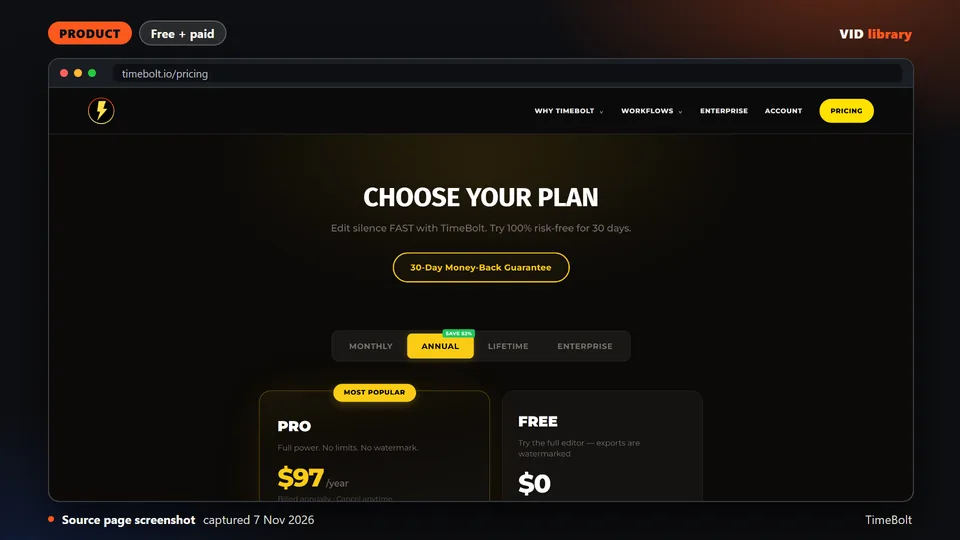
TimeBolt (local-first silence, filler and bad-take removal): Local-first desktop tool that exports XML to Premiere, Final Cut or Resolve, with a free tier. Limit: Free tier is watermarked with no XML export, so the useful export needs a paid plan.
Reviewed picks from other creators
Tools and guides from other creators that fit this job. Every card is a draft until the owner reviews it.
Free command line tool that cuts silent stretches out of a recording automatically. The catch is that flags changed between major versions, so check them for your version.
Use it for: Cuts pauses out of a talking-head take before captions.
Licence, price and checks
Licence Unlicense
Reuse keep the licence notice
Library check works, Oct 17, 2026
Source reviewed on Oct 17, 2026. Not tested by us.
Open source transcription tool that gives word level timings for captions and edits. The catch is that it wants a GPU, and speaker labels need an access token.
Use it for: Gets word timings from a talking-head take to drive cuts and captions.
Licence, price and checks
Licence BSD-2-Clause
Reuse keep the licence notice
Library check works, Oct 17, 2026
Source reviewed on Oct 17, 2026. Not tested by us.
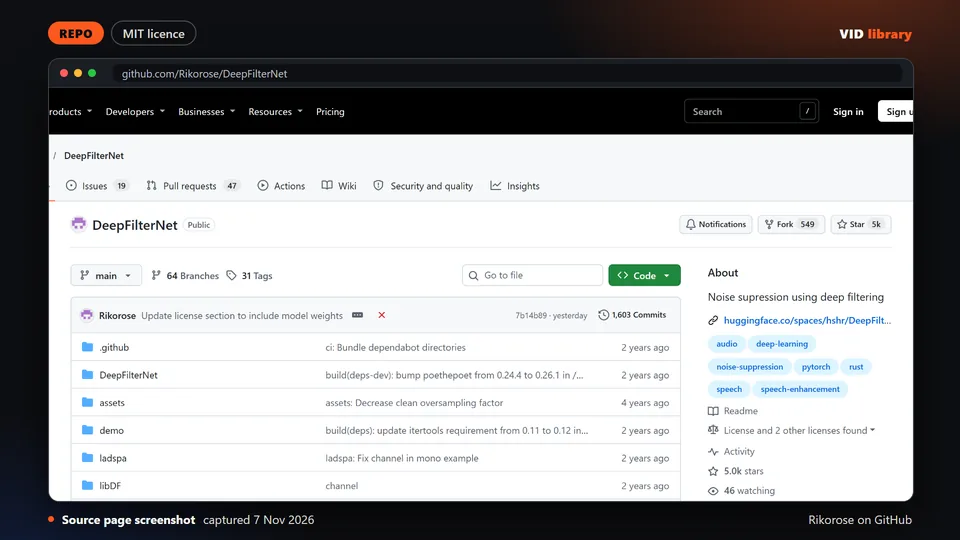
Open source noise remover for speech in recordings. The catch is that it has had no commits since late 2024 and only takes 48kHz WAV in its prebuilt binary.
Use it for: Cleans room noise from a talking-head voice track.
Licence, price and checks
Licence MIT OR Apache-2.0
Reuse keep the licence notice
Library check likely works, Oct 10, 2026
Source reviewed on Oct 10, 2026. Not tested by us.
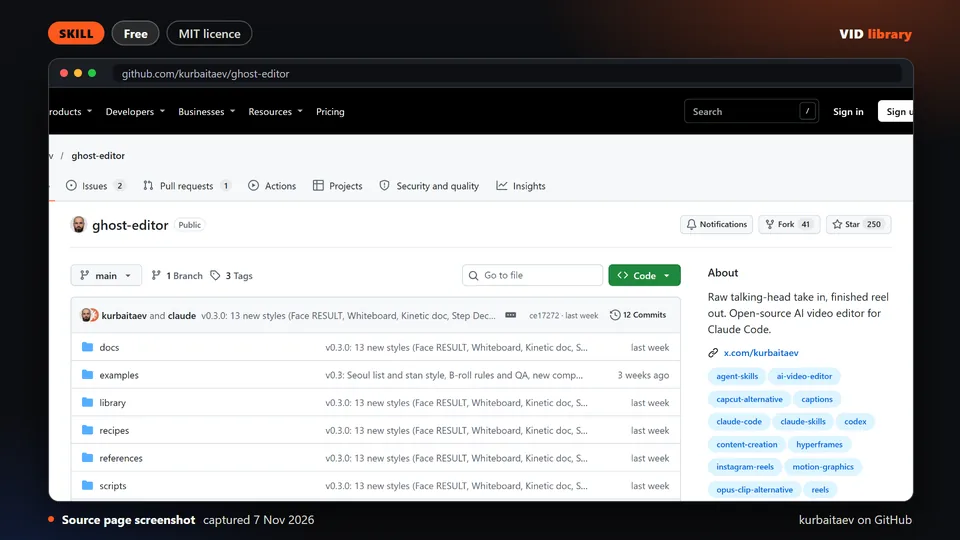
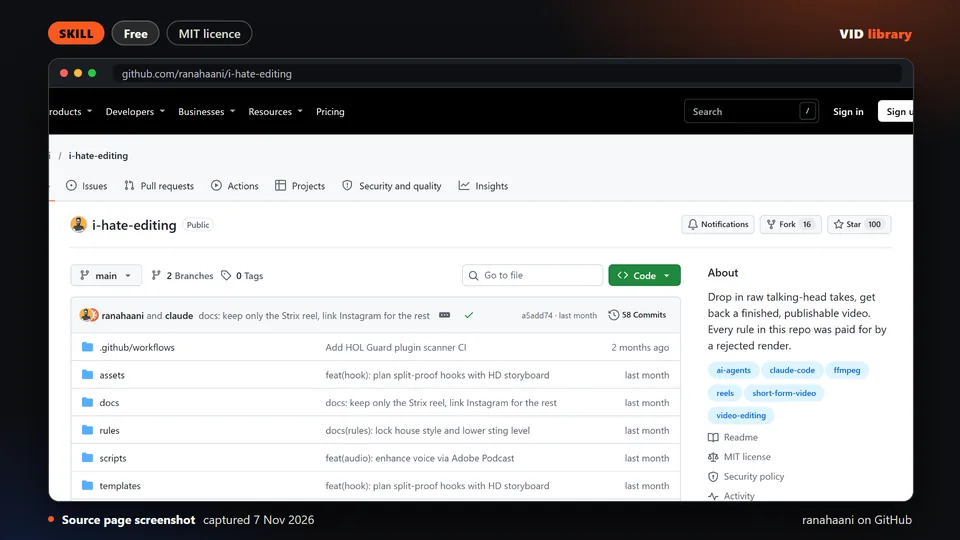
MIT skill that turns a raw talking-head recording into a cut reel, shown against a human edit. The catch is that it is young and its B-roll needs rights checks.
Use it for: Rough cuts a raw talking-head recording into a reel.
Licence, price and checks
Licence MIT
Reuse keep the licence notice
Price Free
Library check works, Oct 18, 2026
Source reviewed on Oct 18, 2026. Not tested by us.
Paid desktop app that removes silence, filler words and bad takes locally. The catch is that vendor comparisons are unaudited and the cheap tiers have limits like watermarks.
Use it for: Removes pauses and filler words from talking-head footage.
Licence, price and checks
Licence proprietary
Reuse editorial source
Price Free $0 (watermarked, no XML export); Pro $17/mo; Pro Annual $97/year; Pro Lifetime $347 once; Teams $97/seat/year; UMCH
Library check works, Oct 17, 2026
Source reviewed on Oct 17, 2026. Not tested by us.
Paid app that removes silence automatically and exports to editing software. The catch is that refund terms are unstated and the annual price is not shown.
Use it for: Strips silence from a talking-head take and exports to the editor.
Licence, price and checks
Licence proprietary
Reuse editorial source
Price USD $129 one-time (1 user) or USD $15/month; free trial with 3 exports, no watermark, no card (2026-10-10)
Library check works, Oct 10, 2026
Source reviewed on Oct 10, 2026. Not tested by us.
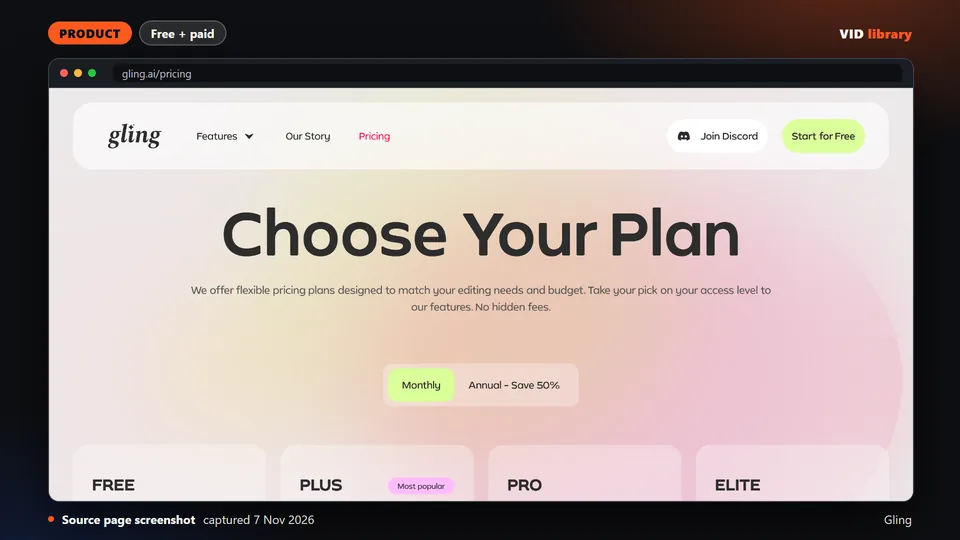
Paid rough cut tool aimed at YouTube creators, with a limited free tier. The catch is that the free plan is watermarked and the refund policy is not stated.
Use it for: Makes a first rough cut of a talking-head recording.
Licence, price and checks
Licence proprietary
Reuse editorial source
Price Free $0 (1 hour/month, watermark); Plus $20/mon or $10/mon annual (10 hours); Pro $40/mon or $20/mon annual (30 hours);
Library check works, Oct 10, 2026
Source reviewed on Oct 10, 2026. Not tested by us.
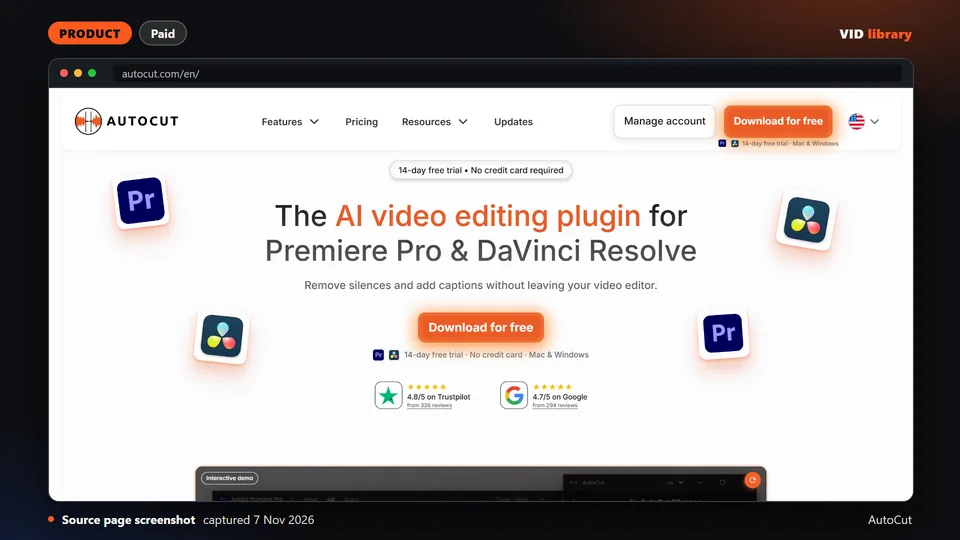
Plugin that runs inside the Premiere and Resolve timeline and removes silences, repeat takes and more without export or re-import. Offers a 14-day free trial. The catch is it is a paid subscription after the trial.
Use it for: In-timeline silence and repeat-take removal for Premiere and Resolve.
Licence, price and checks
Licence proprietary
Reuse editorial source
Price Yearly billing: AI Plan USD $14.9/month ($178.8 billed yearly); Basic Plan USD $6.6/month ($79 billed yearly, silences o
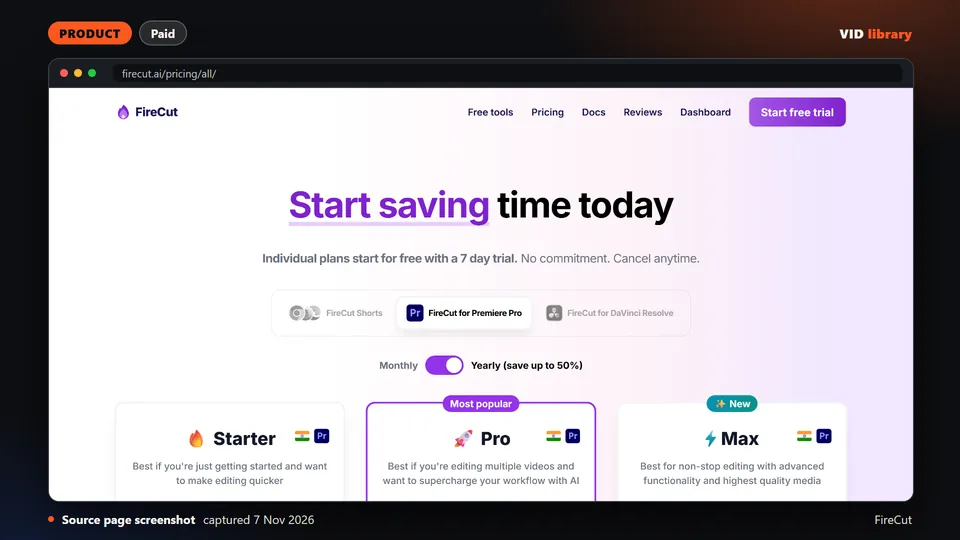
Plugin for Premiere Pro and Resolve that removes silences, filler words and repeated takes inside the editor. Has a 7-day trial on individual plans. The catch is some prices are struck through launch discounts with no end date.
Use it for: Silence and filler removal inside Premiere or Resolve.
Licence, price and checks
Licence proprietary
Reuse editorial source
Price Premiere Pro: Starter $10/mo monthly or $5/mo yearly; Pro $18/mo or $10/mo yearly (25 hours transcription); Max $23/mo o
Library check works, Oct 10, 2026
Source reviewed on Oct 10, 2026. Not tested by us.
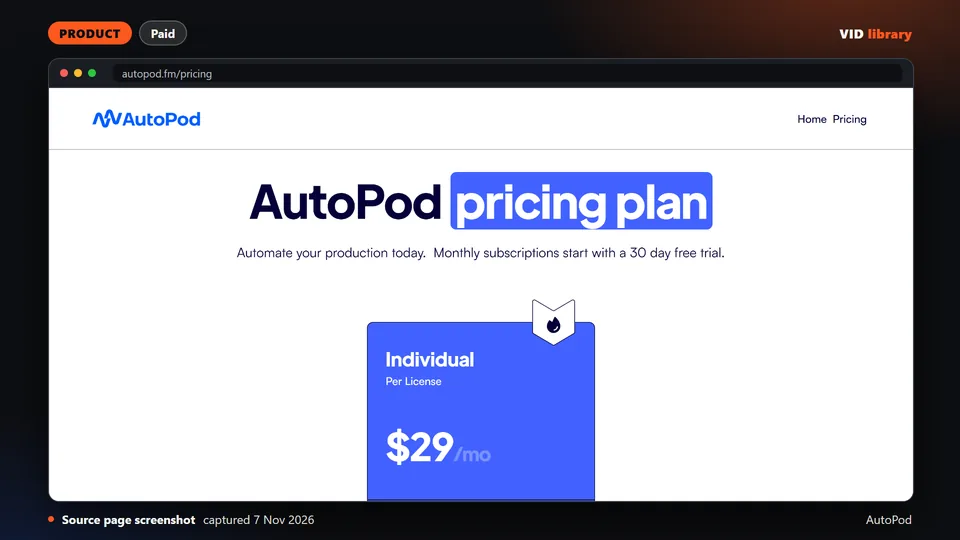
Premiere Pro plug-in pack that removes silence by decibel threshold and also cuts multicam podcasts by active speaker. It costs $29 a month per licence. The catch is the page shows no demo or sample output and no refund terms.
Use it for: Threshold silence removal and speaker-based multicam cuts in Premiere.
Licence, price and checks
Licence proprietary
Reuse editorial source
Price USD $29/month per licence, 30-day free trial on monthly, annual gives 1 month free (annual total not shown) (2026-10-10)
Library check works, Oct 10, 2026
Source reviewed on Oct 10, 2026. Not tested by us.
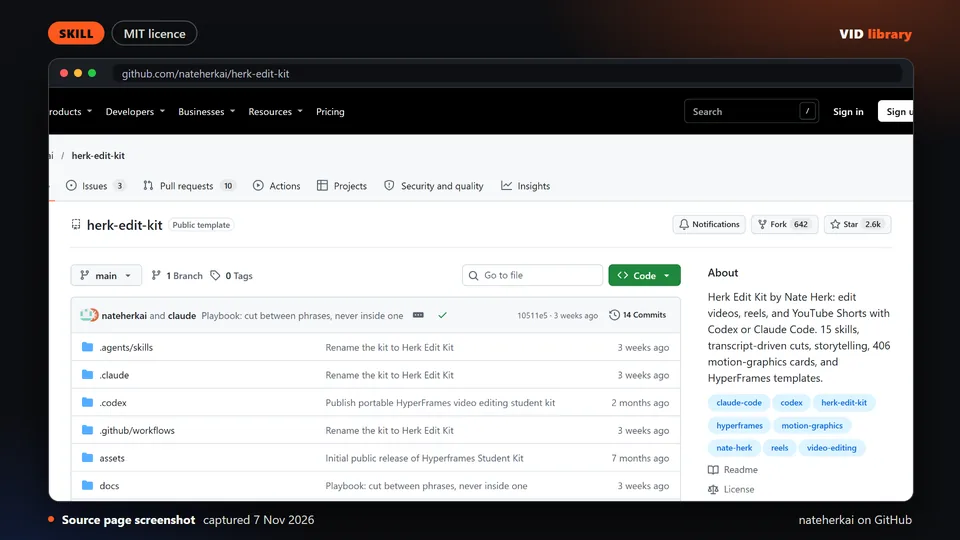
Kit of agent skills on top of HyperFrames for transcript-driven cuts, silence and mistake removal, and captions, with a keyless local demo. The catch is optional paid keys and third-party media and fonts carrying their own rights.
Use it for: Agent-driven talking-head cuts, silence removal and captions.
Licence, price and checks
Licence MIT (code); third-party media and fonts have their own rights
Reuse keep the licence notice
Library check works, Oct 17, 2026
Source reviewed on Oct 17, 2026. Not tested by us.
Skill that picks takes, cuts on silence and word onsets, re-checks every seam for repeats and proofreads captions, with an example reel in the repo. The catch is Remotion licence terms apply and adoption is small.
Use it for: Takes selection and seam-checked silence cuts for short reels.
Licence, price and checks
Licence MIT
Reuse Remotion licence (free up to 3 employees)
Price Free
Library check works, Oct 18, 2026
Source reviewed on Oct 18, 2026. Not tested by us.
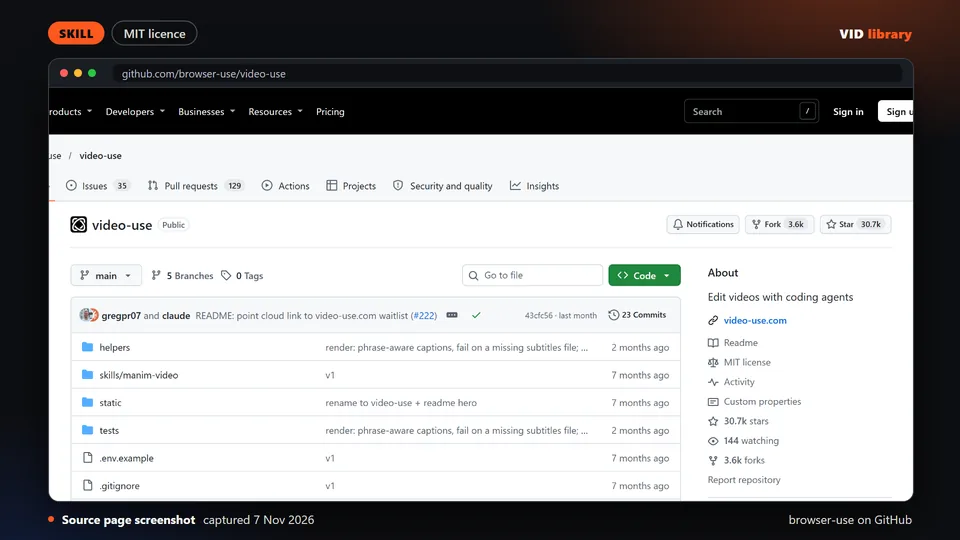
Skill where you drop raw footage in a folder and an agent returns a cut with filler and dead space removed, fades and subtitles. The catch is it needs an ElevenLabs key, and its token-saving claim is the authors' own.
Use it for: Agent cuts raw talking-head footage to a finished draft.
Licence, price and checks
Licence MIT
Reuse Remotion licence (free up to 3 employees)
Library check likely works, Oct 17, 2026
Source reviewed on Oct 17, 2026. Not tested by us.
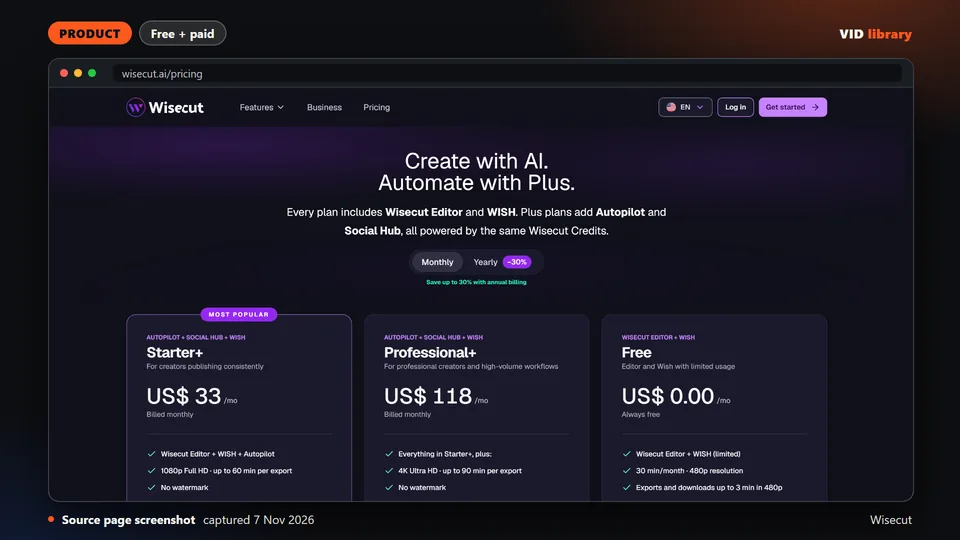
Browser editor that auto-cuts silences, captions and reframes uploaded talking-head videos. The free tier has no watermark but is capped at 480p and 30 minutes a month. The catch is monthly prices are not shown.
Use it for: Web auto-cut of silence with captions and reframing.
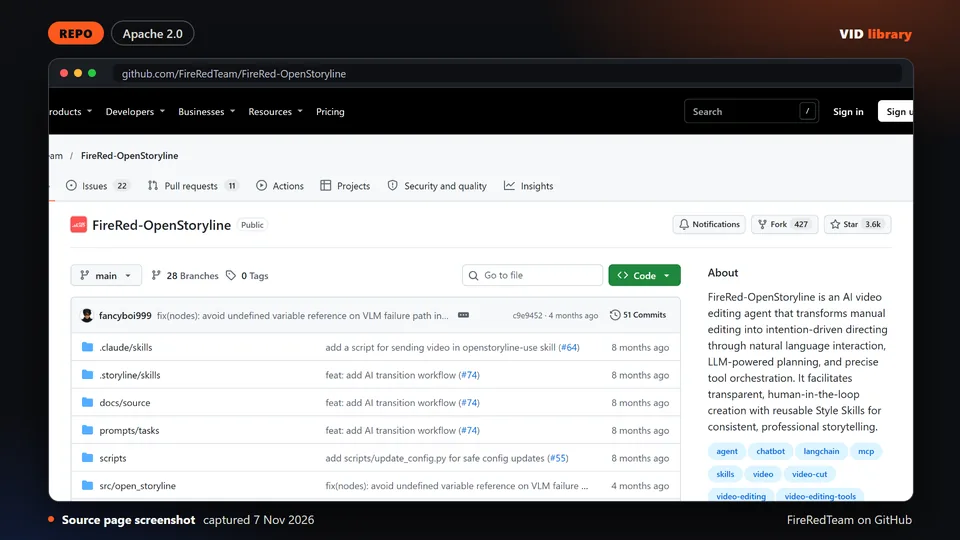
Open source agent for conversational edits with an automatic rough cut that removes filler words. It uses the Apache-2.0 licence. The catch is heavy setup with model downloads and API keys, and music and font licences limit commercial use.
Use it for: Chat-driven edits with filler-word rough cut.
Licence, price and checks
Licence Apache-2.0
Reuse keep the licence notice
Library check likely works, Oct 10, 2026
Source reviewed on Oct 10, 2026. Not tested by us.
Web editor that adds animated captions and zooms to short clips, trims by text and removes silences, with an API for batch work. The catch is its pricing cards and comparison table disagree on API minutes and template counts.
Use it for: Short-clip captions with text trimming and silence removal.
Licence, price and checks
Licence proprietary
Reuse editorial source
Price Starter USD $19/mo monthly or $12/mo yearly (45 credits, 15 videos, 2-minute videos); Pro $39/mo or $23/mo yearly (120 c
Library check works, Oct 10, 2026
Source reviewed on Oct 10, 2026. Not tested by us.
For teams that make this every week
If your team edits talking-head video every week, tell us about the job, the stack and the slowest step.
If your team makes this kind of video every week, tell us the job, the tools you use, how many you make a week and where it gets stuck: contact us. We read every message; there is no form to fill in and no account.