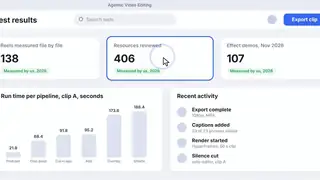
Cursor zoom-follow for product demos
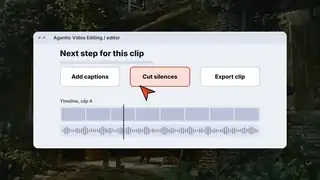
The camera pushes in on each click of a screen recording, for SaaS demos and tutorials.
The camera pushes in on each click of a screen recording, for SaaS demos and tutorials.
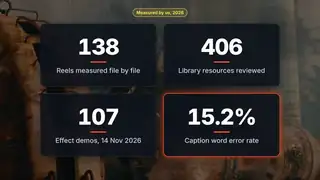
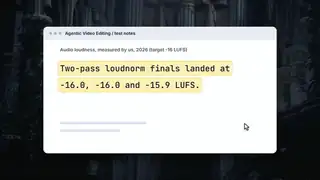
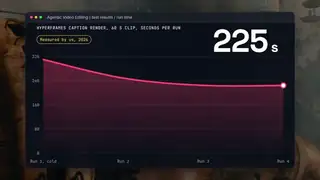
Animated stat counters for results, prices and percentages that never jump sideways.
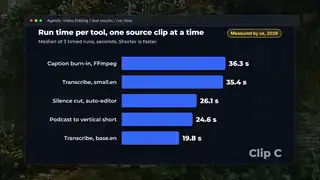
Labelled bars grow and reorder as values change while the numbers count up, for data explainers.
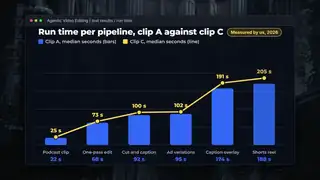
Bars rise and a line draws across them with value labels, for reports and SaaS explainers.
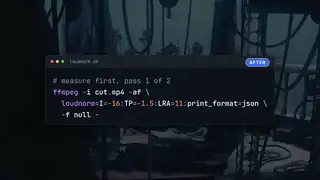
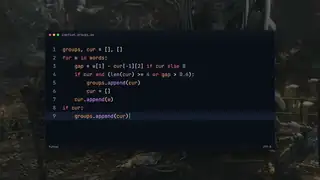
A code snippet morphs into its edited version with the changed tokens moving into place, for developer tutorials.
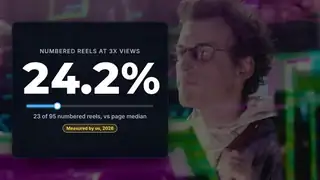
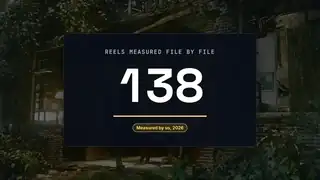
A big number counts up while a thin track fills to the value, with a label and a clean exit, for stat callouts.
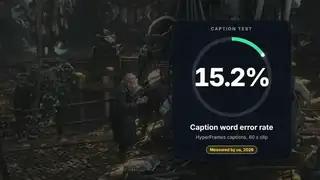
A ring fills with a conic gradient while the centre number counts to the value, with a leading dot and a label.
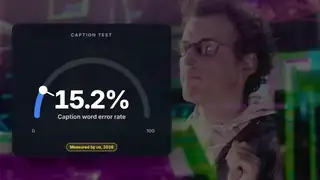
A half-circle gauge draws on while a number counts up, with a needle tick and a warning colour above a threshold.
A round pointer glides to each button, pulses with a ripple and leaves a ring around it.
A short snippet is typed token by token into an editor card, with the caret following the end of the text.
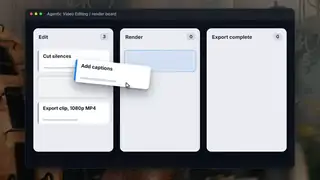
A cursor picks up a task card, tilts it, carries it to another column and drops it with a small settle.
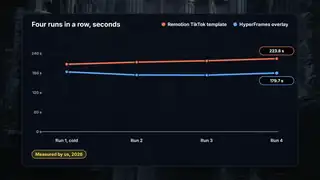
Two sample lines draw on, dots pop at each point and value labels ride the drawing edge.
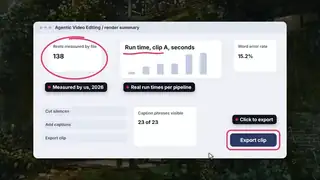
A cursor draws a loop, an underline and a box around three parts of a mock app screen, each with a short label.
An I-beam drags across a wrapped sentence, the highlight band follows line by line, then the selection pulses.
A cursor drags a selection rectangle over a tile grid and each covered tile gets an outline, a check and a counter step.
A cursor sweeps along a double wave and leaves evenly spaced glyphs that pop, drift down and fade out.
A cursor with a typed name label clicks a field and a button with rings, then the status turns into a drawn check.
A dart-shaped pointer steers along its path to three buttons and lands on each with a spring settle while the button tints.
A sample line draws downward while a large readout counts down with the line head, on clearly labelled sample data.
Each digit column spins and settles on a sample value, rightmost first, then the row pulses once.
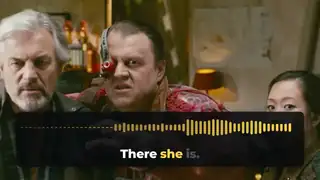
A creator adds a waveform that reacts to the loudness of the real voice with the spoken line captioned under it, for podcast and dialogue clips.
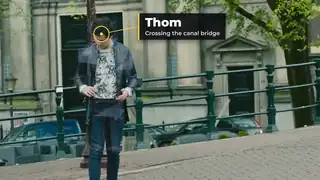
A creator pins a ring and a label to a person or object so the callout follows it through the shot.
Two effects for product demos and results: a camera that follows clicks and numbers that count up.
Both effects direct attention. Use them when the viewer needs to look at one thing.
Do not animate every number. Count up the one that matters and show the rest as plain text. Do not claim a number you cannot back up; an animated number looks like proof, so check the source.
Licence notes. Both of our versions are built on HyperFrames blocks (Apache-2.0 for code). We have no reviewed third-party picks for this group yet.
These effects serve product videos and ads: Editing ad footage into creative variations and Motion graphics workflows for editors.
Page checked on Nov 4, 2026.