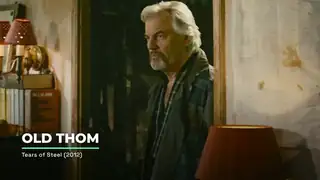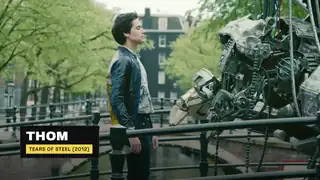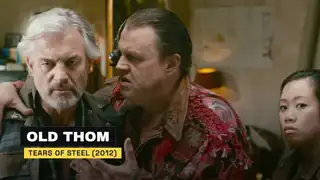
Lower thirds
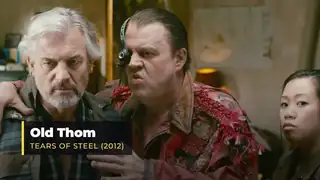
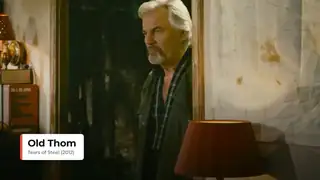
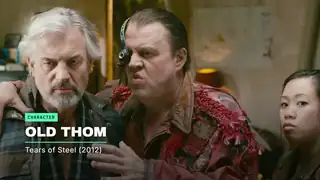
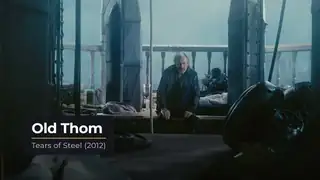
Name and title overlays for interviews, podcasts and talking heads, with short and long names.
Name and title overlays for interviews, podcasts and talking heads, with short and long names.
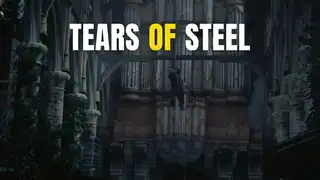
Heavy headlines that slam in on the beat, for hooks, ads and Shorts.
A departure-board title where each letter flips through the alphabet to land on the word.
A headline writes itself on stroke by stroke in a handwritten style, for vlog intros and chapter titles.
A word slams in letter by letter and then breaks apart cleanly, for ad hooks and title hits.
A headline resolves from random characters into the final words, left to right, for tech and product videos.
One word morphs into the next through a gooey blend, for intros and transitions between ideas.
A headline assembles, holds long enough to read, then dissolves into drifting particles, for outros and scene changes.
A word breathes through a variable font's weight and width axes on a beat, for brand intros.
A sliding mask reveals the name and role for interviews, with short and long names that both fit.
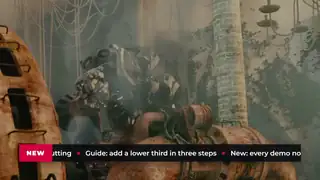
A news-style bar with a label block and scrolling headlines along the bottom of the frame, for explainers and recaps.
Each word of a headline resolves from heavy blur into sharp focus, one after another, for titles and hooks.
Every letter rises from below a mask line with a short stagger, for headlines and chapter titles.
A minimal white card with an accent tab wipes in with a name and role, for podcasts and interviews.
A short headline slams in with weight and a three-frame impact shake, holds, then whips out, with one accent word.
A thin accent bar grows and the name, role and location line rise through masks in a condensed typeface.
A rounded name card slides in with a small overshoot, a handle pill with a generic play icon follows, then both slide out.
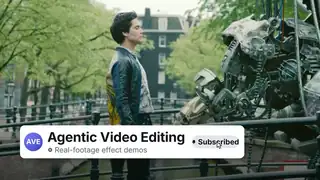
A channel card slides in, a cursor presses the Subscribe button, it changes state with a ringing bell, then the card slides out.
Words enter from the right and push the growing phrase left until the last word locks to the centre.
A title resolves from blur to focus while red and blue fringes settle, then fade out.
A name rises, an accent rule draws under it and a role line follows, with no card behind the text.
A dark block wipes in, an uppercase name slams on and a role tag pops up, then the block wipes out.
A dark name bar wipes in from the left and an accent role bar wipes in under it, then both wipe out.
A white pill with a status dot, a name and a role slides in with a small overshoot and slides out.
A crest of thickness travels along a headline: each letter swells from light to heavy and relaxes.
A headline appears through a leaning, feathered wipe front that blurs and colours the type as it passes, then settles clean.
A seeded confetti burst with gravity over a short congratulation card, falling clear before the loop restarts.
An accent kicker tag drops in, the name slams up, a baseline draws and the role line rises, then all leave in reverse.
A charcoal card slides up with a name, an accent rule and a role line, holds with a slow drift, then slides away.
A vertical accent bar grows and the name and role slide in beside it, then the bar retracts.
A headline settles in and one hand-drawn marker stroke highlights the key word, which turns dark for contrast.
A mono kicker, a two-line headline and a drawn rule arrive calmly, a light travels the rule, then all leave.
A creator freezes a character shot and frames it with a paper photo, tape and a name that slams in.
A creator types a location or time card onto an establishing shot with a blinking cursor.
A creator rotates a title into place in true perspective over a wide shot for an intro or chapter card.
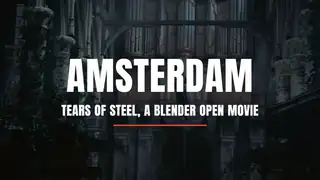
Three ways to put words on screen with motion: a name card, a heavy headline and a flipping title board.
Text animation turns titles, quotes and key phrases into moving type: staggered character reveals, scrambles, write-ons, kinetic openers and animated lower thirds. A good result keeps the words readable at phone size, lands each beat on the voice or music, and uses motion that explains the message instead of decorating it. Options here range from code libraries you drive yourself, such as GSAP and Anime.js, to ready-made HyperFrames blocks and free After Effects, Premiere and Resolve templates. Watch for licence limits, such as files you may use in a video but never resell, effects built for web cursors rather than rendered video, wording fixed into the template, low frame rates, and font terms that differ from the code licence. Always render a short test at your delivery size and check that the final frame stays legible before you commit to a style.
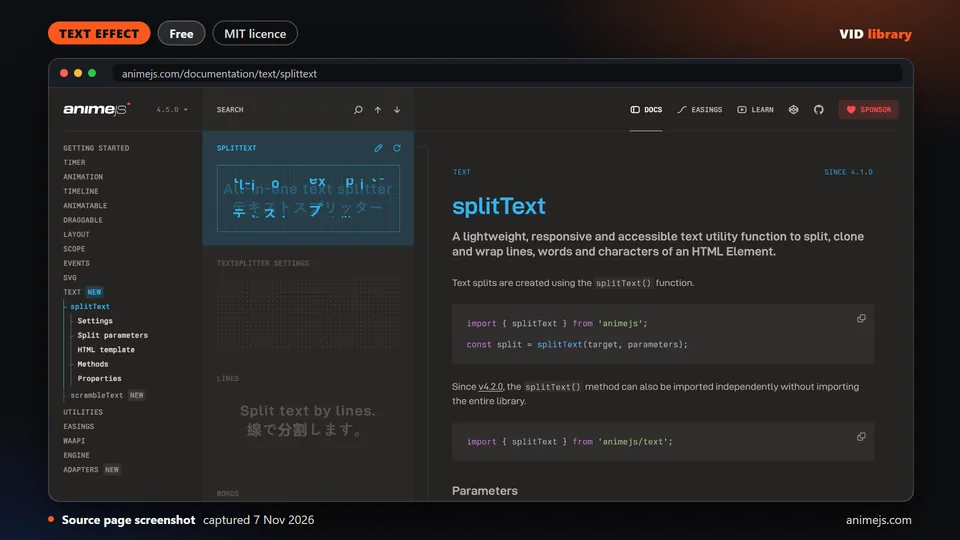
By animejs.com
Built-in text splitter in Anime.js for per-character and per-word animation, with a complete runnable example and an MIT repo. The catch is you must write the code yourself to turn it into a video.
Use it for: Splits text for per-letter and per-word animation.
Source reviewed on Oct 14, 2026. Not tested by us.
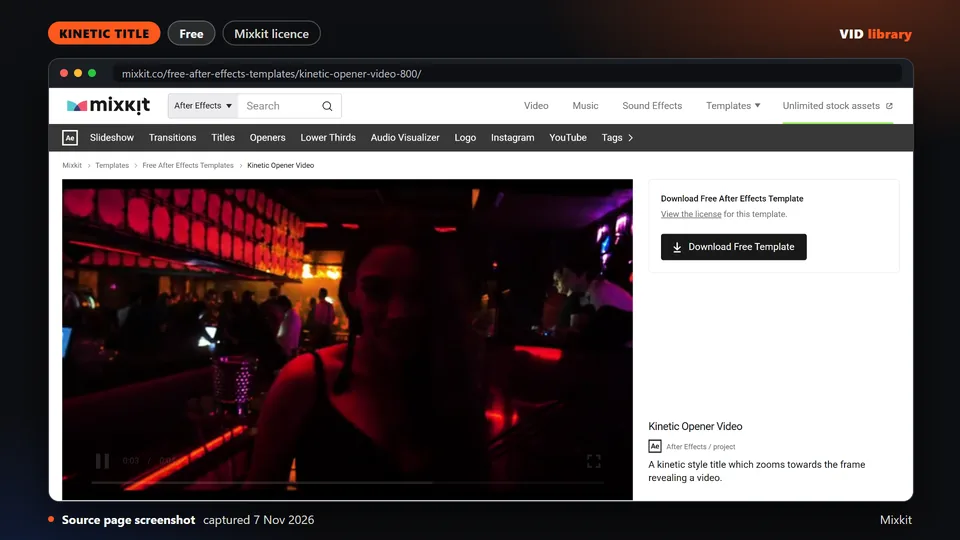
By Mixkit
Free Mixkit After Effects opener with a zooming kinetic title that reveals the video underneath. The Mixkit licence allows commercial use. The catch is the files cannot be shared, and we did not open it in an editor.
Use it for: Kinetic title that reveals footage.
Source reviewed on Oct 17, 2026. Not tested by us.
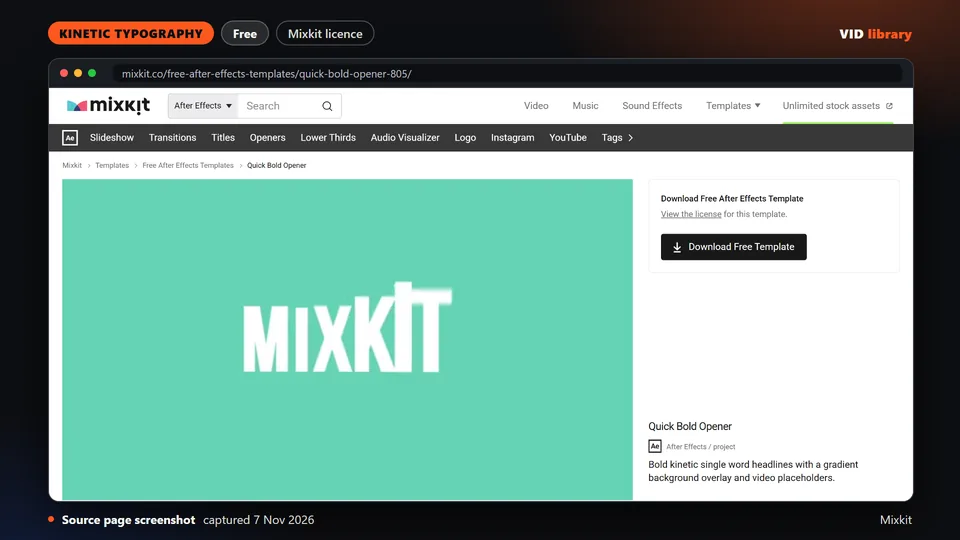
By Mixkit
Free Mixkit After Effects opener with large single-word kinetic headlines over a background or video. The licence allows commercial use. The catch is the files cannot be redistributed, and we did not open it.
Use it for: Bold single-word kinetic headlines.
Source reviewed on Oct 17, 2026. Not tested by us.
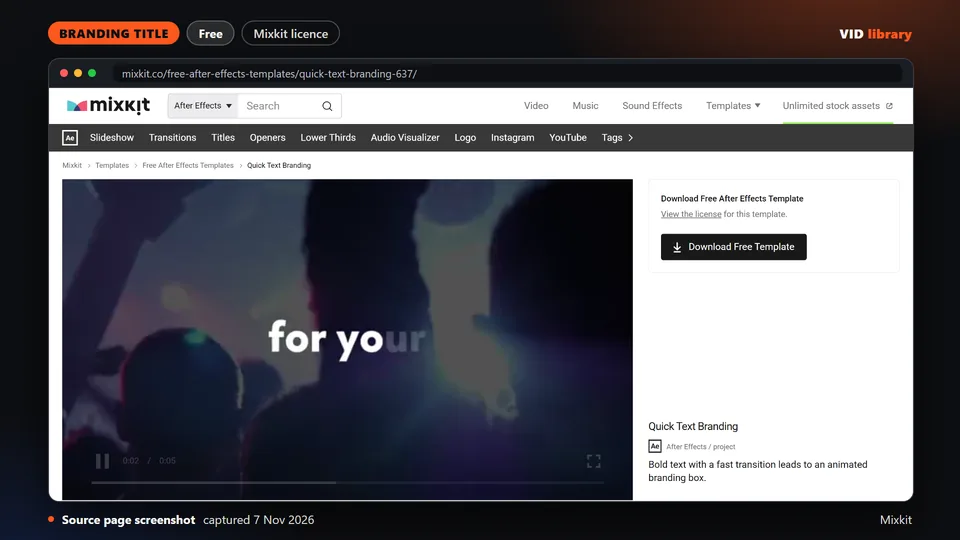
By Mixkit
Free Mixkit After Effects template with a fast text transition into a branding box, under a licence allowing commercial use. The catch is you cannot repackage the files, and we did not open it in an editor.
Use it for: Fast text transition into a brand box.
Source reviewed on Oct 17, 2026. Not tested by us.
By Mixkit
Free Mixkit Resolve title with fast flowing text and a logo reveal, under a licence allowing commercial use. The catch is no sharing of the raw files, and we did not open it in an editor.
Use it for: Fast flowing text with a logo reveal.
Source reviewed on Oct 17, 2026. Not tested by us.
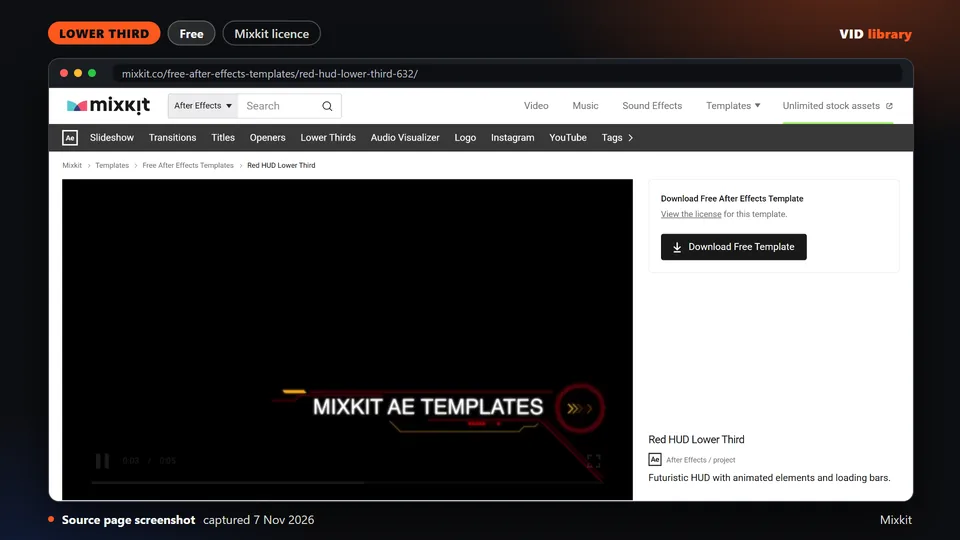
By Mixkit
Free Mixkit After Effects HUD-style lower third with loading and interface motion, under a licence allowing commercial use. The catch is the files cannot be shared, and we did not open it in an editor.
Use it for: Techy HUD lower third.
Source reviewed on Oct 17, 2026. Not tested by us.
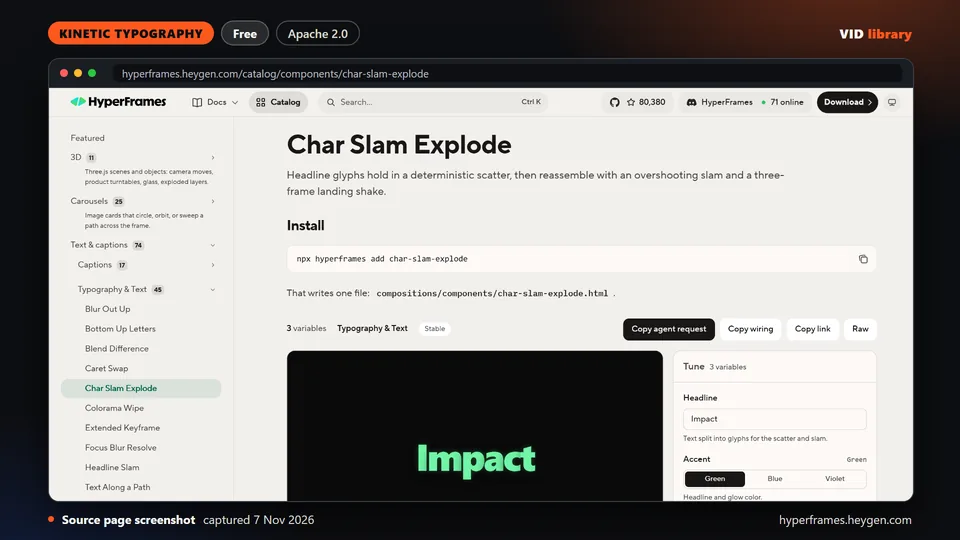
By hyperframes.heygen.com
HyperFrames headline where glyphs sit scattered, then reassemble with an overshooting slam and a short lens flash. Rendered by us on 18 Oct (3.5 s, 1920x1080 draft). The catch is per-item media and font terms.
Use it for: Scattered letters slam into a headline.
Source reviewed on Oct 14, 2026. Not tested by us.
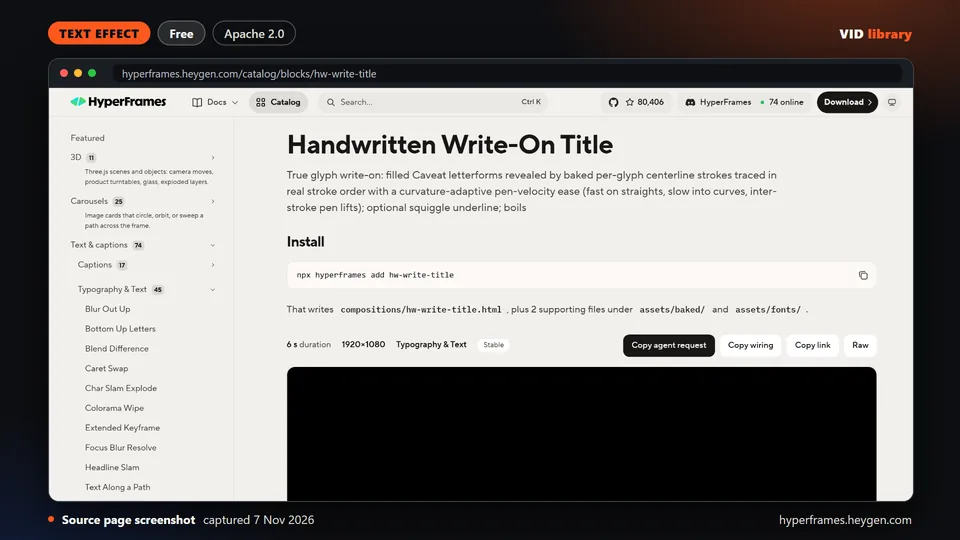
By hyperframes.heygen.com
HyperFrames write-on that draws a handwritten title glyph by glyph from traced strokes. Rendered by us on 18 Oct (6.0 s, 1920x1080 draft). The catch is per-item media and font terms are unclear.
Use it for: Handwritten write-on title.
Source reviewed on Oct 14, 2026. Not tested by us.
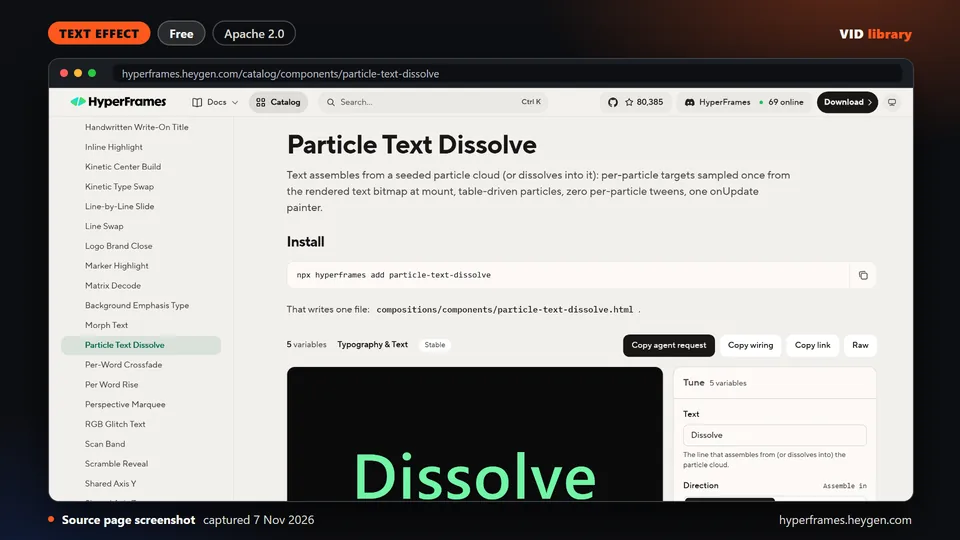
By hyperframes.heygen.com
HyperFrames text that assembles from, or dissolves into, a seeded particle cloud sampled from the glyph pixels. Rendered by us on 18 Oct (4.0 s draft). The catch is per-item media and font terms.
Use it for: Particle assemble and dissolve for text.
Source reviewed on Oct 14, 2026. Not tested by us.
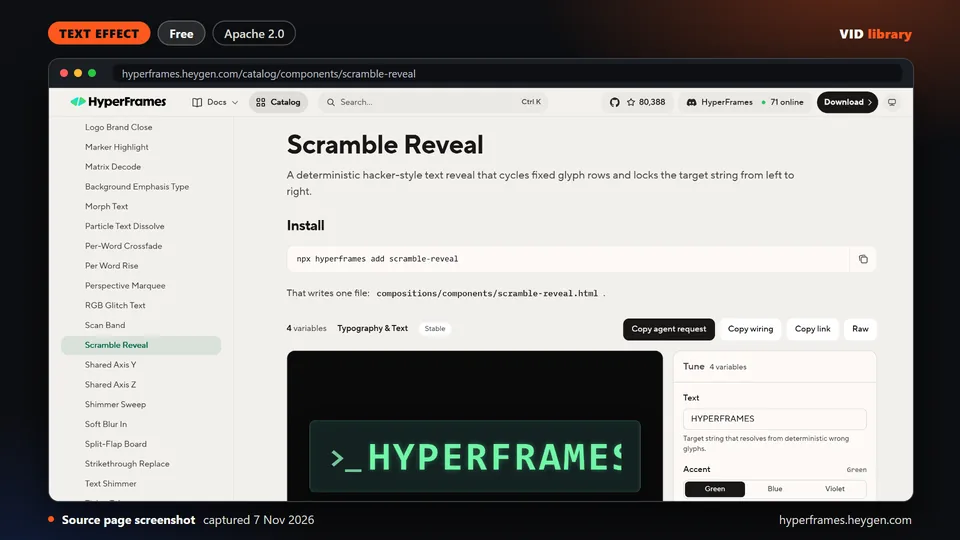
By hyperframes.heygen.com
HyperFrames hacker-style reveal that cycles glyph rows and locks the target string left to right. Rendered by us on 18 Oct (3.0 s draft). The catch is per-item media and font terms are unclear.
Use it for: Scramble reveal that locks the text.
Source reviewed on Oct 14, 2026. Not tested by us.
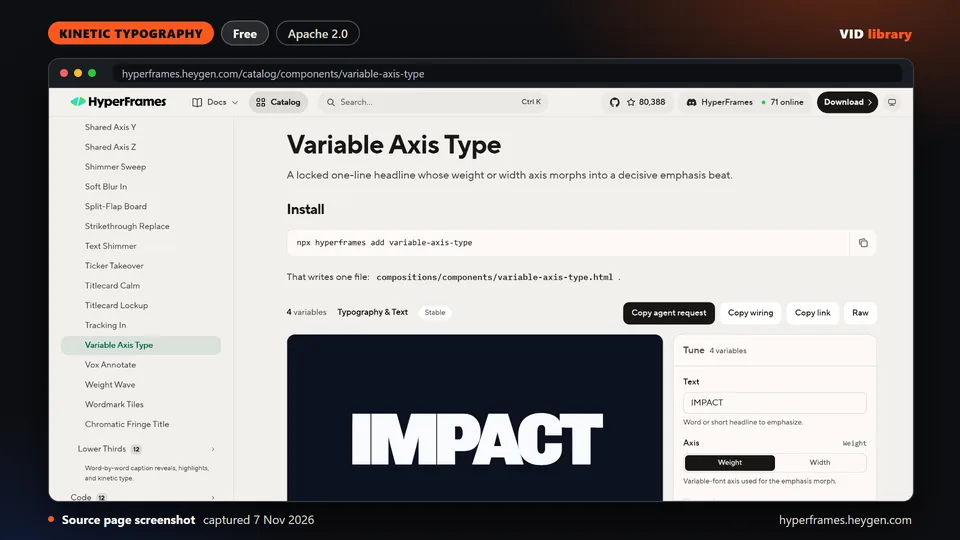
By hyperframes.heygen.com
HyperFrames one-line headline whose font weight or width axis morphs for an emphasis beat. Rendered by us on 18 Oct (1.6 s draft). The catch is it is very short and per-item font terms are unclear.
Use it for: Variable font emphasis beat.
Source reviewed on Oct 14, 2026. Not tested by us.
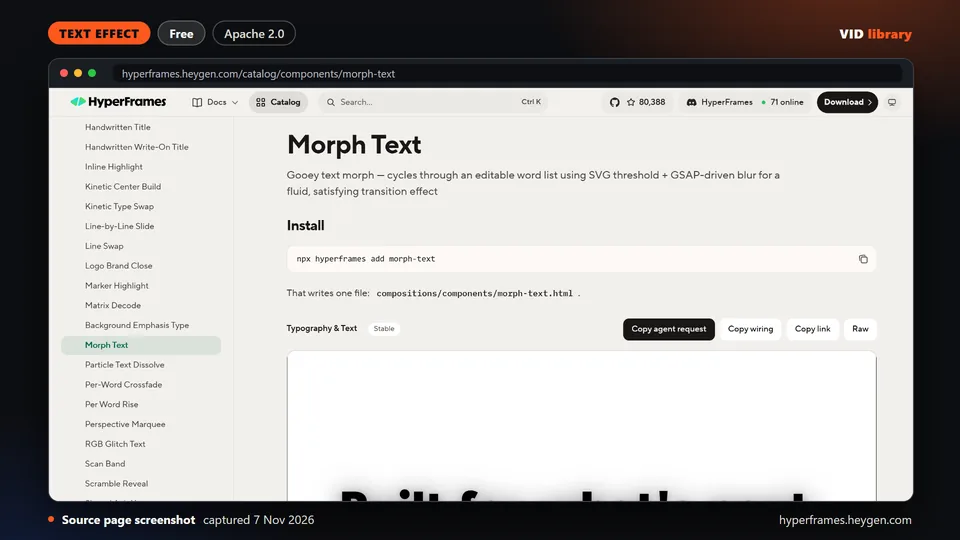
By hyperframes.heygen.com
HyperFrames gooey morph that cycles through an editable word list using an SVG threshold and blur. Rendered by us on 18 Oct (15.0 s draft). The catch is per-item media and font terms are unclear.
Use it for: Morphs between words in a list.
Source reviewed on Oct 14, 2026. Not tested by us.
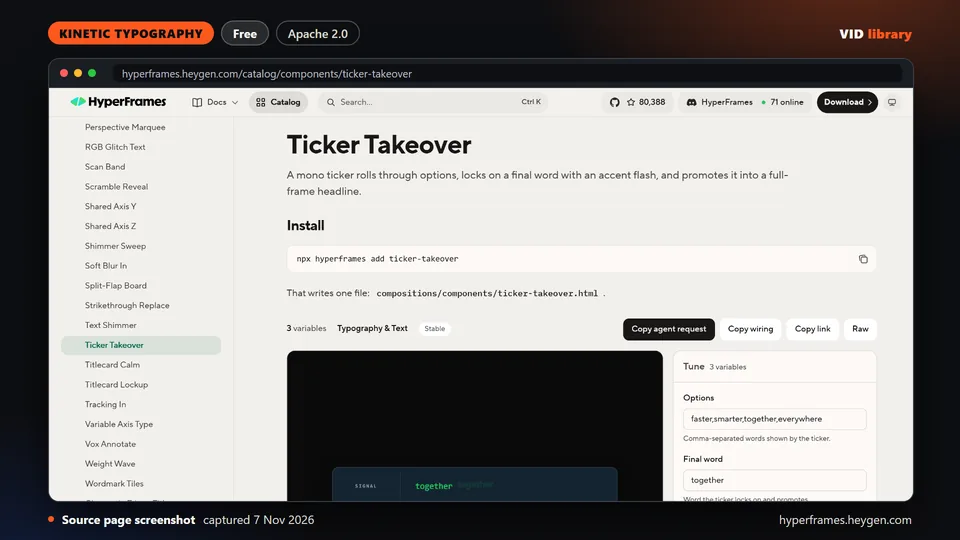
By hyperframes.heygen.com
HyperFrames ticker that rolls through options, locks on a final word with an accent flash and promotes it to a full-frame headline. Rendered by us on 18 Oct (4.5 s draft). The catch is font terms.
Use it for: Ticker locks on a word, then headline.
Source reviewed on Oct 14, 2026. Not tested by us.
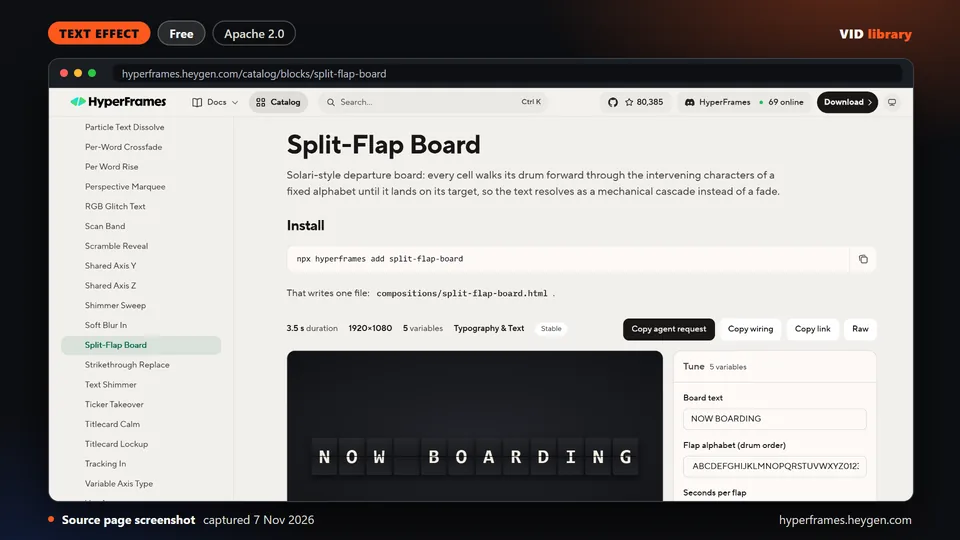
By hyperframes.heygen.com
HyperFrames Solari-style departure board where each cell flips through characters to reach the target text. Rendered by us on 18 Oct (3.5 s draft). The catch is per-item media and font terms are unclear.
Use it for: Split-flap board text reveal.
Source reviewed on Oct 14, 2026. Not tested by us.
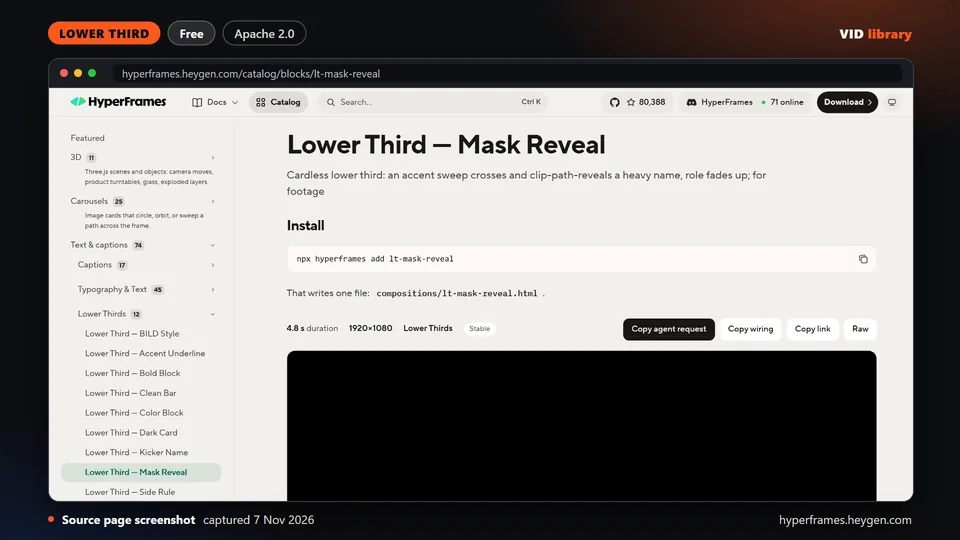
By hyperframes.heygen.com
HyperFrames cardless lower third where an accent sweep reveals a heavy name, then the role fades up. Rendered by us on 18 Oct (4.8 s draft). The catch is per-item media and font terms are unclear.
Use it for: Mask reveal lower third.
Source reviewed on Oct 14, 2026. Not tested by us.
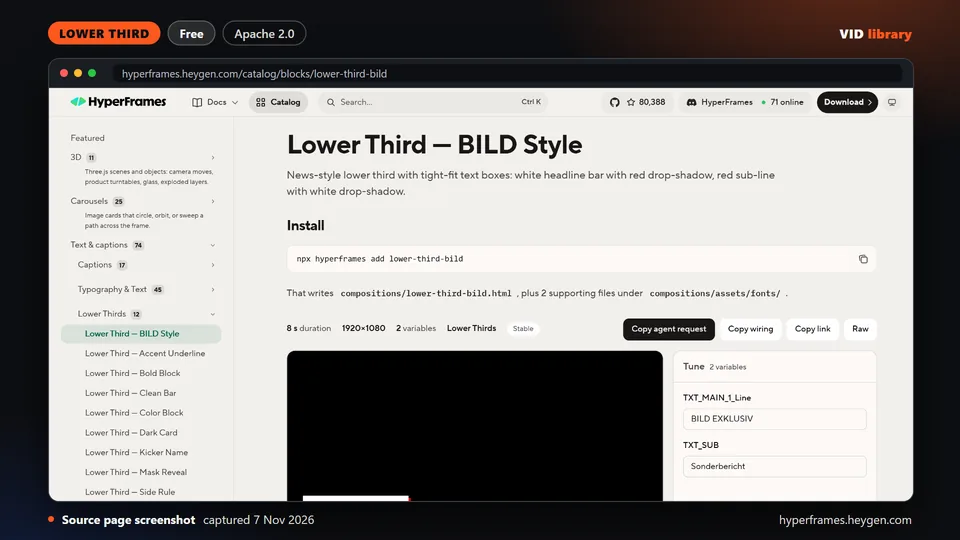
By hyperframes.heygen.com
HyperFrames news-style lower third with a white headline bar, red drop shadow and red sub-line. Rendered by us on 18 Oct (8.0 s draft). The catch is per-item media and font terms are unclear.
Use it for: News-style lower third.
Source reviewed on Oct 14, 2026. Not tested by us.
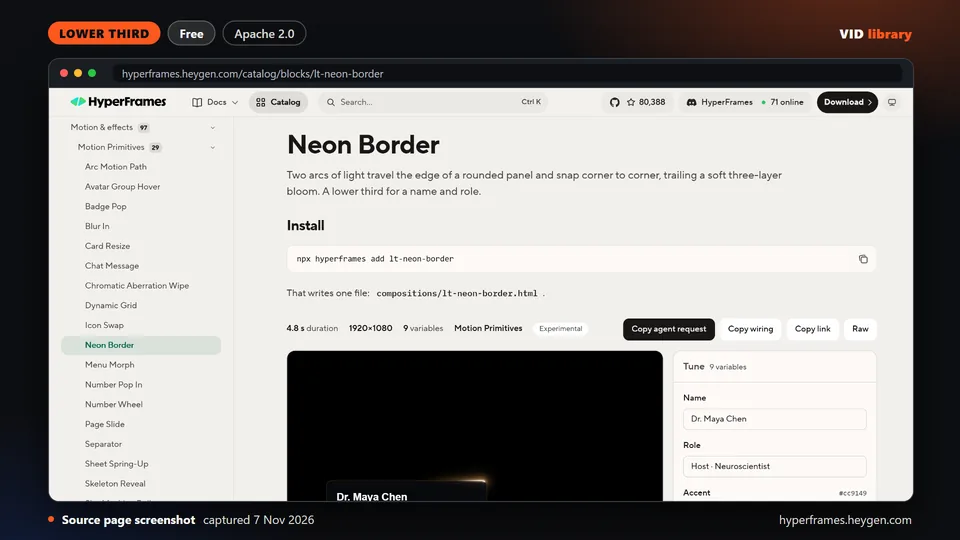
By hyperframes.heygen.com
HyperFrames lower third where two arcs of light travel a rounded panel edge with a soft glow trail. Rendered by us on 18 Oct (4.8 s draft). The catch is per-item media and font terms are unclear.
Use it for: Neon border lower third.
Source reviewed on Oct 14, 2026. Not tested by us.
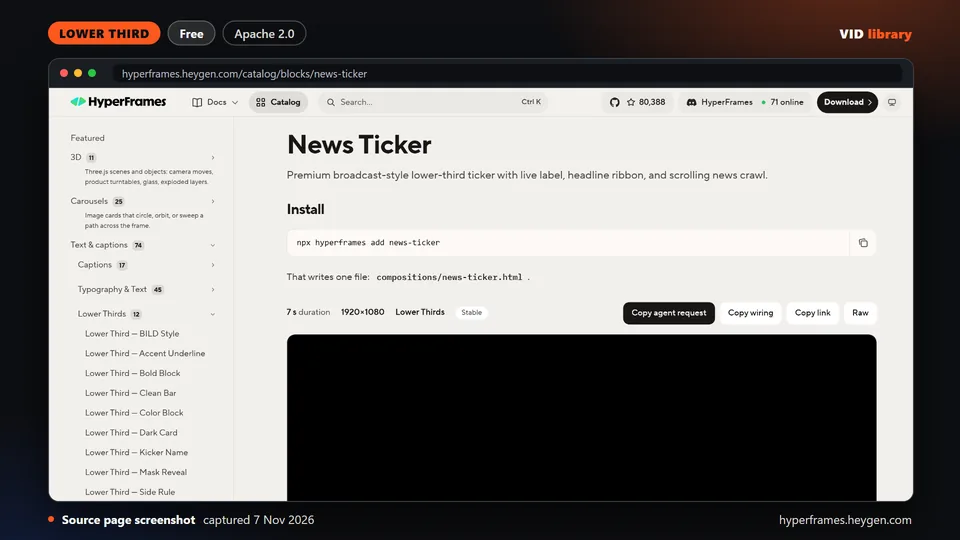
By hyperframes.heygen.com
HyperFrames broadcast ticker with a live label, headline ribbon and scrolling news crawl. Rendered by us on 18 Oct (7.0 s draft). The catch is per-item media and font terms are unclear.
Use it for: News ticker with crawl.
Source reviewed on Oct 14, 2026. Not tested by us.
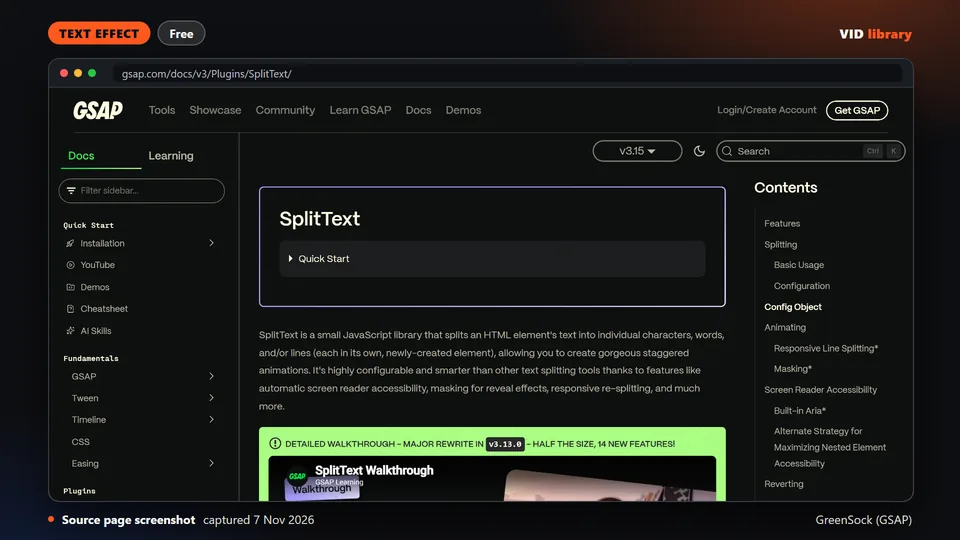
By GreenSock (GSAP)
Official GSAP plugin that splits text into characters, words and lines with masking for staggered reveals, with full docs and demos. The catch is the free commercial use rests on the 3.13 release note, so confirm terms.
Use it for: Staggered character, word and line reveals.
Source reviewed on Oct 14, 2026. Not tested by us.
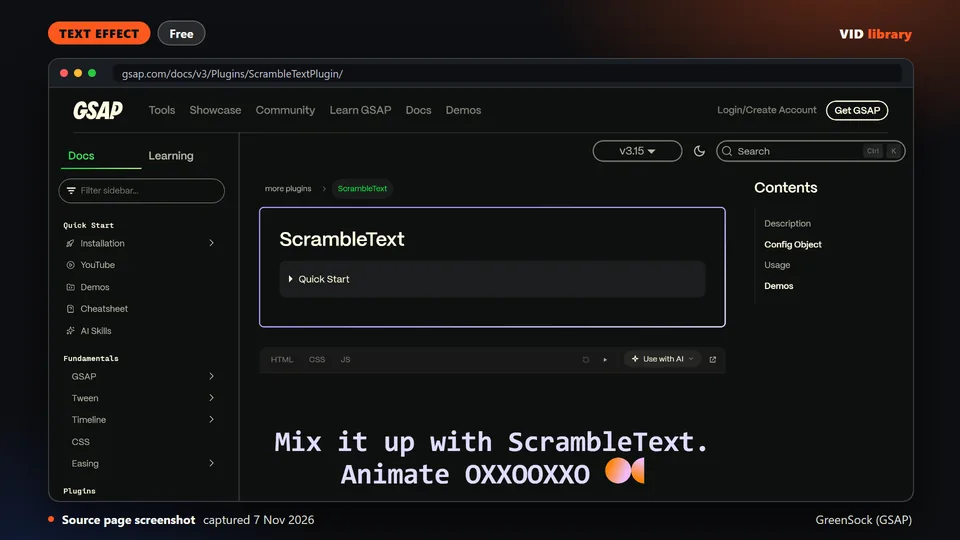
By GreenSock (GSAP)
Official GSAP plugin that decodes text character by character with random glyph scrambling, with complete demo code. The catch is free use rests on the 3.13 release note, so confirm the terms.
Use it for: Decoding scramble text effect.
Source reviewed on Oct 14, 2026. Not tested by us.
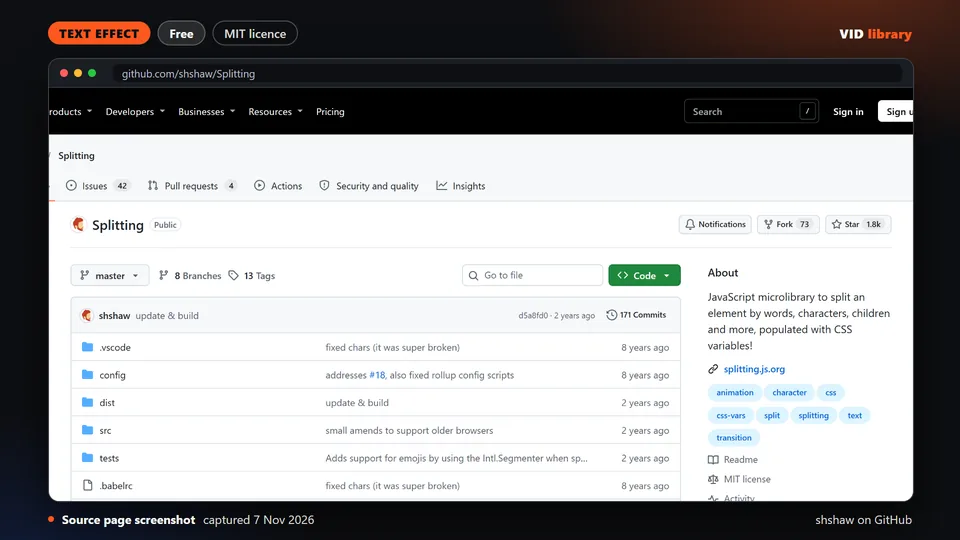
By shshaw on GitHub
Small library that splits text into words and characters and exposes CSS variables for staggered effects, with CodePen demos and an MIT licence. The catch is little has changed since May 2024.
Use it for: Splits text for CSS staggered effects.
Source reviewed on Nov 6, 2026. Not tested by us.
By tympanus.net
Tutorial with five demos using free GSAP plugins: SplitText, DrawSVG scribbles, a Physics2D text smash, an inertia dot grid and a MorphSVG toggle. The catch is reuse terms are not shown and the live page blocks automated access.
Use it for: Five GSAP text and drawing demos.
Source reviewed on Oct 14, 2026. Not tested by us.
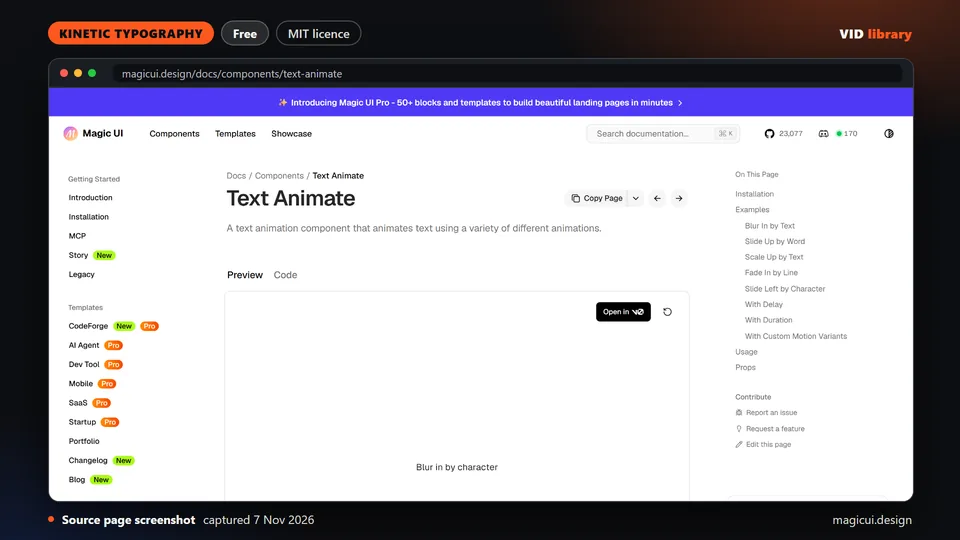
By magicui.design
Web component that animates text with a menu of animation styles, with install command, full demo code and an MIT repo. The catch is the page shows no licence and it is built for web, not rendered video.
Use it for: Menu of text animation styles for web.
Source reviewed on Oct 14, 2026. Not tested by us.
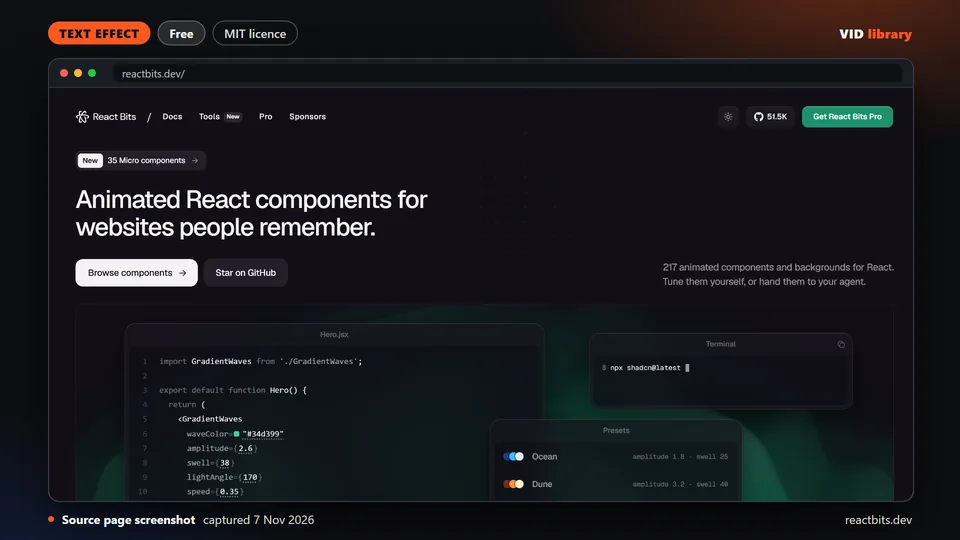
By reactbits.dev
Large library of animated React components for text and backgrounds, with copyable source under MIT plus Commons Clause. The catch is the previews were not seen and you must never resell the files.
Use it for: Animated React text and backgrounds.
Source reviewed on Oct 17, 2026. Not tested by us.
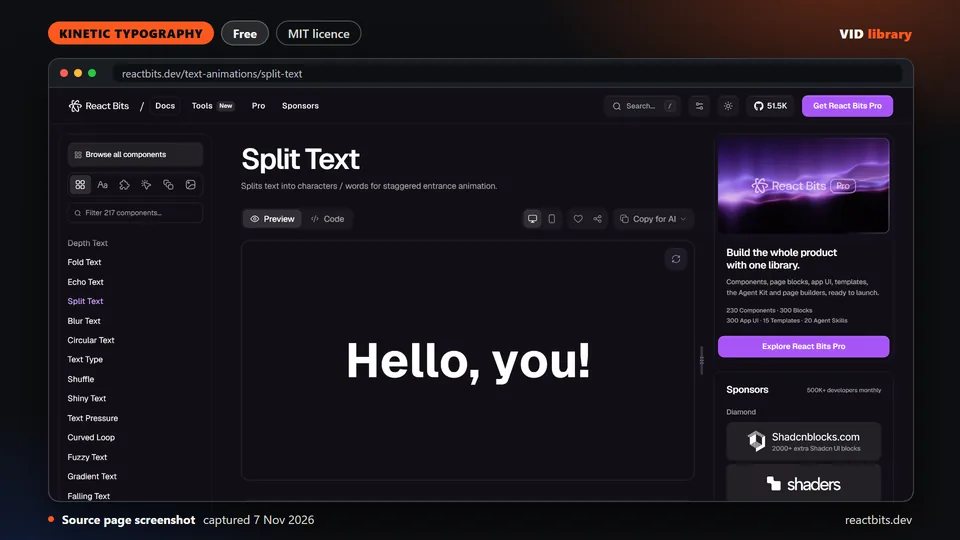
By reactbits.dev
React Bits staggered character or word entrance animation with demo and source, under MIT plus Commons Clause. The catch is the preview sits behind JavaScript and the files cannot be resold.
Use it for: Staggered character or word entrance.
Source reviewed on Oct 14, 2026. Not tested by us.
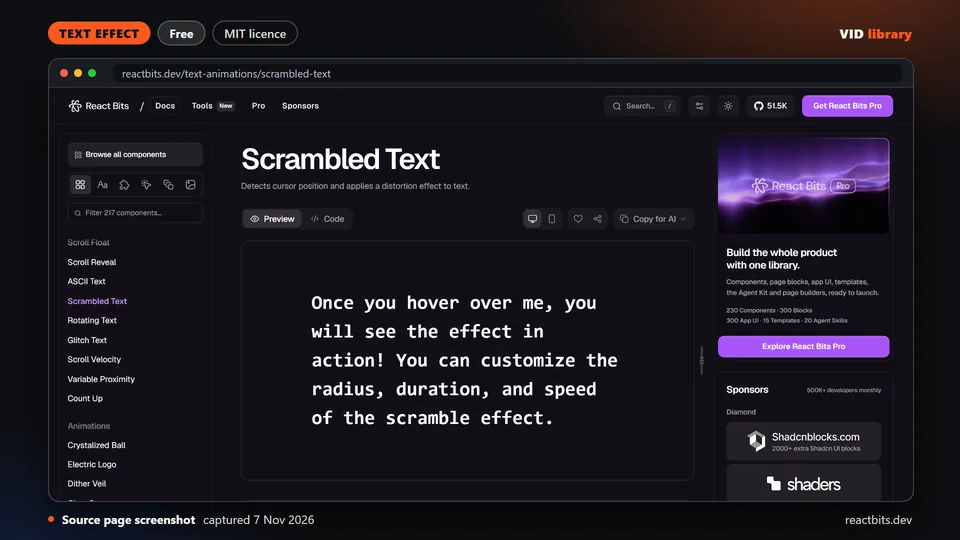
By reactbits.dev
React Bits cursor-reactive text distortion effect with a live demo. The catch is the effect responds to the cursor, so it needs rework for video, and the Commons Clause bars reselling the files.
Use it for: Cursor-driven text scramble for web.
Source reviewed on Oct 14, 2026. Not tested by us.
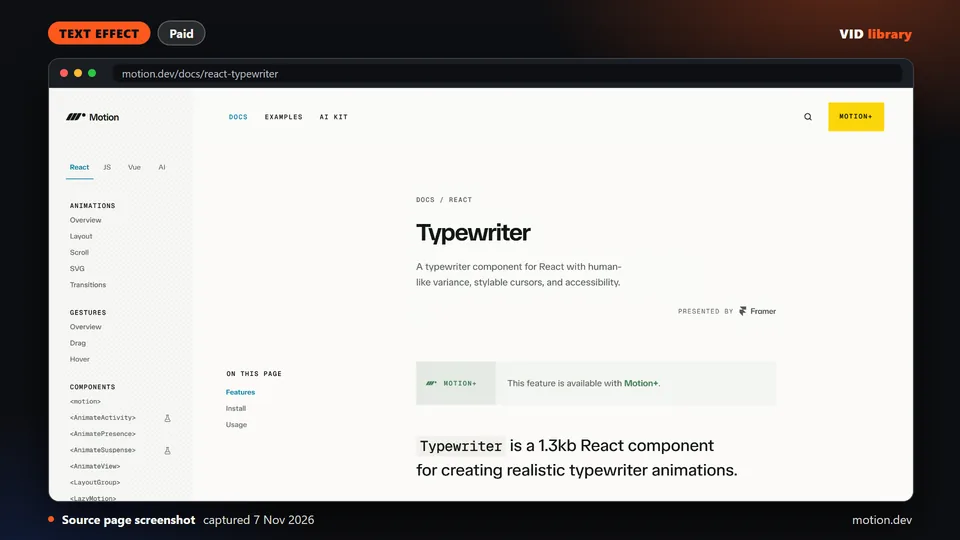
By motion.dev
Small typewriter component with natural speed variance and backspacing, exclusive to Motion+. The catch is the component is paywalled with a one-time payment whose amount we did not capture, and no output was visible.
Use it for: Natural typewriter text effect.
Source reviewed on Oct 14, 2026. Not tested by us.
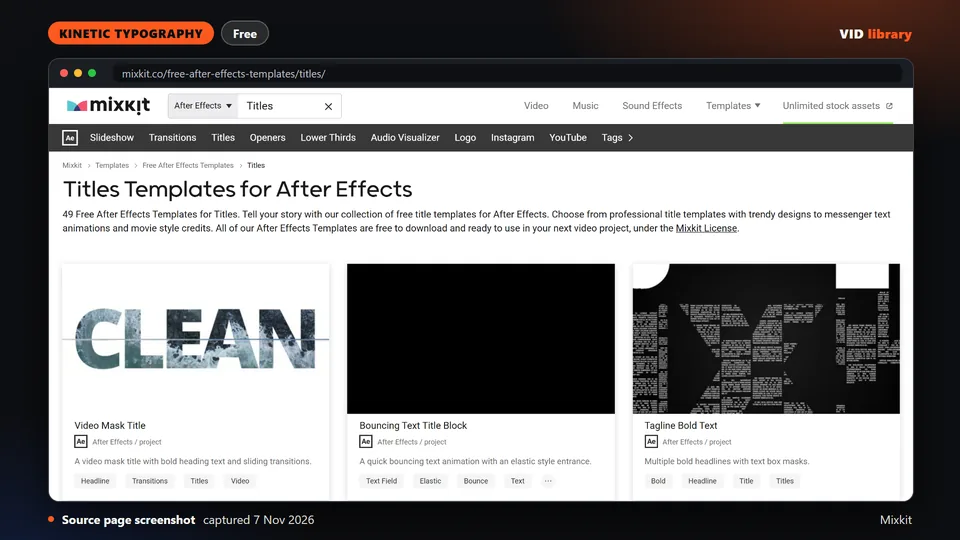
By Mixkit
Filtered Mixkit list of free After Effects titles with 48 preview clips. The catch is the items were not opened in an editor by us, and full terms are on the Mixkit licence page.
Use it for: Browse free After Effects titles.
Source reviewed on Oct 14, 2026. Not tested by us.
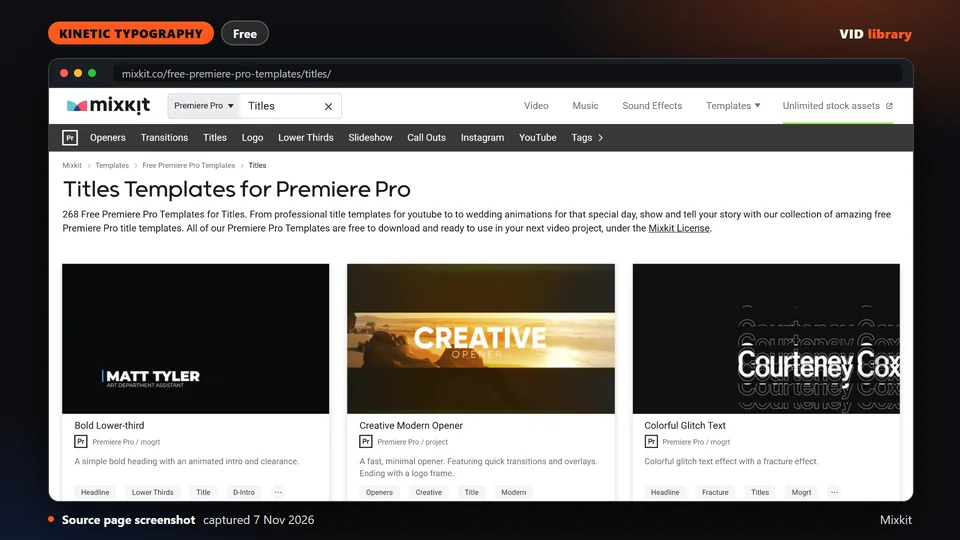
By Mixkit
Filtered Mixkit list of free Premiere Pro titles with 48 preview clips. The catch is the items were not opened in an editor by us, and you should confirm full terms before client use.
Use it for: Browse free Premiere titles.
Source reviewed on Oct 14, 2026. Not tested by us.
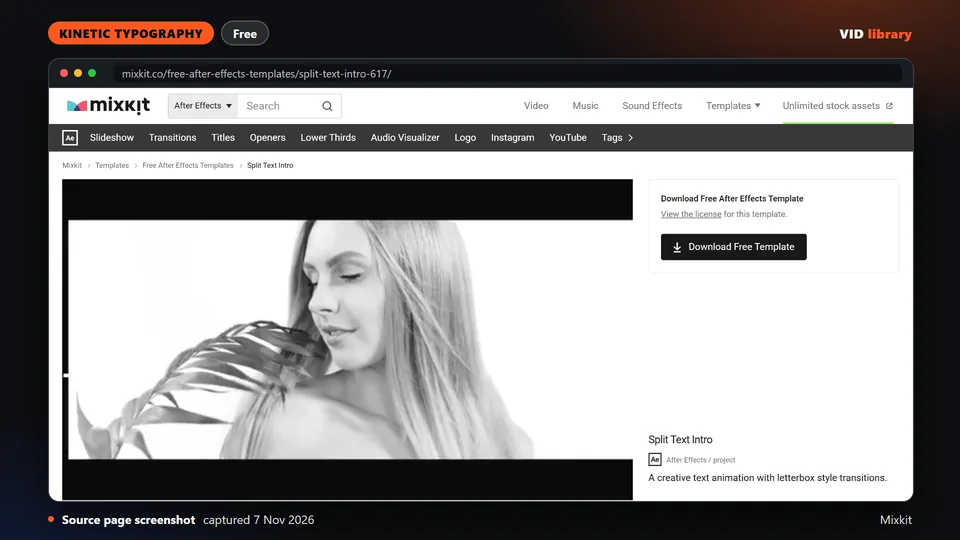
By Mixkit
Free Mixkit After Effects split-reveal text intro. The page says no attribution or sign up is needed. The catch is we did not open it in an editor and the terms need confirming.
Use it for: Split-reveal text intro.
Source reviewed on Oct 14, 2026. Not tested by us.
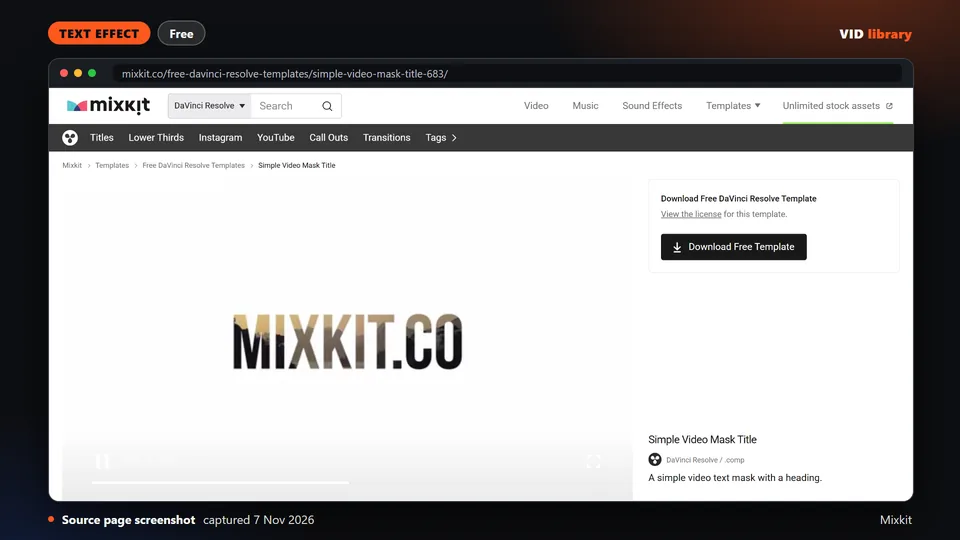
By Mixkit
Free Mixkit Resolve title that shows video through the letterforms. The catch is we did not open it in an editor, and the full Mixkit terms should be checked before client use.
Use it for: Video shows through the letters.
Source reviewed on Oct 14, 2026. Not tested by us.
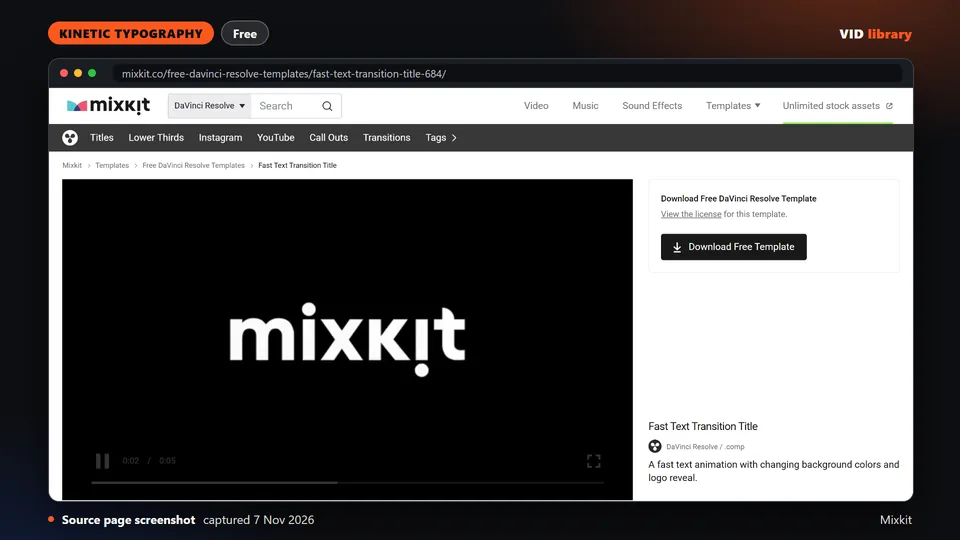
By Mixkit
Free Mixkit Resolve colorful quick text-transition title. The catch is we did not open it in an editor, and the full Mixkit terms should be checked before client use.
Use it for: Quick text transition title.
Source reviewed on Oct 14, 2026. Not tested by us.
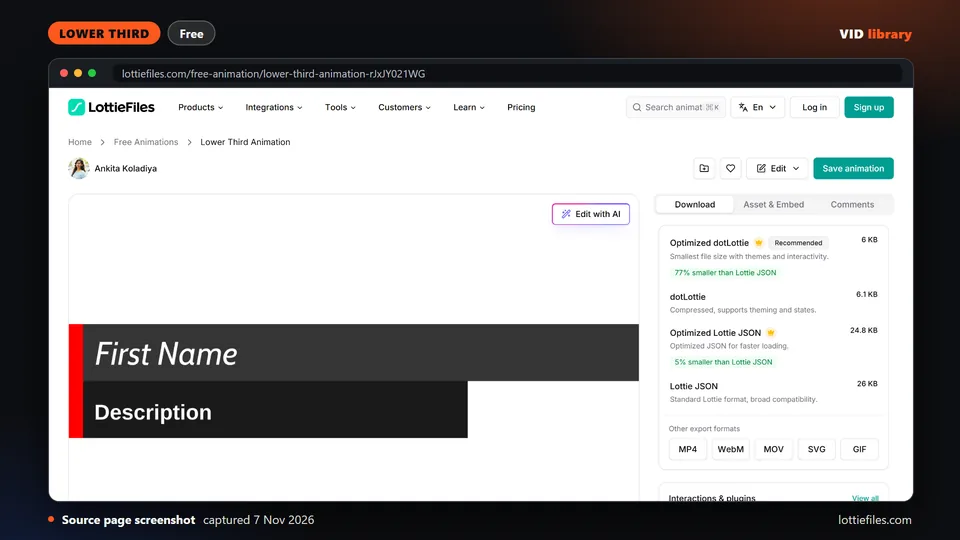
By lottiefiles.com
Editable animated lower third on LottieFiles with two text layers and Lottie, dotLottie and video exports, under the free Lottie Simple License. The catch is you should confirm the item page shows that licence.
Use it for: Editable Lottie lower third.
Source reviewed on Oct 17, 2026. Not tested by us.
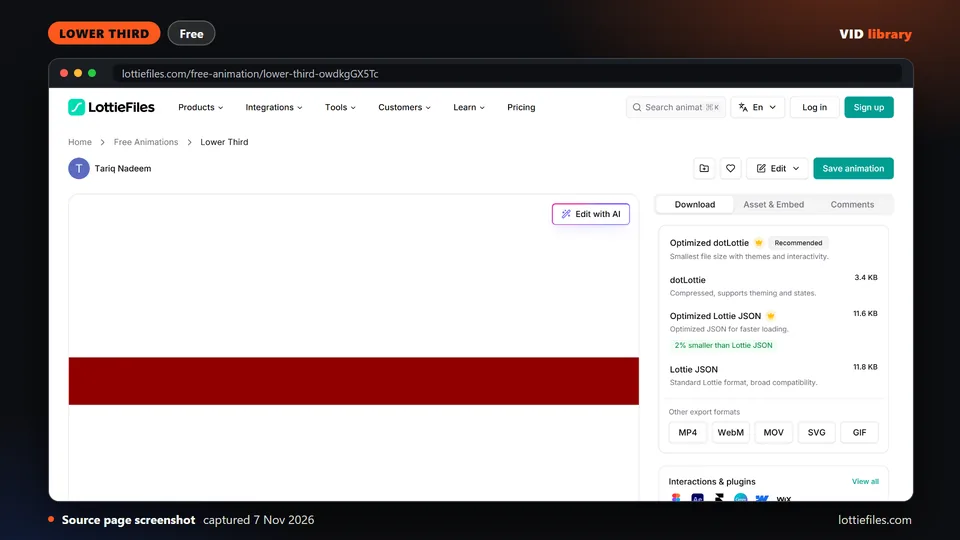
By lottiefiles.com
Compact news-style bar on LottieFiles with editable text, under the free Lottie Simple License. The catch is it is small, and you should confirm the item page shows the licence.
Use it for: Compact news-style lower third.
Source reviewed on Oct 17, 2026. Not tested by us.
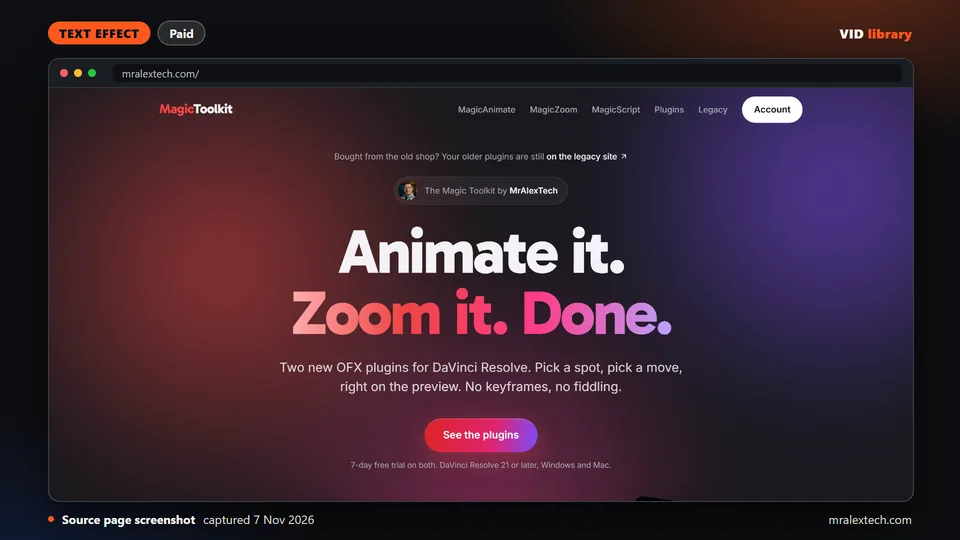
By mralextech.com
Resolve add-on that adds in, mid and out animation to titles, logos and webcams without keyframes, with 159 presets. It costs $49.99 once with a 7-day trial. The catch is we saw no result video.
Use it for: Preset animations for titles in Resolve.
Source reviewed on Oct 14, 2026. Not tested by us.
Text animation shows up in these jobs: AI talking-head editing workflows for names and titles, Editing workflows for Shorts and Reels for hooks, and Motion graphics workflows for editors for building your own.
Page checked on Nov 4, 2026.