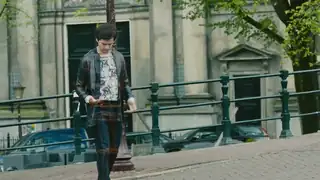
Whip pan transition
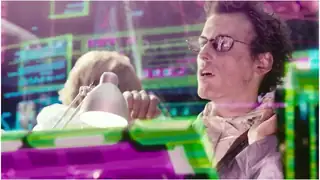
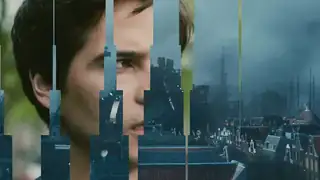
A fast sideways camera whip with motion blur that hides the cut between two shots.
A fast sideways camera whip with motion blur that hides the cut between two shots.
The camera zooms through the first scene into the second with motion blur and no black or white frames.
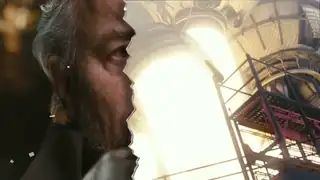
The first scene tears away like paper to reveal the next, for vlogs and social edits.
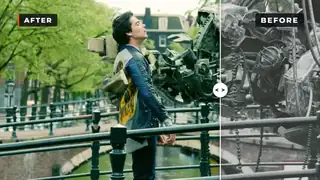
A divider sweeps across the frame to reveal the improved version, then sweeps back, labelled BEFORE and AFTER.
Scene B slides in and pushes scene A out of the frame, with a light blur and a direction variable.
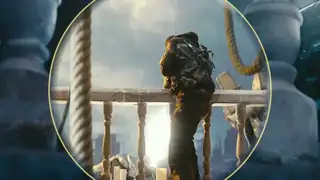
Scene B is revealed through a circle that expands from a chosen point over scene A.
Scene B slides over scene A with a shadow on its edge, then keeps moving to uncover A again.
Scene A blurs and scales while scene B resolves out of a blur on top of it, with no dark frame in between.
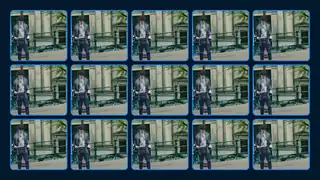
Scene A breaks into a grid of tiles that flip over to show scene B.
Pleated stage curtains part to reveal scene B, with a pelmet and a warm spotlight.
A fast slide wipe splits into red and blue channels on its peak frames and reveals scene B.
Hand-drawn scribble bands pile up to cover the frame, the scene cuts underneath, and the scribble clears.
One scene slides over another from a chosen side with a small parallax, then a second push returns.
Scene A shrinks into one cell and multiplies into a grid that fills the frame, then the grid peels away to reveal scene B.
A card accelerates off one side with blur and streaks, the scene swaps at peak speed, and a disc decelerates in from the other side.
A circle opens from a chosen origin to reveal scene B over scene A, then a second iris returns to A.
Ink dots pop on in a staggered grid and open into windows onto scene B, then a second pass returns to A.
Seeded pixel blocks scale up in a staggered order and cover the frame, the scene swaps, and the blocks scale away.
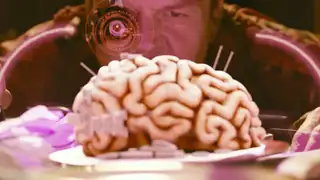
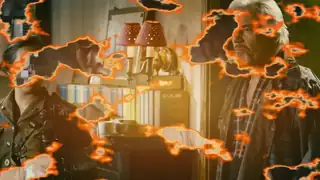
A creator joins two shots with an orange burn that eats through the first shot to reveal the second.
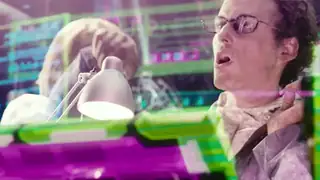
A creator cuts between two shots with a fast zoom-blur punch and speed lines.
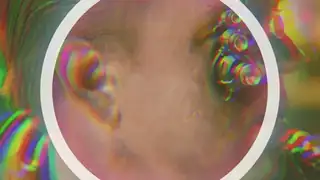
A creator joins two shots with an RGB colour split that opens from a ring in the centre of the frame.
One transition so far: a fast sideways whip that hides the cut between two shots.
A transition has one job: help the viewer cross a cut. The simplest one is no transition, a plain cut. Use an effect only when it explains the cut or sets the rhythm.
Do not stack effects. One whip in a short video is a style; five are a template.
Licence notes. Our own version comes from a HyperFrames block. Others' options in the library: Mixkit's free motion blur swipe for DaVinci Resolve (free to download, no attribution, per the page); GL Transitions, a collection of GLSL shaders where each shader carries its own MIT header; Remotion's transitions package, under Remotion's licence; and Spotlight FX's free transitions, whose terms are not shown on the page. These are drafts and not tested by us.
Transitions matter most in fast edits: Editing workflows for Shorts and Reels, and in graphics-heavy work: Motion graphics workflows for editors.
Page checked on Nov 4, 2026.